
8 Best hairstyle apps

Movavi Photo Editor
  • Intuitive tools for quick and easy photo editing

  • AI: retouching, background swap, object removal, and more

  • Atmospheric effects, color correction presets, and caption settings

By clicking the download button, you're downloading a trial version of the program.*

Edited by
Ben Jacklin
45421

With the kind of technology we have today, there’s absolutely no reason to post a bad selfie. There are countless mobile apps that can alter virtually every part of your appearance to enhance your look before you publish. Of course, there are other uses for apps like these, including trying out hairstyles, hair colors, and different makeup looks to see which one suits you best.

I’ve used these apps in the past for editing tasks at work, and there are a few of them that I think emerge as better options. Here, I’m sharing eight of the best hairstyle apps I’ve tried and why they deserve a spot in your app drawer.

Best apps to change haircuts

YouCam Makeup (iOS & Android)

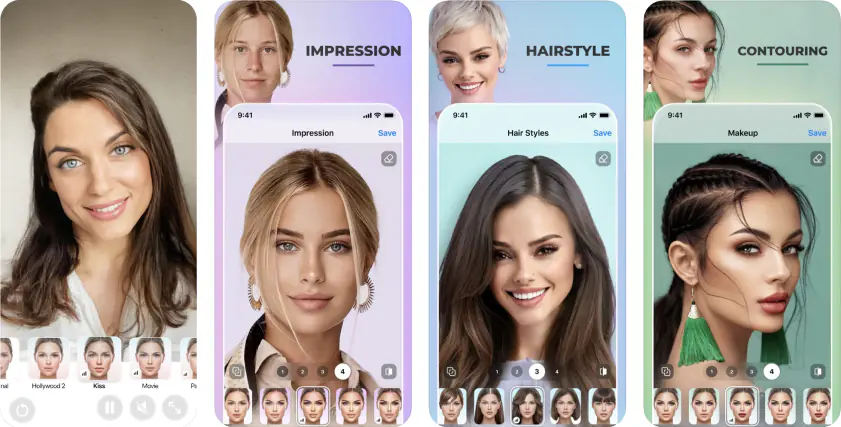
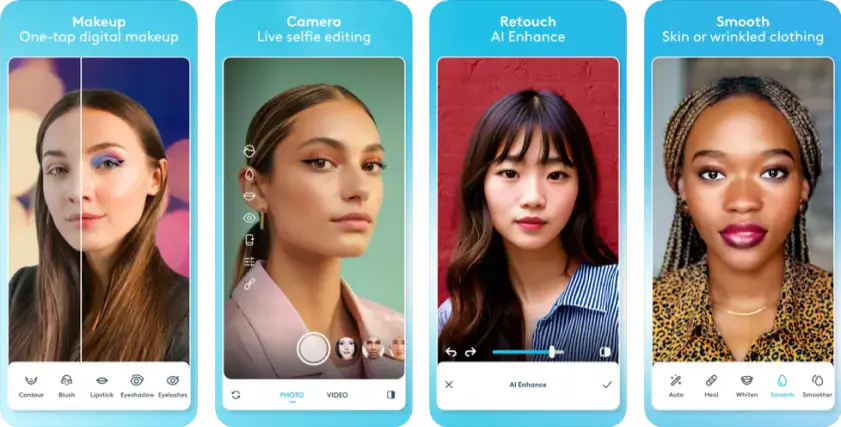
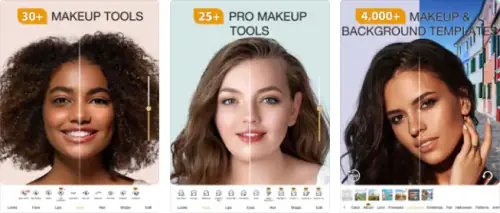
YouCam Makeup uses a combination of AI and computer vision to achieve realistic, real-time results that make the editing process quick and easy. I use the app frequently for touch-ups and hairstyle changes for photos we use at work.

The app has a virtual hairstyle try-on feature that overlays different hairstyles that are specifically altered to match your face shape for a realistic look. It also comes with a hair color changer, digital makeup, and skin retouching tools, among many others. I also like that the hair colors are limited to just solid color choices, but also include picks like fantasy shades, ombre, highlights, and multi-tone styles.

What I like about YouCam Makeup is that it works on both saved photos and with live-camera mode. So you can turn on your front-facing camera and see how different styles and colors will look on you in real time. I imagine this would come in very handy as you sit in a salon chair and discuss options with your stylist.
Pros:
  • Real-time photo editing lets you swipe through options for quick and easy style and color selection

  • Works with both saved photos and live camera

  • Comes with a variety of hairstyles, hair colors, and other beauty tools that let you enhance your look in many different ways

Cons:
  • The app’s free version comes with lots of ads that could feel disruptive and annoying at times

Perfect365 (iOS & Android)

Just like YouCam Makeup, Perfect365 uses a combination of AI, computer vision, and image processing to provide real-time makeovers that alter hair, makeup, and overall appearance. The app has a selection of hair colors from natural to bold, and a series of hairstyles under its hair changer/makeover feature.

For a complete change, Perfect365 has one-tap presets that alter makeup, hairstyle, and hair color to help you achieve a complete, cohesive makeover with zero effort. The real-time change works on both saved photos and live-camera feed.

Pros:
  • One-tap complete makeover lets you try cohesive makeup/hairstyle looks with one press

  • Changes are applied real-time whether to a selected photo or to your live camera

  • Digital overlay and image processing technology provides hyperrealistic results

Cons:
  • The app version of Perfect365 doesn’t have an option to let you select a face to edit in photos with more than one person. So the app automatically applies changes to its preferred face without giving you the option to switch.

Facelab (iOS & Android)

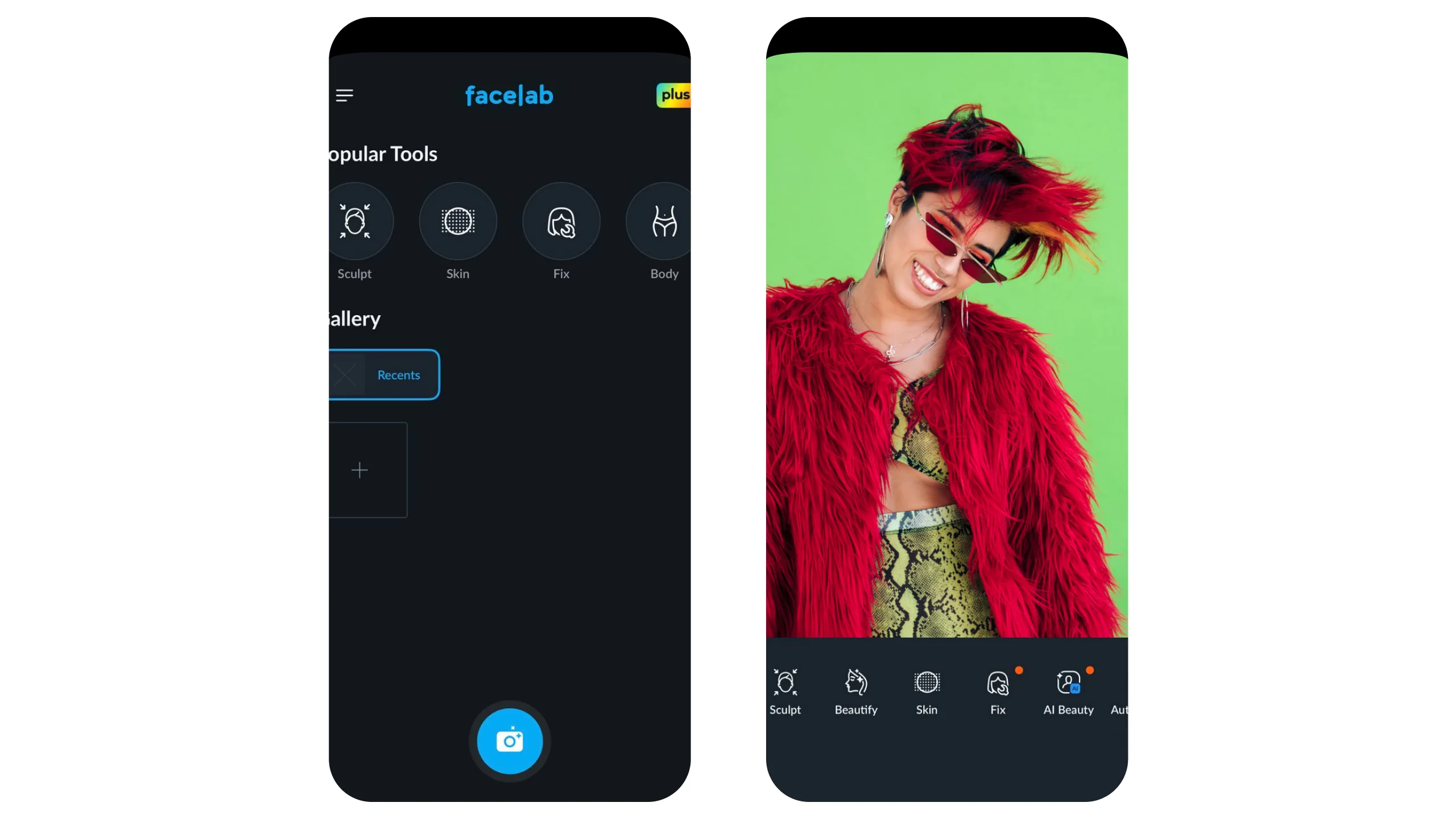
At first, I thought Facelab was just a facial retouching app, but I tinkered with it for a bit and found that it also has some pretty impressive hairstyling features. The app uses advanced AI technology to detect faces and even lets you edit photos with multiple people.

Just upload your picture, choose what edit you want to apply (like AI hairstyles and hair color) and then select which person you want to edit after the app detects people in your photo. I appreciate how realistic its edits look, and how it works well to fit changes to the shape and size of your face.

Pros:
  • Accurate AI facial detection lets you choose between multiple faces and apply separate edits to each one within the same project

  • Lots of hairstyles to choose from, using AI technology to fit each style to your face shape and size for more realistic-looking results

  • Reasonable selection of hair colors including natural, bold, and undertones

Cons:
  • Depending on the quality of the photo used, I noticed that some of the available hairstyles might have feathered edges, giving away the effect

HairApp: AI Hairstyle Changer (iOS & Android)

Designed as a virtual try-on tool, HairApp is an AI-based hairstyle and color changer that lets you try a wide array of styles and hues for your hair. Upload a photo or take a selfie, and then choose from the app’s broad library of cuts and colors.

What I like about the app is that it has a face-shape analysis feature that uses AI to analyze the shape of your face, and then makes suggestions for styles, lengths, and colors that would suit you best. In its latest version, the app also touts a hair analysis function that uses AI to assess the condition of your hair to suggest a tailored haircare routine.

Pros:
  • Comes with face-shape analysis and AI recommendations that suit your face best

  • Offers to come up with a tailored haircare system that’s based on the quality and condition of your hair

  • Lots of styles and colors to choose from

Cons:
  • Its AI feature struggles a bit when editing people with complex hair textures like tight curls

HairTry: AI Makeover Studio (iOS & Android)

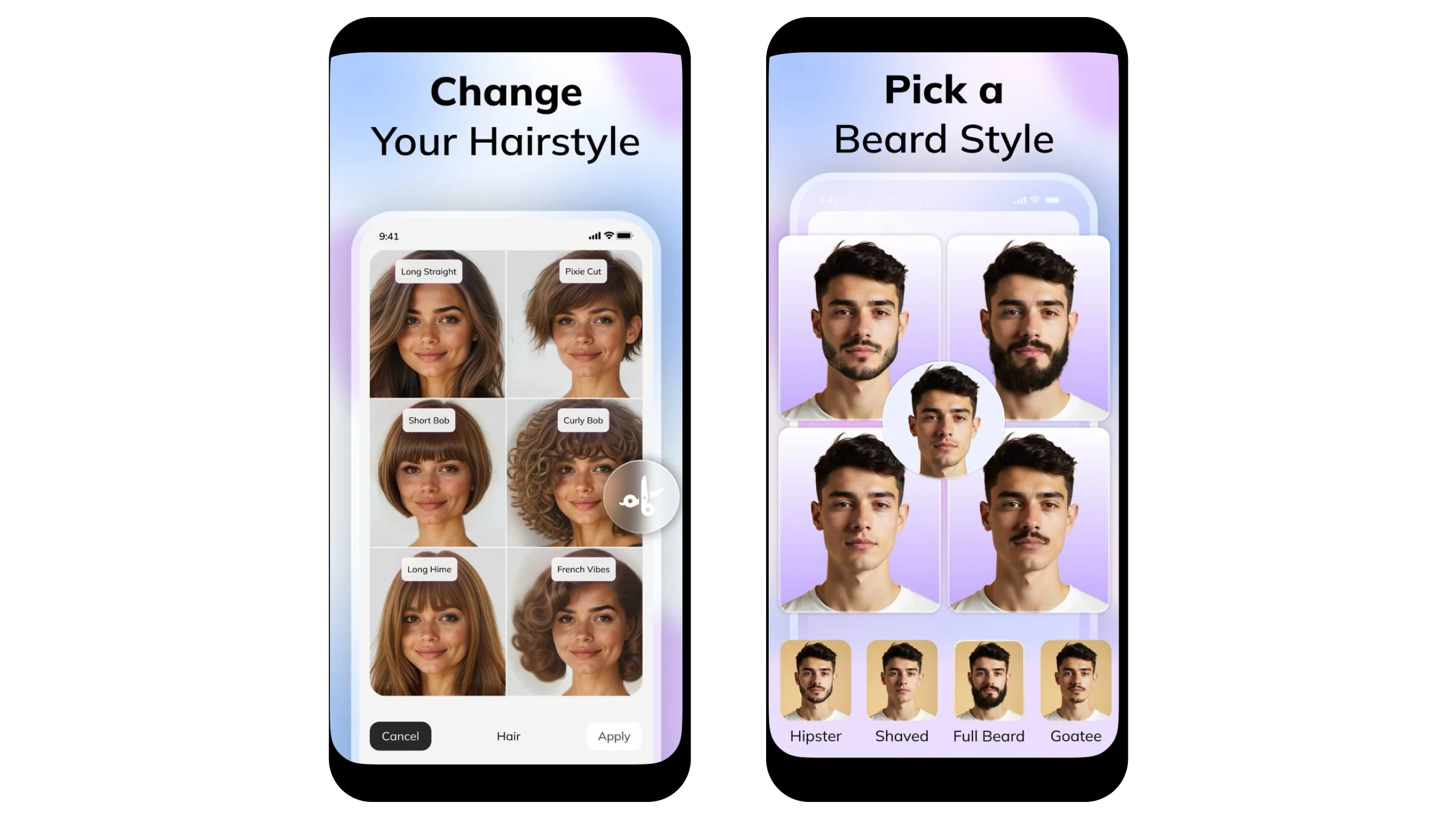
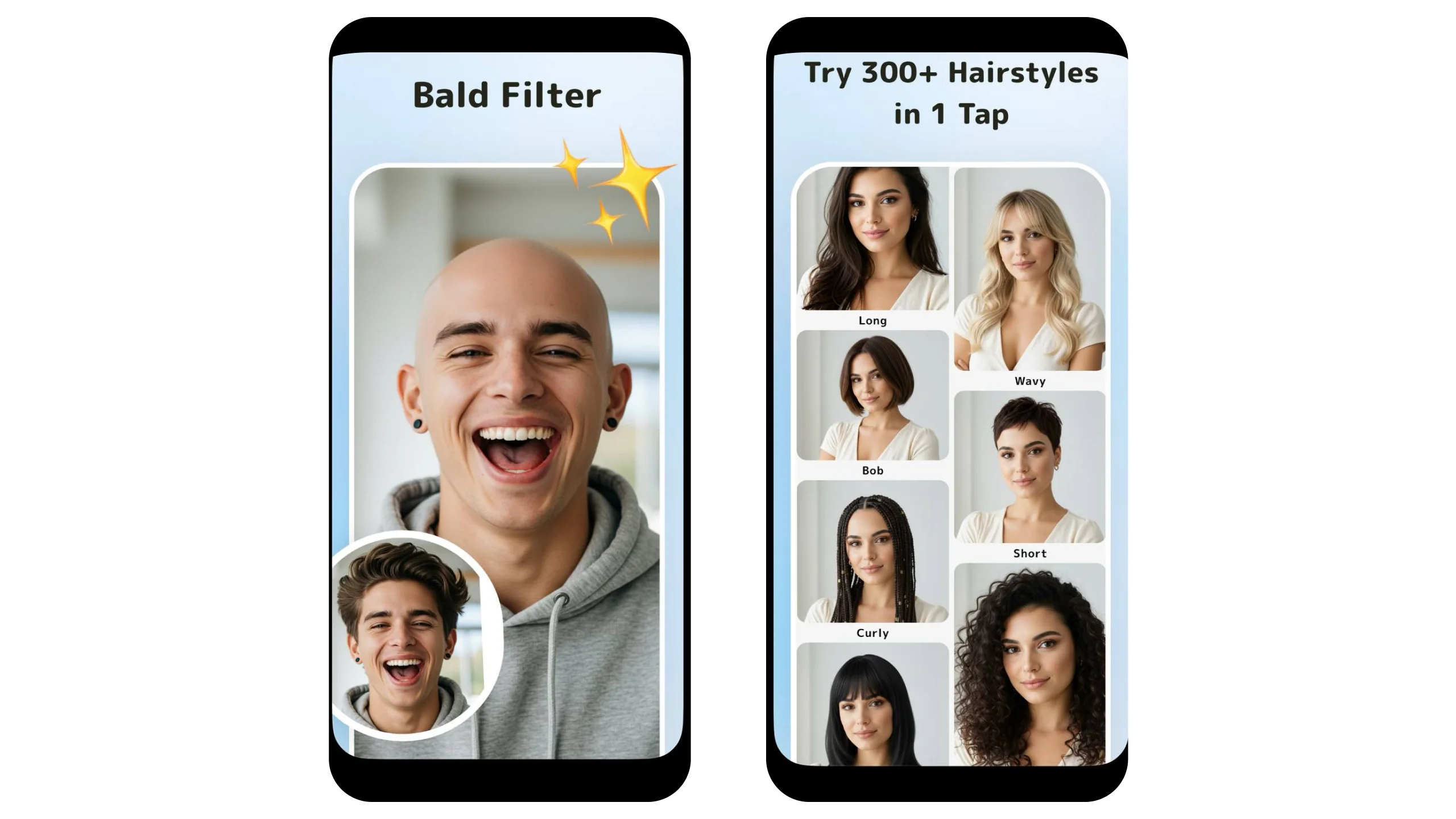
I checked out HairTry after finding out that it had a library of over 300 different hairstyles and I found out they weren’t kidding. This app comes with one of the broadest virtual hair try-on libraries with options even for men, so I found that to come particularly in handy.

Other features that I like include its Import Salon function that lets you take a hair inspiration photo (whether it’s a celebrity, or just random a photo you found online) and merge it with your own picture so that the hair inspo applies to your face. It also has a facial analysis function that explains your face shape and tells you what styles you should try and which to avoid.

Pros:
  • Wide selection of hairstyles including men’s styles and a bald filter

  • Import Salon lets you take any hairstyle inspiration photo and apply it to your own face to see whether it’s a match

  • Facial analysis tells you more about your face and which styles would work best for you

Cons:
  • Its facial recognition feature isn’t perfect, so some hairstyle alignments might look askew depending on the photo you upload. I noticed front-facing pictures without too many details or objects around the face area work best.

FaceApp (iOS & Android)

With over 150,000 reviews on the App Store, FaceApp is one of the most prominent AI face and hair changers on the scene. I noticed that it generates some pretty realistic edits, thanks to its neural-network based editing combined with AI. This essentially maps out the facial features and hair to make sure that selected styles and colors are perfectly aligned with your features.

I also like FaceApp’s facial retouch features. Aside from editing your hair, the app also lets you smooth out blemishes, reshape your face, swap genders, adjust your age, and add makeup so you can do a comprehensive makeover.

Pros:
  • AI combined with neural-network based editing provides hyperrealistic changes to hair and hair color

  • Offers lots of facial editing tools alongside hair changes to help you achieve a comprehensive makeover

  • Edits appear realistic, making it a great tool for visualizing how certain styles and colors would look on you

Cons:
  • Many of the better hair filters and edits are secured behind a paywall

SnapEdit (iOS & Android)

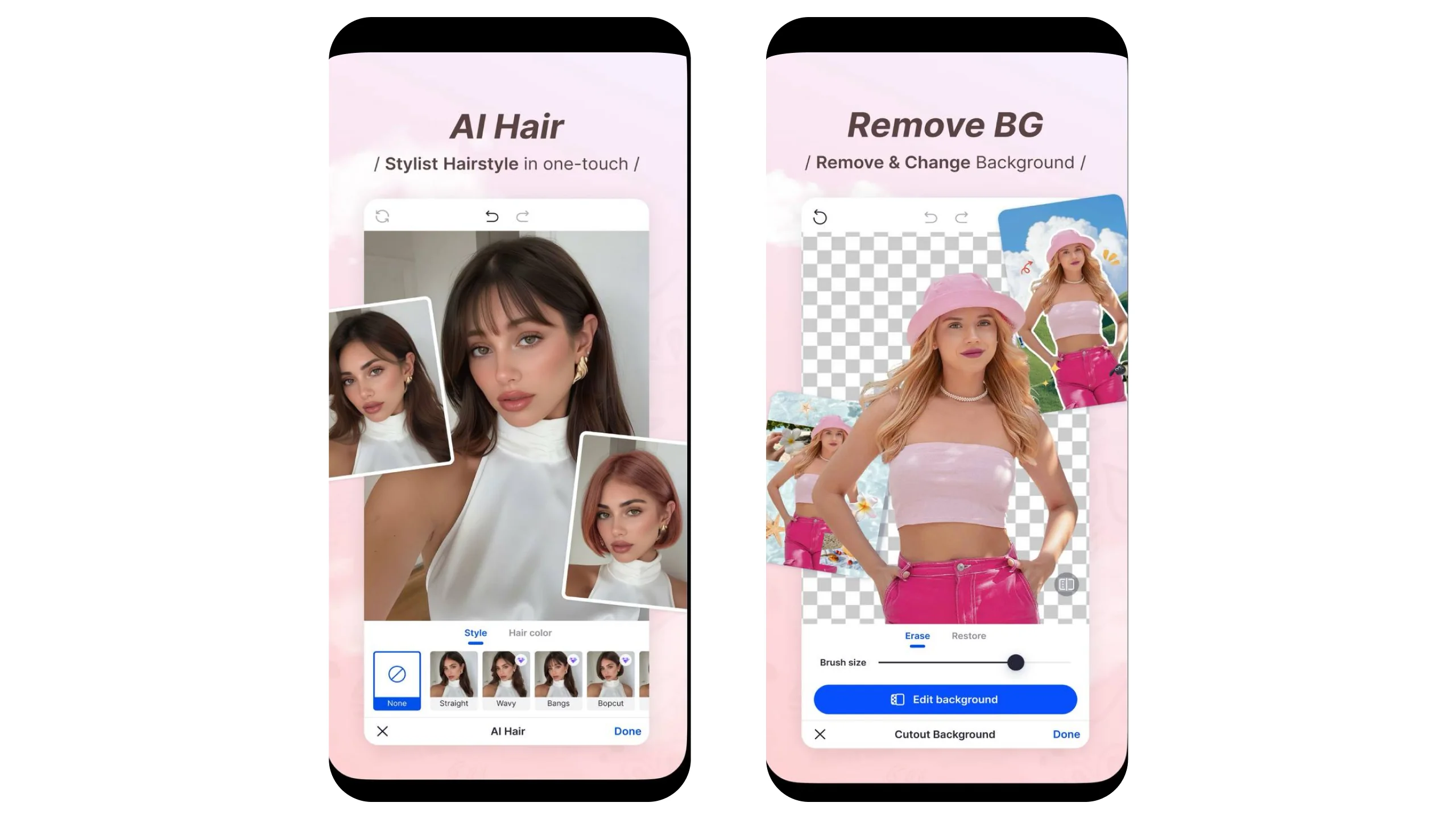
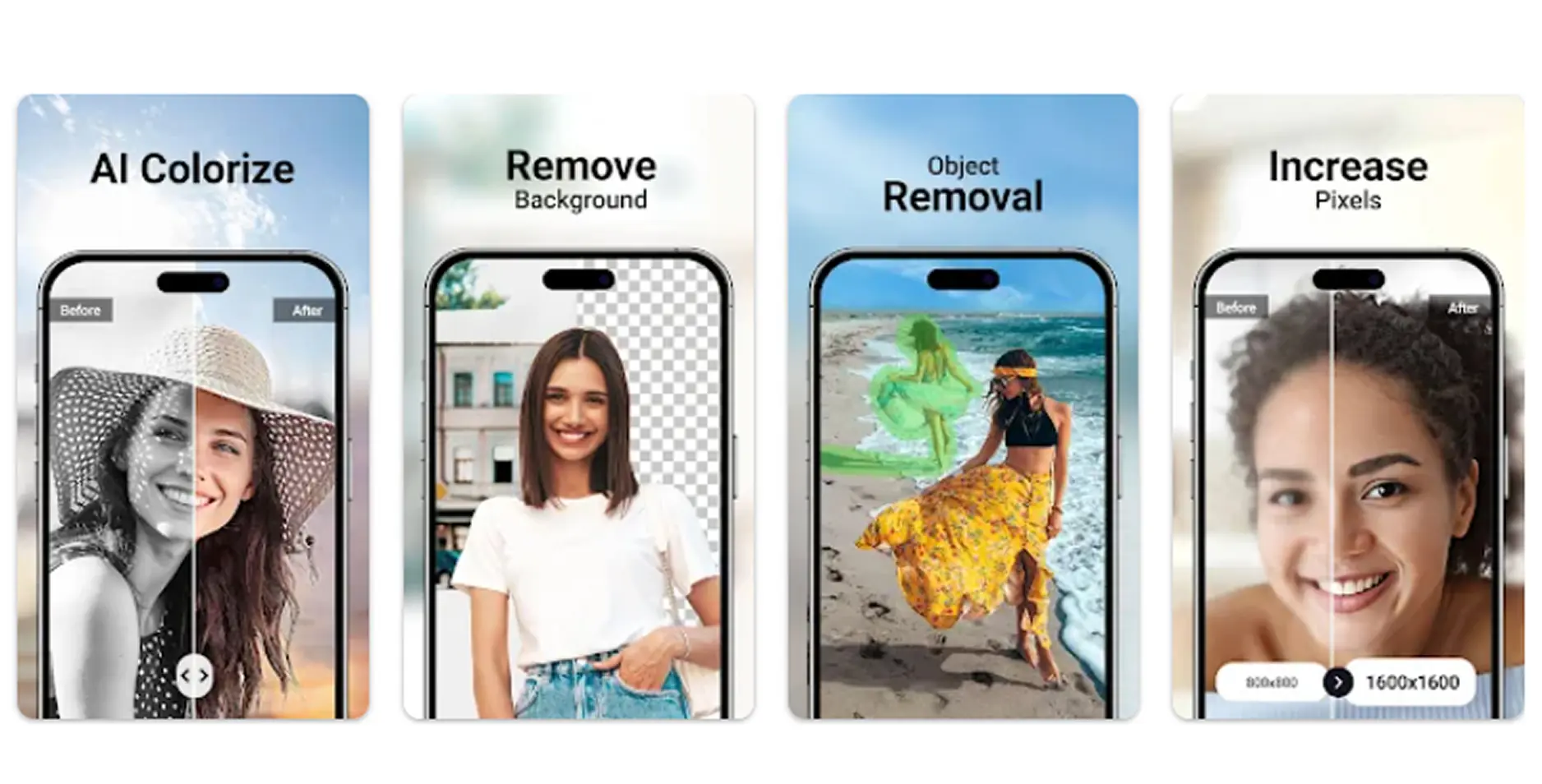
SnapEdit is an AI photo editor that’s not exclusively for trying different hairstyles, but I found that it tackles the task just fine. It’s mainly a photo editing tool that uses AI to remove objects from a photo’s background and retouch the subject’s appearance. But it also has an AI hairstyle edit feature that lets you try different styles and colors.

It has a modest selection of haircuts that look like the kinds you would actually get in a salon. If you were looking for more outlandish, fantasy styles, however, SnapEdit might not be for you. Overall, I think it works great if you’re thinking of making drastic changes to hair length since it offers mainly a range of standard, everyday styles that people are most likely to request at their salon.

Pros:
  • Modest hairstyle selection means you don’t need to swipe through hundreds of unlikely cuts, leaving you just the most practical choices

  • Hair color edits overlay different hues over your real hair to produce more realistic output

  • Also comes with other AI edit features like remove objects, change background, and facial retouch for a complete photo enhancement suite

Cons:
  • Not ideal if you want to get particularly creative with hairstyles and colors

Facetune (iOS & Android)

Another popular photo editing app, Facetune is a video and photo editor that uses AI technology to detect your face and apply changes to your skin, facial features, and your hair. The app uses facial recognition to map out your features and apply realistic hairstyle and hair color overlays.

I like that the app gives you an option to adjust the saturation of hair colors so you can make the change more or less intense to achieve a realistic look. You can also manually ‘paint’ your hair, which makes it a great tool for unique hair textures and styles that the app might not immediately recognize.

Pros:
  • Recolor tool offers a paint option that lets users manually select the area of hair recolor for more accurate results

  • Preset hair options include both hairstyles and hair lengths, making it a suitable tool for choosing your next cut

  • Users can apply their changes to both photos and videos

Cons:
  • Since it’s mainly a photo editing app, hairstyle choices might feel a little limited compared to other apps

Change hair colors with Movavi Photo Editor

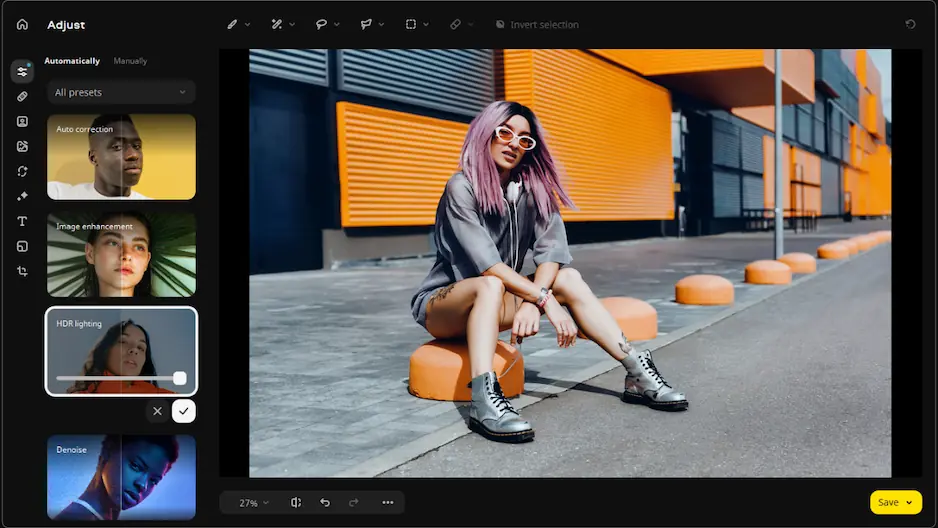
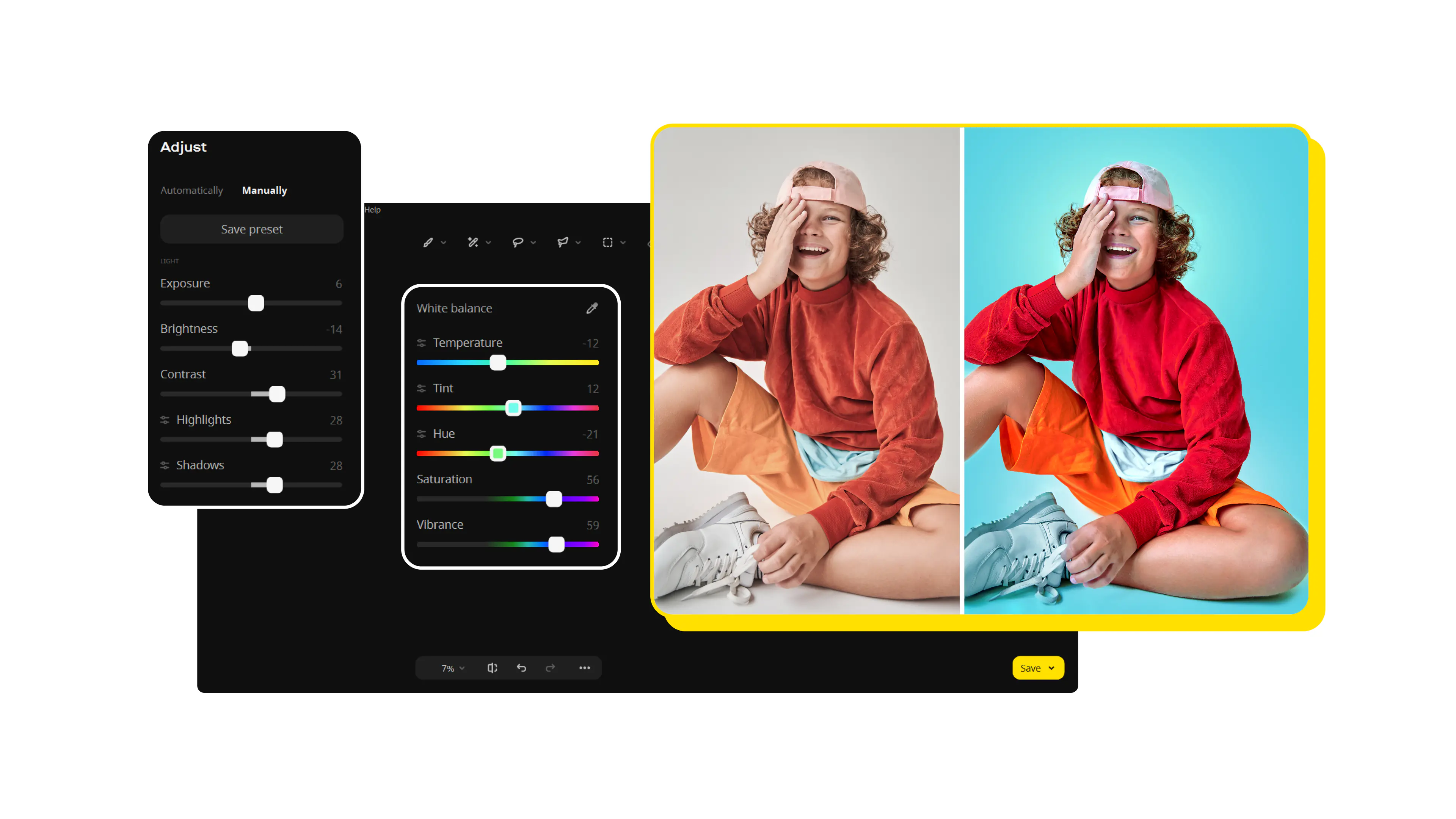
While I appreciate these mobile apps for editing hairstyles and colors for quick edits and simple projects, I still prefer tackling most of these tasks with a desktop tool like Movavi Photo Editor.

Available on both PC and MacOS, Movavi Photo Editor can tackle portrait-style photo editing tasks by providing functions that let you make specific adjustments like photo retouching and hair color changes.

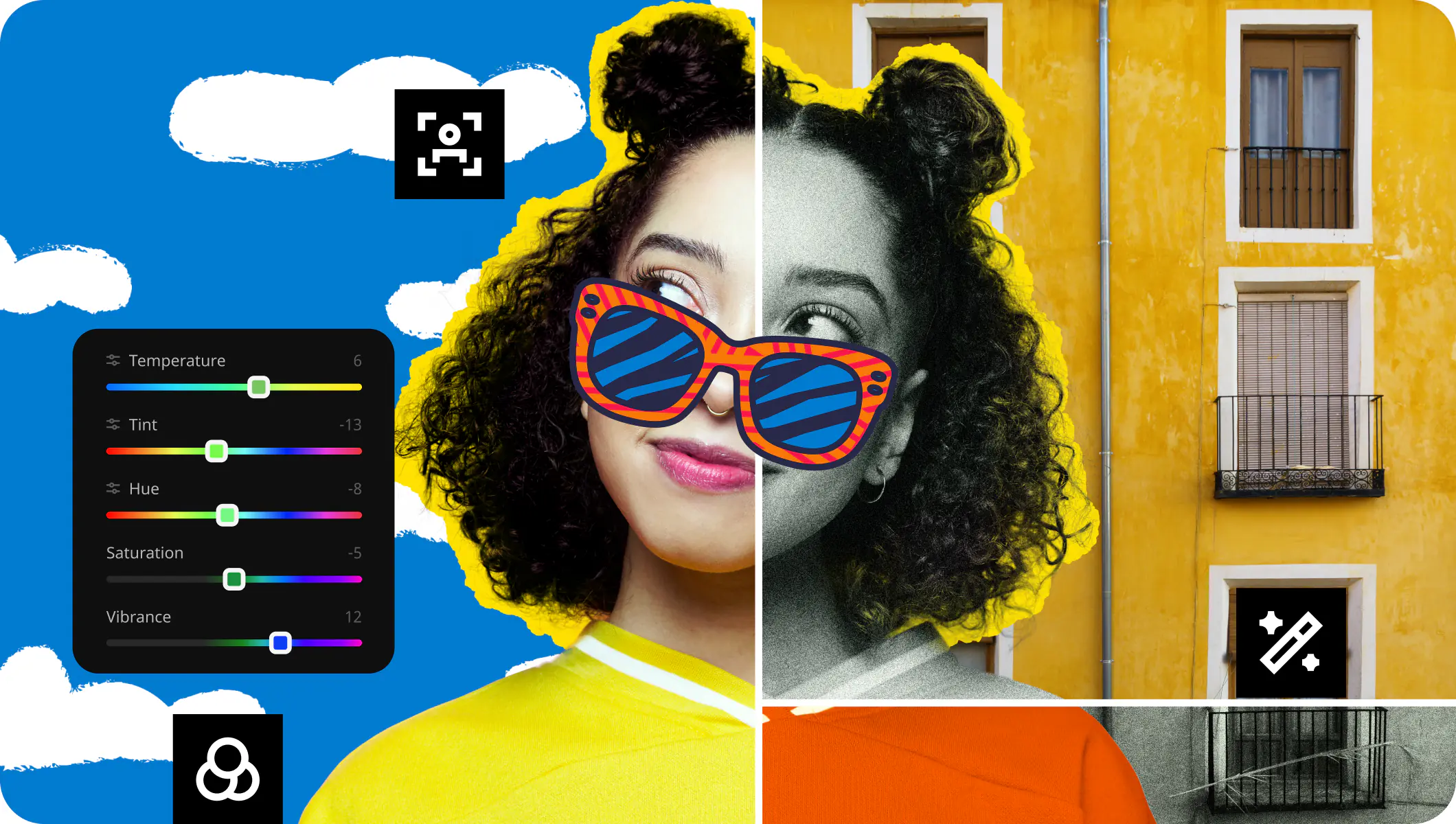
Just like many of the apps on my list, Movavi uses powerful AI technology to map out facial features for accurate retouch and hair recolorization. And because the software provides greater controls over your chosen photo edits, you’re more likely to produce realistic results.

How to choose the best hairstyle apps

That all depends on what you’re looking for.

If you want to edit your hairstyles and colors to make your photos share-worthy, then you can use apps like YouCam, Perfect365, FaceApp, and Facetune which provide features that let you retouch more than just hair.

These mobile applications let you achieve a comprehensive makeover, including makeup and environment/background changes that make your photos ready to share across your socials.

If you’re hoping to use the app to try out different hairstyles and see which one works best for you, HairApp and HairTry are your best bet. These apps have facial analysis features that assess the qualities of your face to make suggestions for your next salon visit. They also have extensive hairstyle try-on libraries so you can see changes in real time.

Movavi Photo Editor
Easily enhance images and get professional-grade results in a snap.

*The trial version of Movavi Photo Editor has the following restrictions: you can save up to 10 images with added watermark, screenshots are disabled.

Movavi Photo Editor
Have questions?
Have questions?
If you can’t find the answer to your question, please feel free to contact our Support Team.
Join us for discounts, editing tips, and content ideas

1.5M+ users already subscribed to our newsletter

By signing up, I agree to receive marketing emails from Movavi and agree to Movavi's Privacy Policy.