
Movavi Video Editor: Key features, pros, and cons

Best for: beginner lifestyle vloggers, unboxers, and game or gadget reviewers who want a finished video fast.
Price and platforms: desktop app for Windows 10 and 11 (64-bit) and macOS 12.0 or higher. Free version available, full version from $19.95/month.
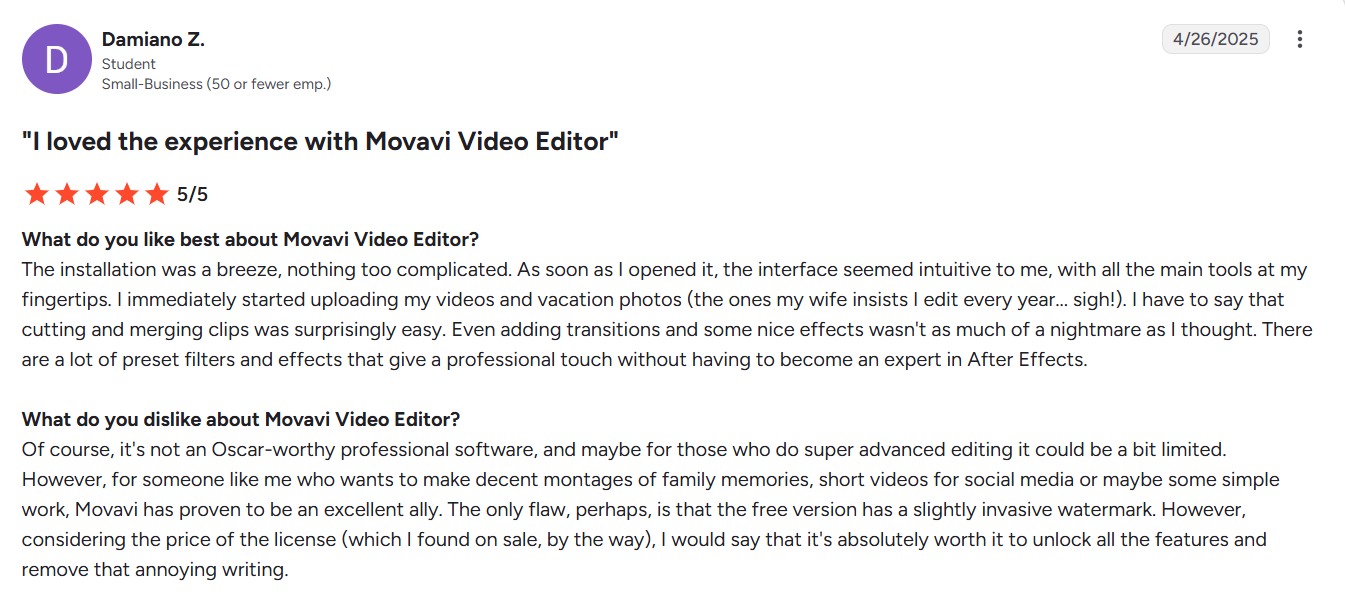
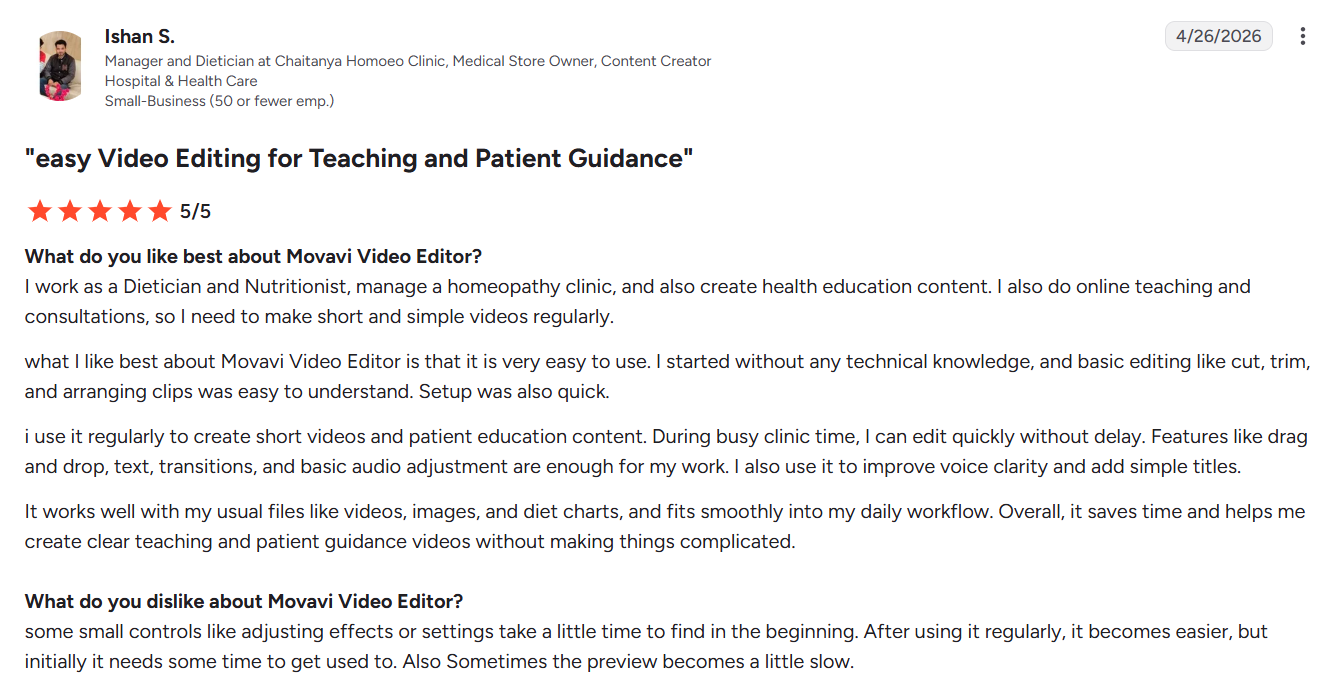
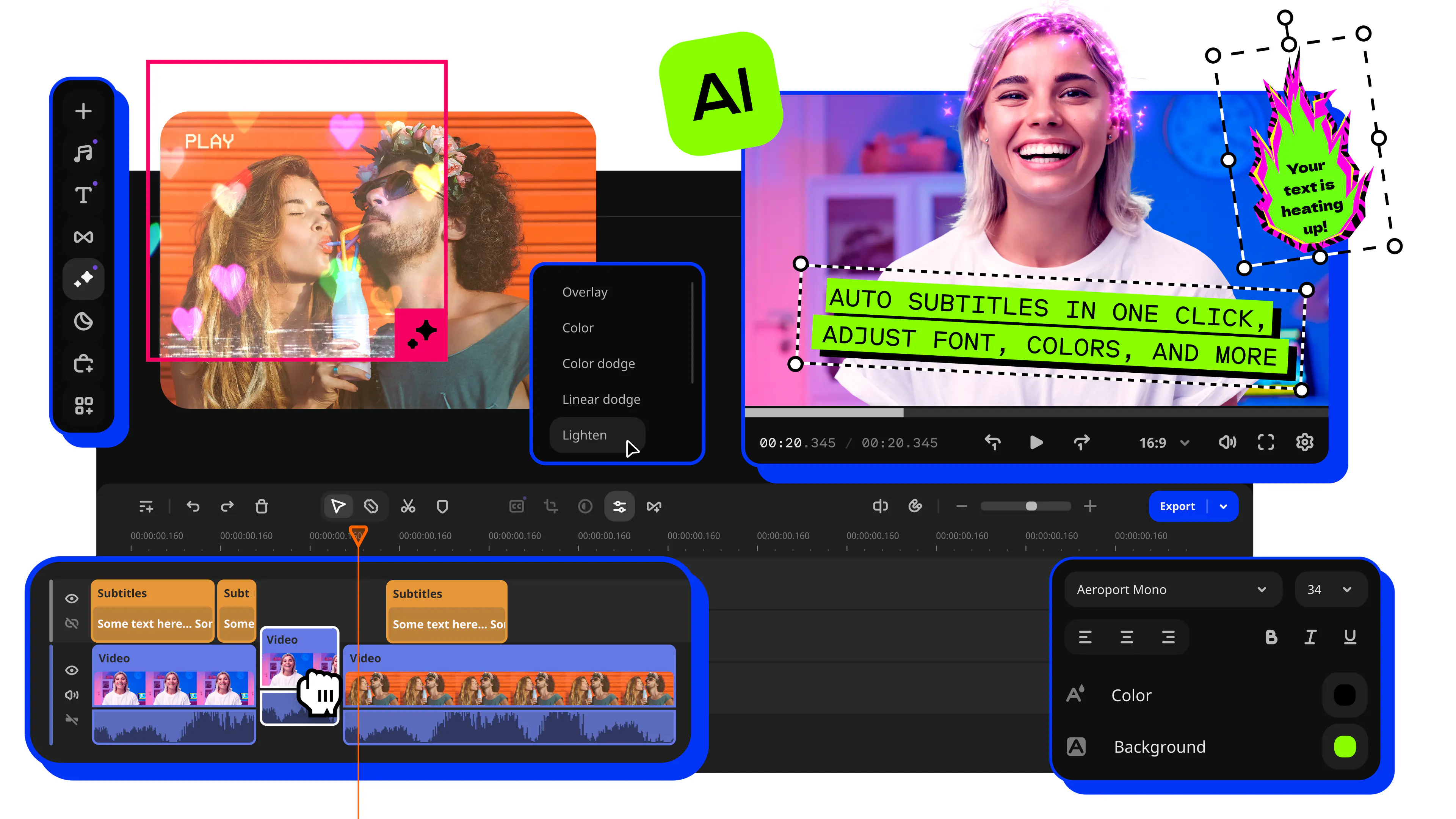
Movavi Video Editor is an intuitive video editor with customizable video templates, one-click AI tools, and hundreds of drag-and-drop effects. Most tools run in one click, and on a first project a template comes with transitions, music, and text already placed, so your first cut has pacing and titles before you add a single effect.
Key features
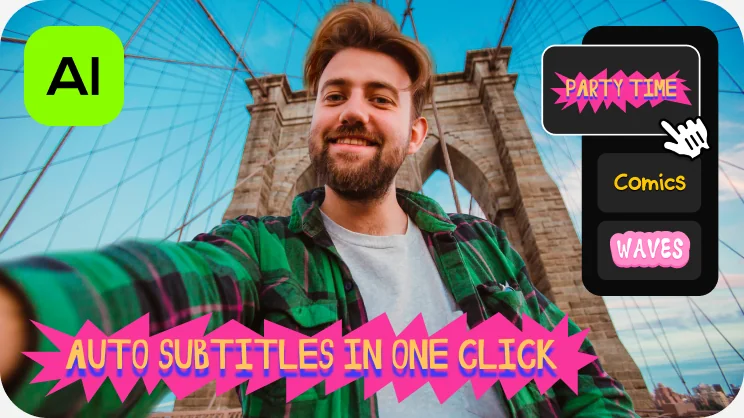
- AI subtitles recognizes 100+ languages at 99% transcription accuracy, offers 60+ subtitle designs, and highlights words in sync with the audio.
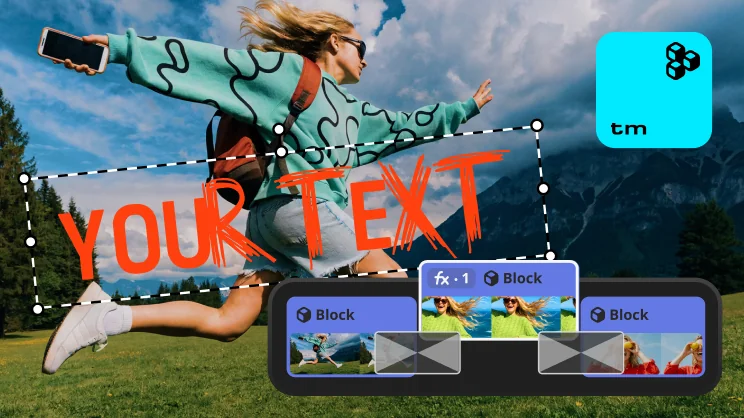
- Movavi Video Templates is a multi-style library of customizable, pro-looking, modular templates for any kind of video. It is built from Blocks, short pre-edited segments of the video, where you drop in your own clips, photos, and text.
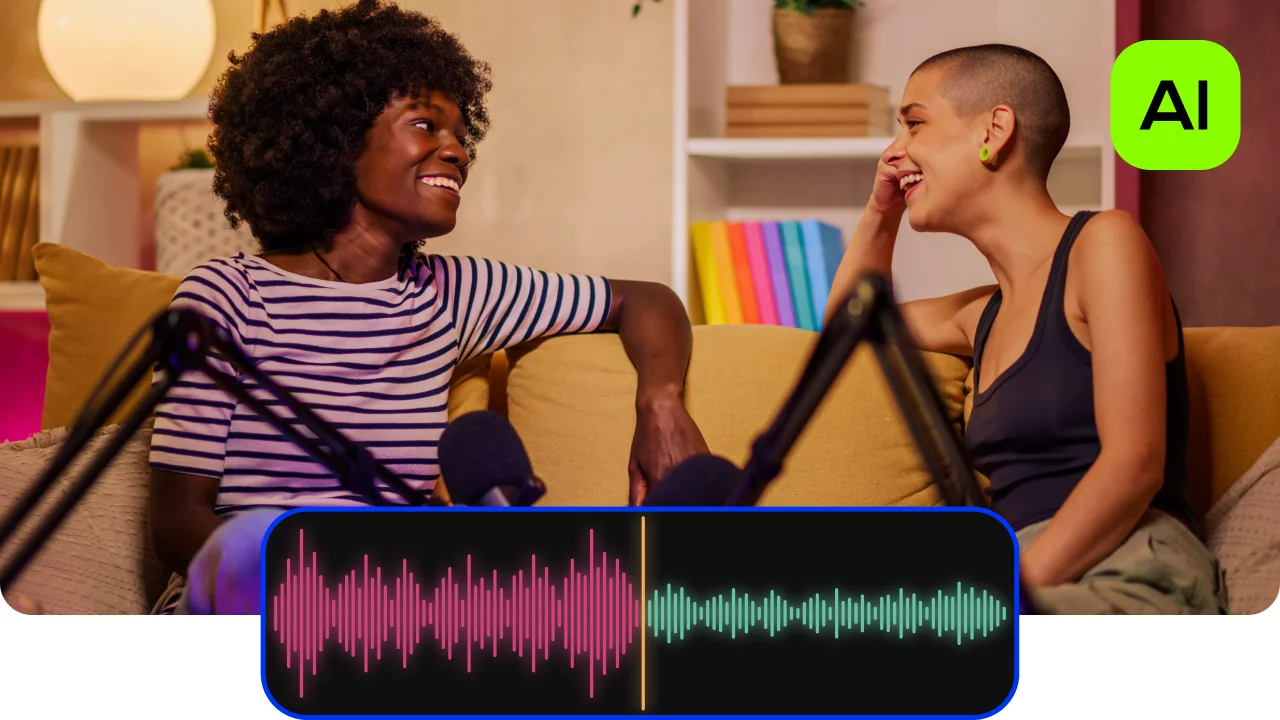
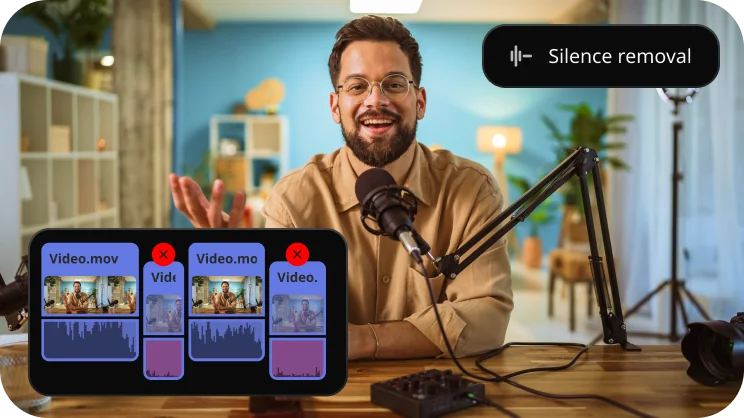
- Auto-silence removal: pause length and volume thresholds are adjustable, for automated cleanup or manual control.
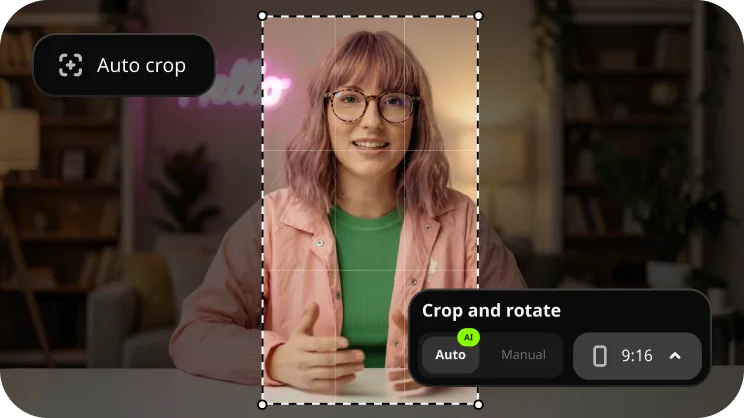
- Auto-tracked cropping turns horizontal footage into vertical and keeps the speaker or product centered.