1. Movavi Video Editor
Best for: your first vlog, unboxing, or travel video, edited on a Windows PC or Mac.

Why we picked it:
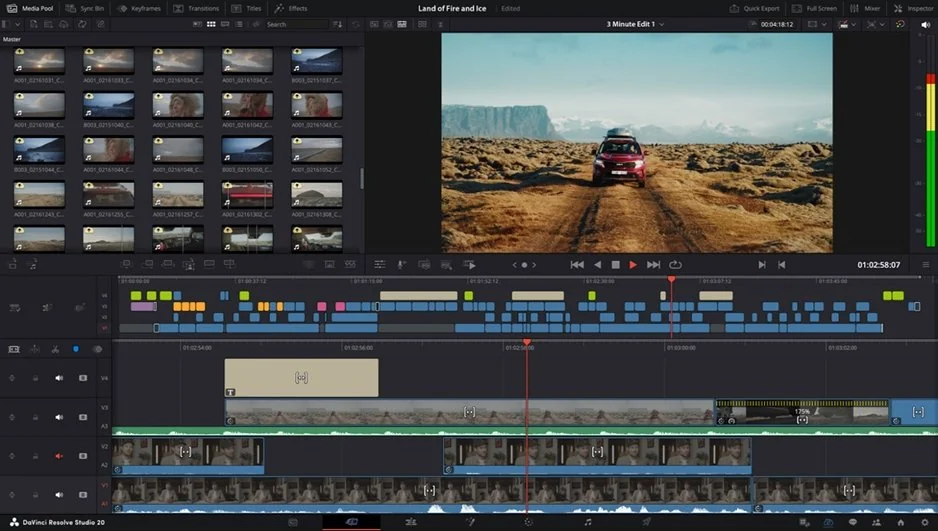
Movavi Video Editor is an intuitive video editor with customizable video templates, one-click AI tools, and hundreds of drag-and-drop effects. It’s a desktop app for Windows and macOS made for beginners and everyday creators, including people who know some editing but want a simpler workflow than pro software. The interface has been tested for intuitive use, and most tools work in a single click, so you don’t need a course before your first project. It’s simple and fast by design: hover over a clip, title, or transition to see it on your footage, then drag it onto the timeline. Tooltips, guides, and a how-to center explain each tool the first time you need it. Reviewers say they started editing without watching tutorials. That’s how a first travel vlog comes out with clean cuts, readable titles, and smooth transitions on the first attempt.
Key features:
- Movavi Video Templates. Before you build anything, look at the templates. Movavi Video Templates is a multi-style library of customizable, pro-looking, modular templates for any kind of video. Each one is a ready-made project made of Blocks, short pre-edited segments of the video (for example, an intro or a quick-cut sequence), and you drop your own clips and photos into them. Music, text, and transitions arrive pre-set, and you can keep, change, or remove any of it.
- Auto subtitles with active word highlighting: speech becomes captions at 99% transcription accuracy across 100+ languages, with 60+ subtitle designs and each word lighting up as it’s spoken.
- Auto silence removal and AI audio noise removal: pauses get cut out of your talking-head intro, and traffic, wind, or hum drops by about 95% while your voice stays clear.
- Auto-tracked cropping: turns a horizontal travel clip into a vertical one while keeping you in the center of the frame.