Step 1. Upload your video
Click Add Your Media to select the video you want to shrink. If your source file is in MP4, AVI, or MOV format, it should be ready to process without extra conversion first.
Movavi’s online video compressor is built for people who want a smaller file that is easier to upload, send, or store without going through complicated settings. It works directly in your browser, so you don't need to install any software to get your MB count down. It works with common formats such as MP4, AVI, and MOV, and the process is usually fast for short clips and medium-size files.
Click Add Your Media to select the video you want to shrink. If your source file is in MP4, AVI, or MOV format, it should be ready to process without extra conversion first.
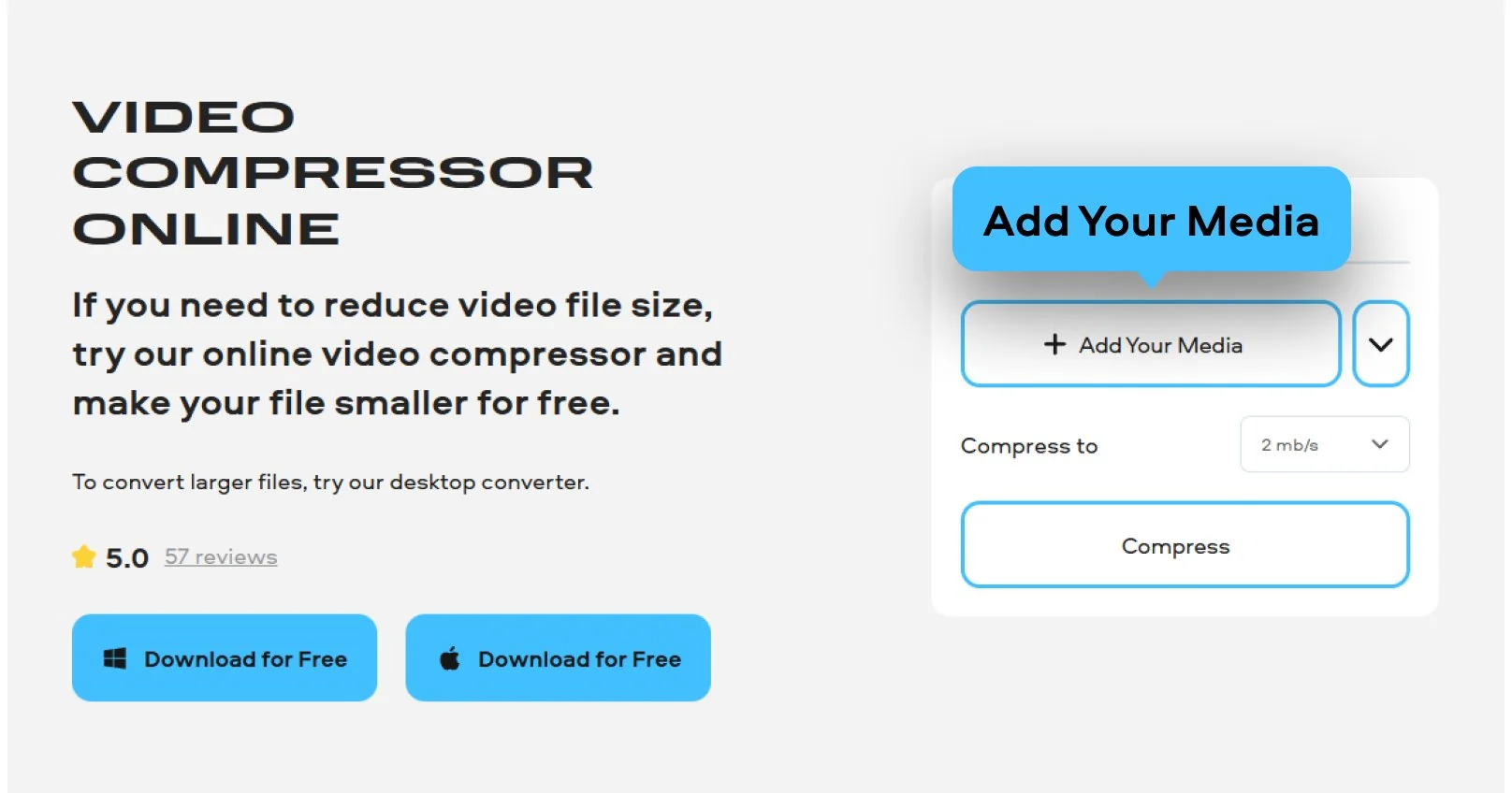
Select how much you want to reduce video file size. In most cases, a higher compression level gives you a smaller result, but it can also affect quality. If you are not sure which option to pick, start with a balanced setting and check the estimated file size in MB before processing.
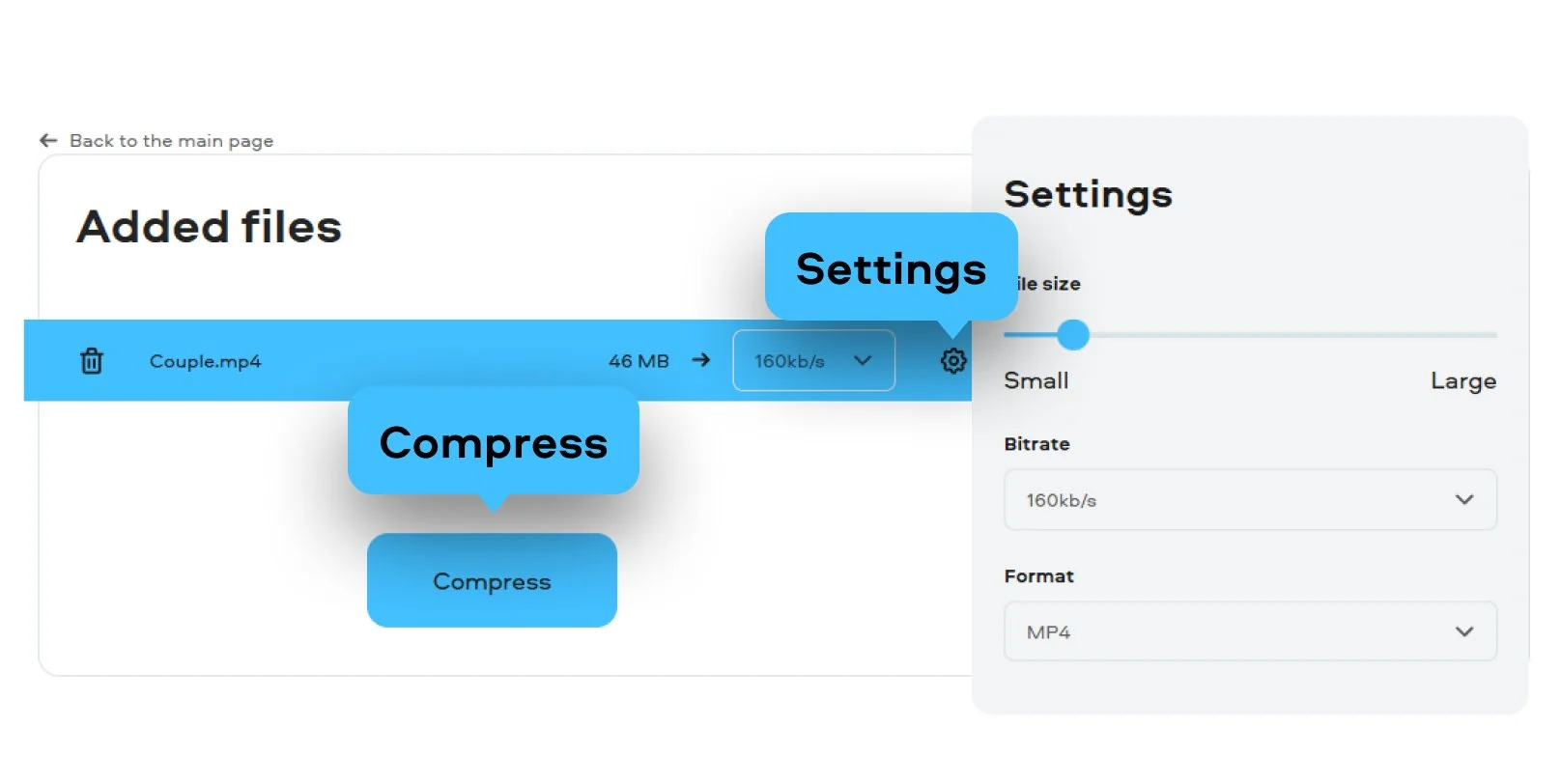
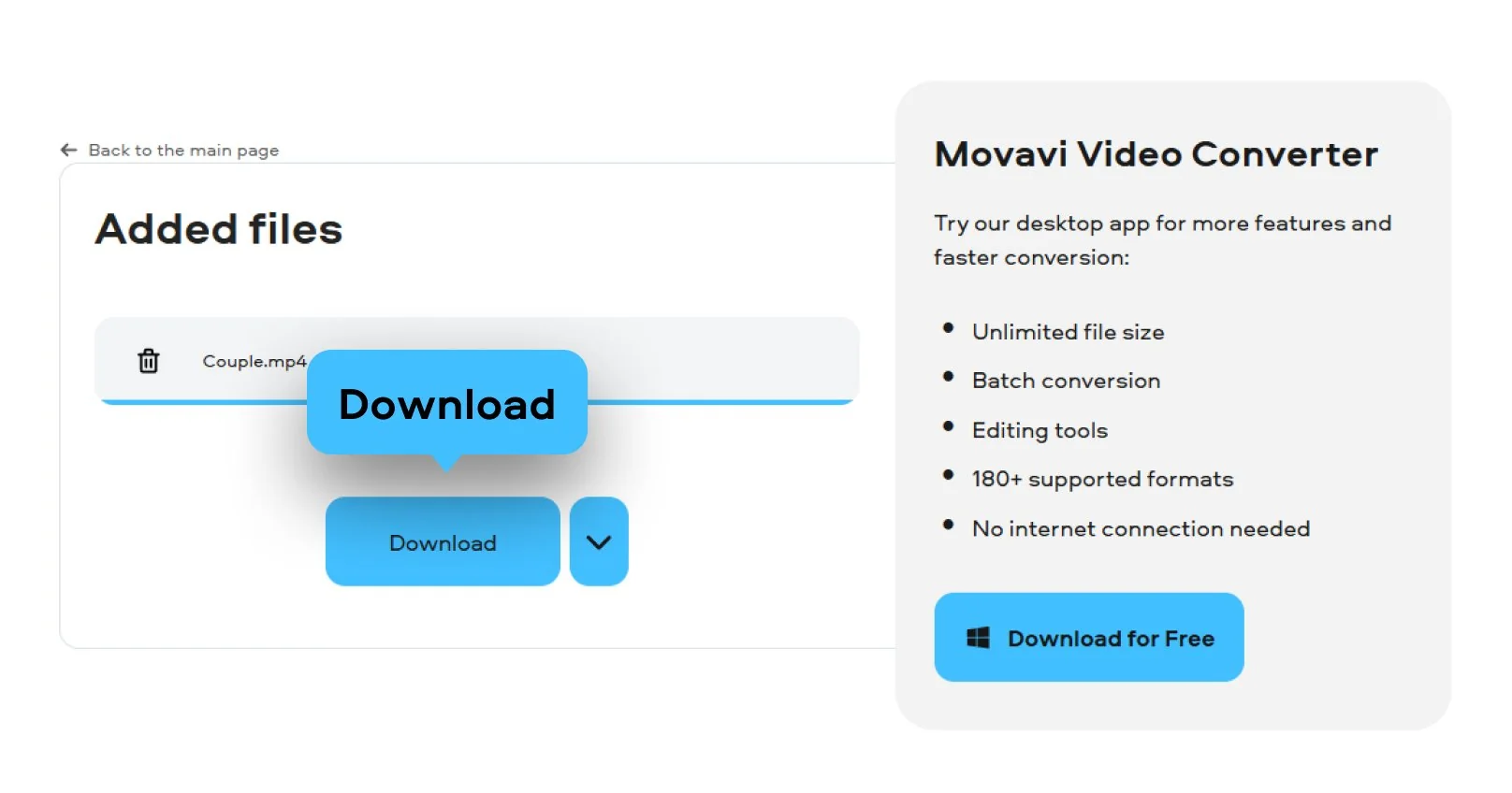
Hit Compress to process your clip. Within moments, your video will be ready to download for free and without watermark, so the copy will be clean and ready to use.

We’re the #1 choice for millions of people from all around the world. Join our thriving community and create stunning content with incredible ease.
Millions


You can compress video online on this page by uploading your file, choosing a compression level, and downloading the result. This is a simple way to make a large video smaller without installing extra software.
Usually, yes, at least to some extent. A video compressor makes files smaller by reducing the amount of data in the video. Light compression may keep the quality close to the original, while heavy compression can make motion, detail, or text look worse. If quality matters, avoid the strongest setting right away and compare the result before saving the final version.
Movavi’s online video compressor works with most common formats like MP4, AVI, or MOV, so you can compress video online with zero compatibility issues.
No! When you use Movavi’s online service to reduce video file size, your video is exported without watermark. This allows you to use your content for work, school, or social media immediately after downloading.
Yes, your privacy is our priority. All files are processed through a secure connection and are automatically deleted from the servers after 24 hours. Movavi’s fast and secure tool ensures your data stays private while you edit.
Need more tools?
Bring your creative ideas to life with Movavi Video Converter – the all-in-one program.


1.5M+ users already subscribed to our newsletter