AVI to MP4 Converter
- Upload your AVI file.
- Select MP4 as the destination format.
- Press Convert and download your new video.
Do you have large files or want to maintain better quality settings? Get the desktop-based AVI to MP4 converter for batch conversion and reliable results with no quality loss.
How to convert AVI to MP4 for free online
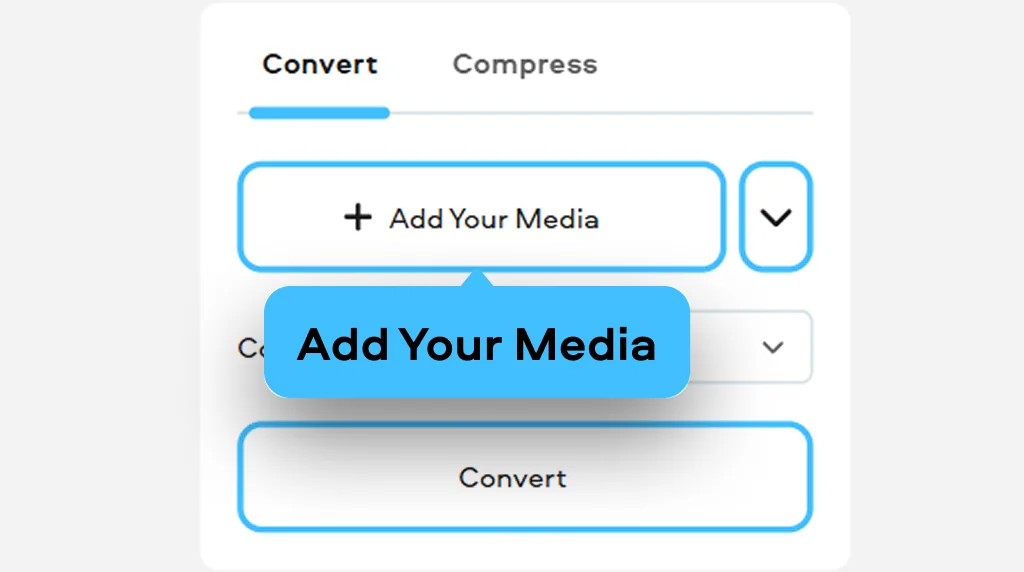
1. Upload a video
Upload your AVI video to the online video converter.
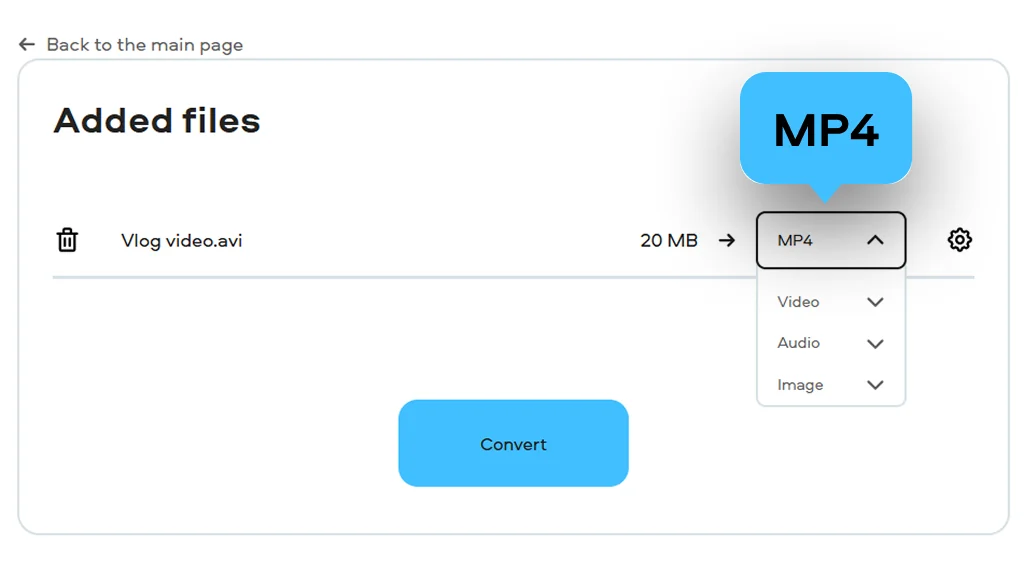
2. Choose the format
Choose MP4 as the target format. Make adjustments in case of any changes in resolution or video resizing.
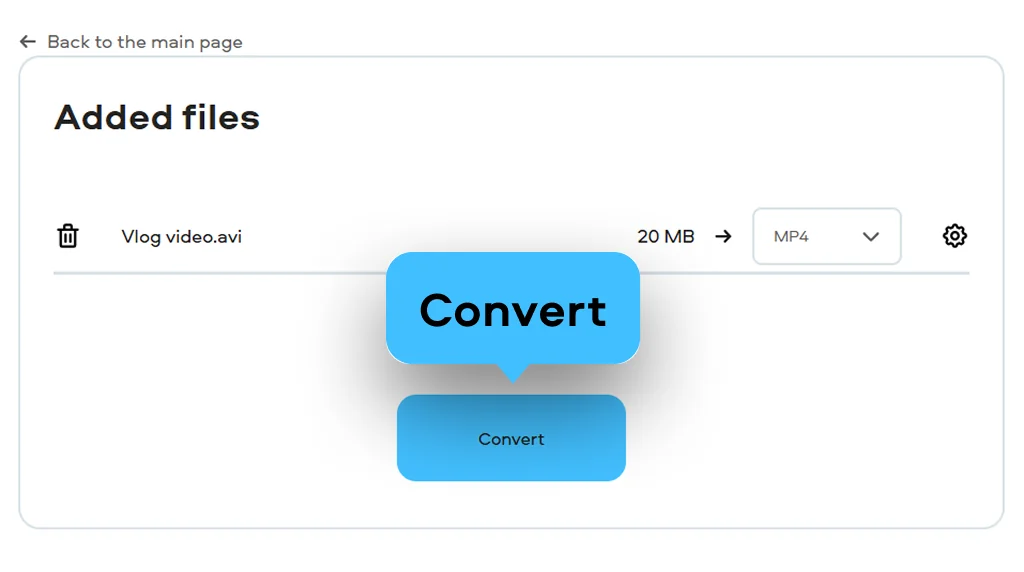
3. Download the result
Click the Convert button. Download the converted file and play it on your mobile device, computer, TV, or tablet.
What is AVI?
Full name
Audio Video Interleave
Format type
Video
Developed by
Microsoft
Description
AVI incorporates both audio and video formats that can be played simultaneously; however, at present, this format seems old-fashioned. Nowadays, most AVI files contain obsolete codecs, which causes problems in playing them using the new hardware. That is why AVI is often treated as a legacy video format.
File extension
.avi
Technical details
The RIFF format is used by AVI format in structuring files. Information saved within AVI files is organized into chunks including video size, frequency, frames, audio, and video data. Due to the lack of efficiency regarding compressing techniques, AVI produces huge files.
Associated programs
Windows Media Player, VLC, QuickTime Player, DivX Player, etc.
What is MP4?
Full name
MPEG-4 Part 14
Format type
Video
Developed by
Moving Picture Experts Group
Description
The MP4 is an extensively supported multimedia container that stores video, audio, subtitles, and other forms of media information. It is among the most suitable multimedia containers to use for distribution, streaming, and mobile devices.
File extension
.mp4
Technical details
MP4 is determined by the ISO Base Media File Format (MPEG-4 Part 14), also known as the QuickTime File Format from Apple Inc. This format can use very efficient high compression technologies like HEVC and H.264 in MP4 to reduce the size of files without affecting the quality of the video.
Associated programs
iTunes, QuickTime Player, Windows Media Player, VLC, RealPlayer, etc.
AVI could be old, rigid, and obstinate, particularly for Mac, iPhone, and Apple TV users. With the help of conversion of your AVI file to MP4, you can turn your old videos back to life and gain increased iPhone compatibility. With Movavi Video Converter, converting AVI to MP4 will help you save up to 80% of disk space used for videos with no quality loss.
Why choose Movavi
We’re the #1 choice for millions of people from all around the world. Join our thriving community and create stunning content with incredible ease.
Millions


Frequently asked questions
Is it safe to convert my personal AVI files online?
Is it safe to convert my personal AVI files online?
Yes, the tool is designed for secure processing, so your personal AVI files are handled through a protected online workflow. It is a convenient choice for home videos, private clips, and quick conversions when you do not want to install software.
How can I convert a large AVI file to MP4 without losing quality?
How can I convert a large AVI file to MP4 without losing quality?
If you have a large AVI file that needs to be compressed without loss of quality, it will be necessary to use Movavi Video Converter, where MP4 format with a sufficiently high bitrate should be selected. Due to its large size, AVI format becomes much more compact after conversion to MP4 without any reduction in quality.
Why won’t my AVI file play on my smartphone?
Why won’t my AVI file play on my smartphone?
Most phones don’t even recognize the AVI container and some of the old codecs used to encode AVI. That’s why knowing how to convert AVI to MP4 for free is the simplest solution.


1.5M+ users already subscribed to our newsletter