The video trimmer can be accessed via any browser. You can cut video online in more than one format, including MP4, AVI, and MOV, then save and share. The tool works well as an MP4 cutter for fast edits.
Movavi Video Editor
This online video cutter removes the parts you simply don’t need. Use it to trim the beginning, shorten the ending, or keep one section of the clip.
By clicking the download button, you're downloading a free version of the program.*
Сut Video Online for Free
How to use our online video cutter
Step 1. Add the video file
Click Upload Files and add the clip to the online video cutter. When the upload finishes, start editing.
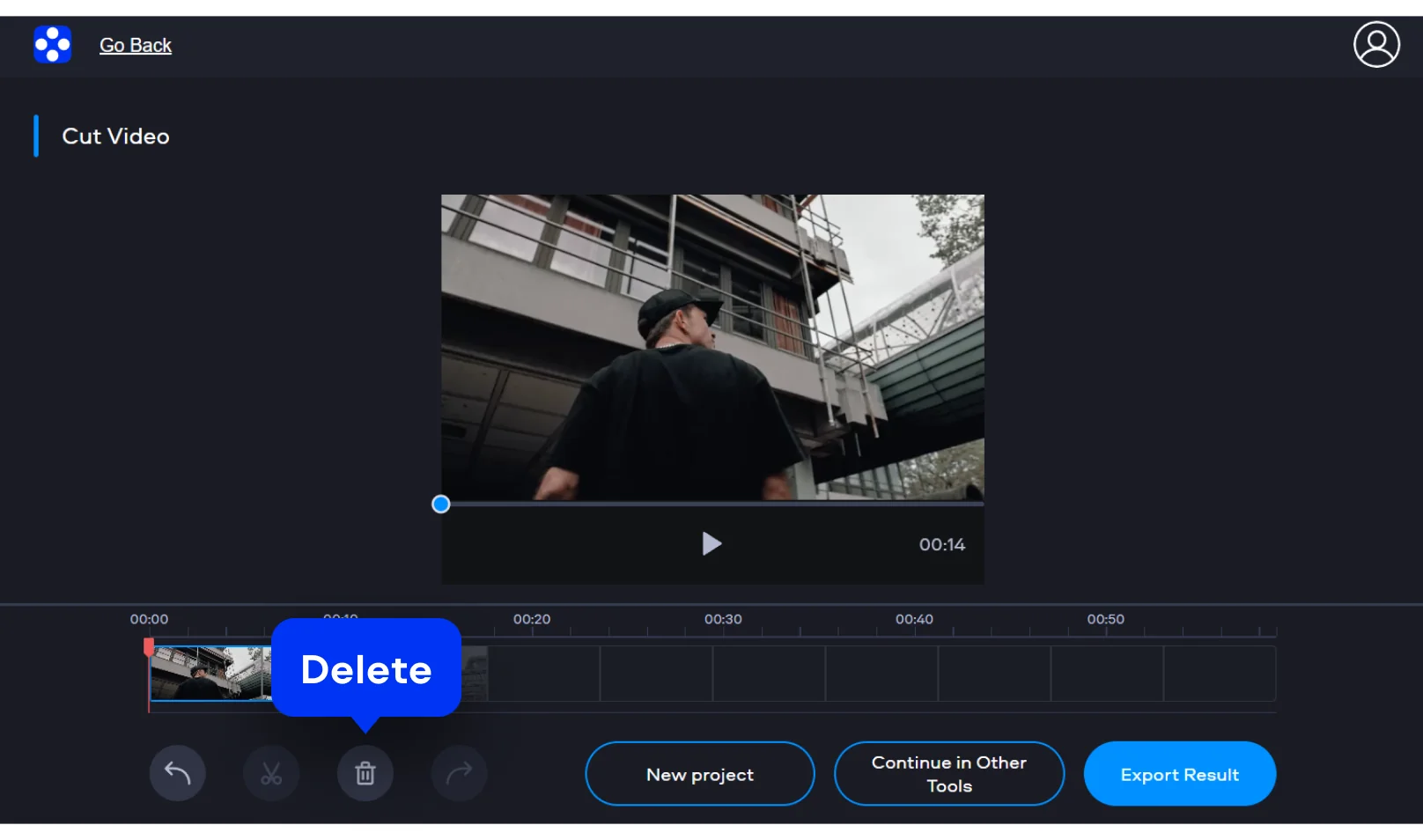
Step 2. Set the part you keep
Move the markers to the points where the clip should begin and end. That way you trim away pauses and extra frames. The preview shows how the cut will look before export.
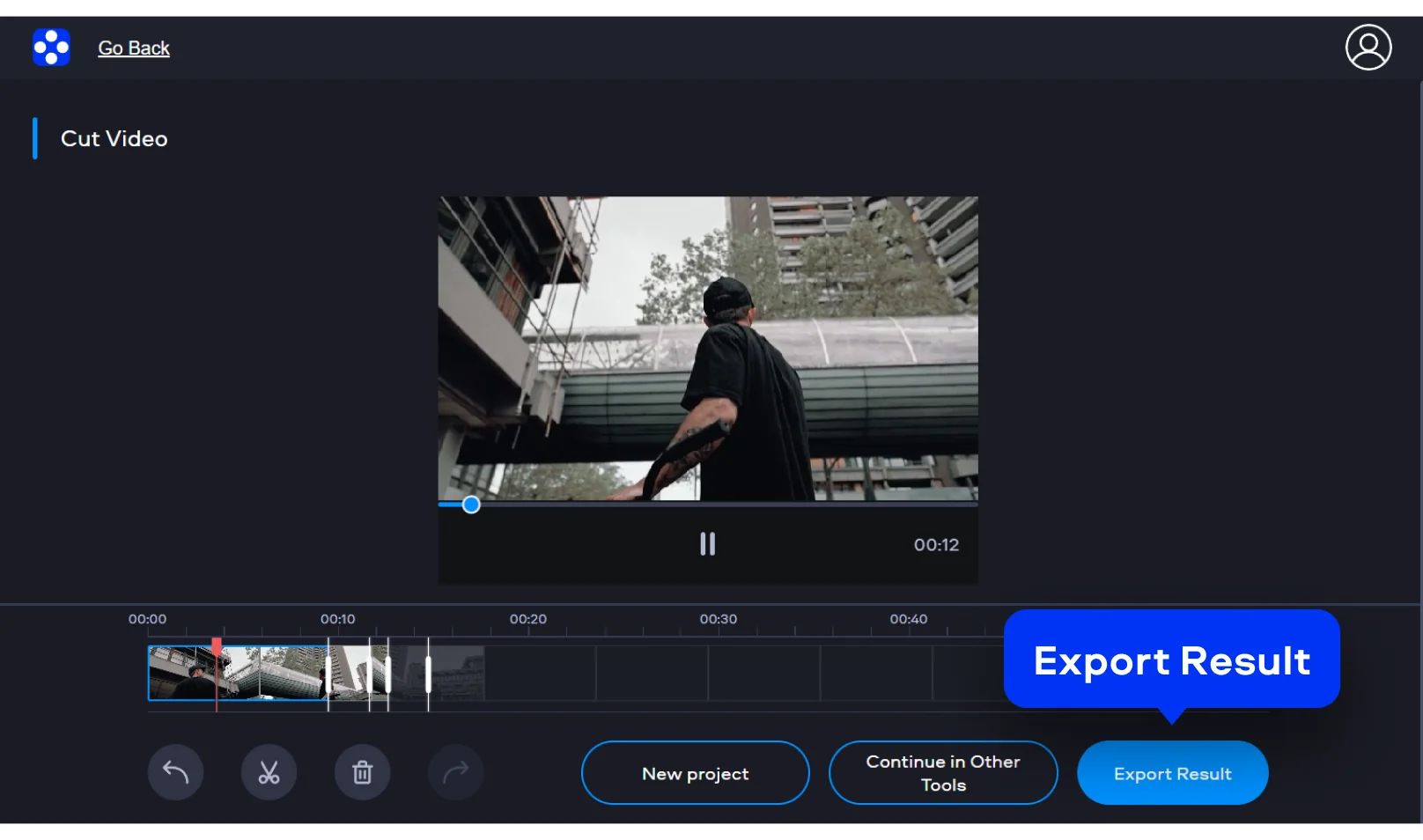
Step 3. Export the result
When the new start and end points are set, export the file. After export, the edited file is available for download without watermark.

Why choose Movavi
We’re the #1 choice for millions of people from all around the world. Join our thriving community and create stunning content with incredible ease.


of users
countries
updates per year
effects to choose from
Frequently asked questions
How do I cut video online?
How do I cut video online?
To cut video online, upload the clip, move the sliders, and export the result. That suits such jobs as shorten a recording, remove an intro, or simply trim the ending.
What formats can be used?
What formats can be used?
The video trimmer accepts MP4, AVI, and MOV. Other common formats work as well.
Can I save the file without watermark?
Can I save the file without watermark?
Absolutely. Users can export the edited file and download it without watermark.
Is the process fast?
Is the process fast?
Upload, cutting, and export are fast. Though the exact speed still depends on file size and internet connection.
Is it safe to upload files here?
Is it safe to upload files here?
Files are processed through a secure connection and removed from the servers after 24 hours.
Movavi Video Editor
Create awesome videos easily
*The free version of Movavi Video Editor may have the following restrictions depending on the build: watermark on exported clips, 60-second video or 1/2 audio length limit, and/or some advanced features unavailable when exporting videos.
Join us for discounts, editing tips, and content ideas


1.5M+ users already subscribed to our newsletter