Movavi Video Editor

By using this tool, you rotate video online and get the required orientation in just a few clicks. It is built for rapid performance and maintains high-quality resolution for social media.

By clicking the download button, you're downloading a free version of the program.*

Rotate Video Online for Free 

How to use our online video rotator

When you use the browser-based video rotator, you avoid installing complex software. It is compatible with MP4 files and other common formats. You can turn videos from horizontal to vertical quickly and easily.

Here is how to rotate a video in three simple steps:
Step 1. Upload your footage

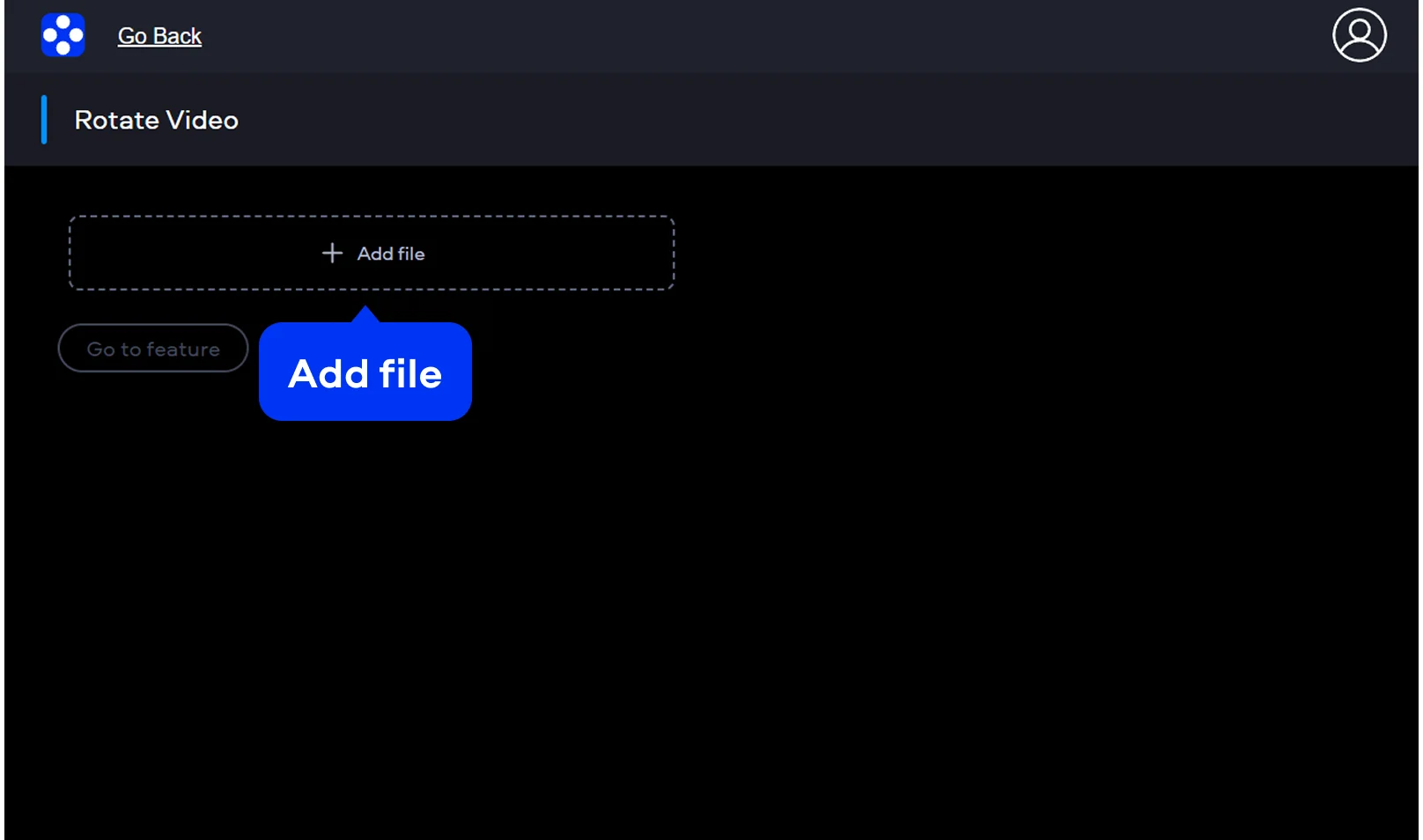
Click the Add file button to choose a clip. Your video moves to a protected server right at that moment. The tool accepts many file types, so you can fix an MP4 or MOV file from a mobile device.

Step 2. Rotate your video

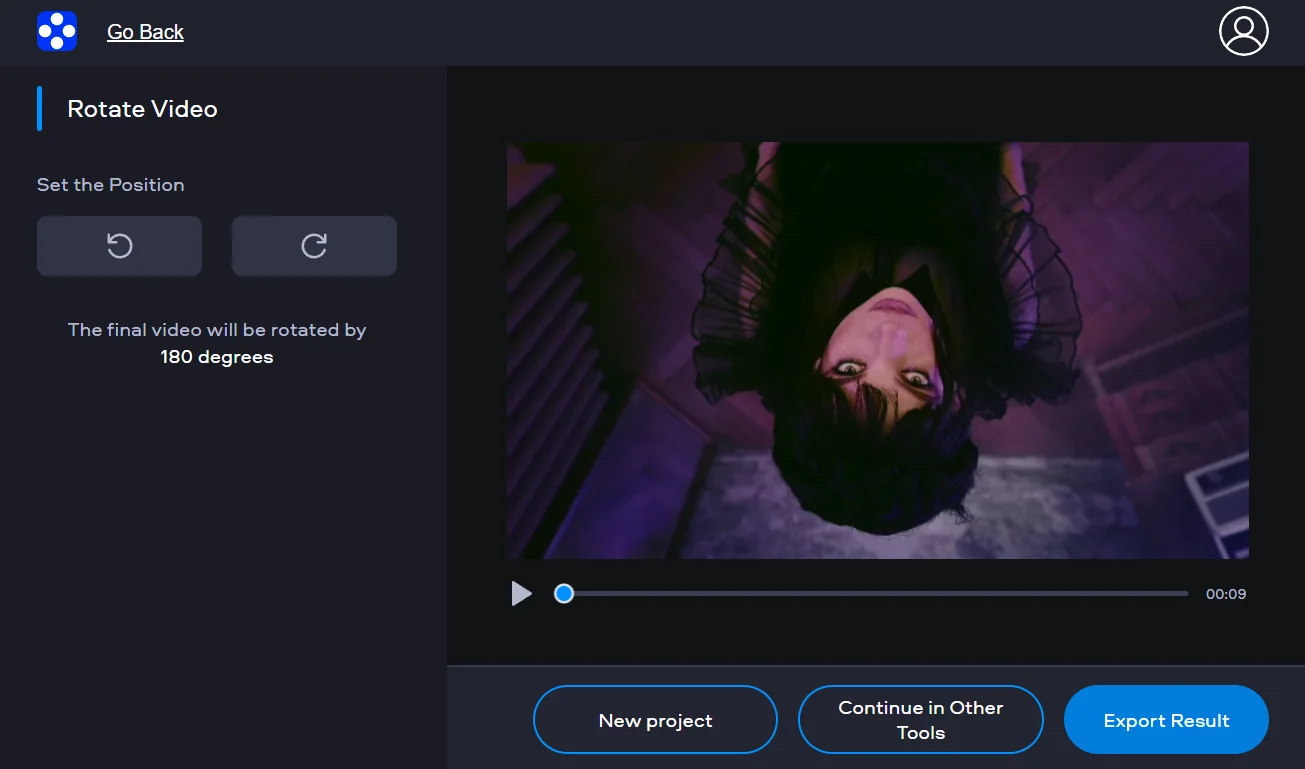
On the editing screen, the buttons turn the clip by 90 degrees at a time. Rotate clockwise or counterclockwise until the frame looks right. The preview updates right away after each change.

Step 3. Save your result

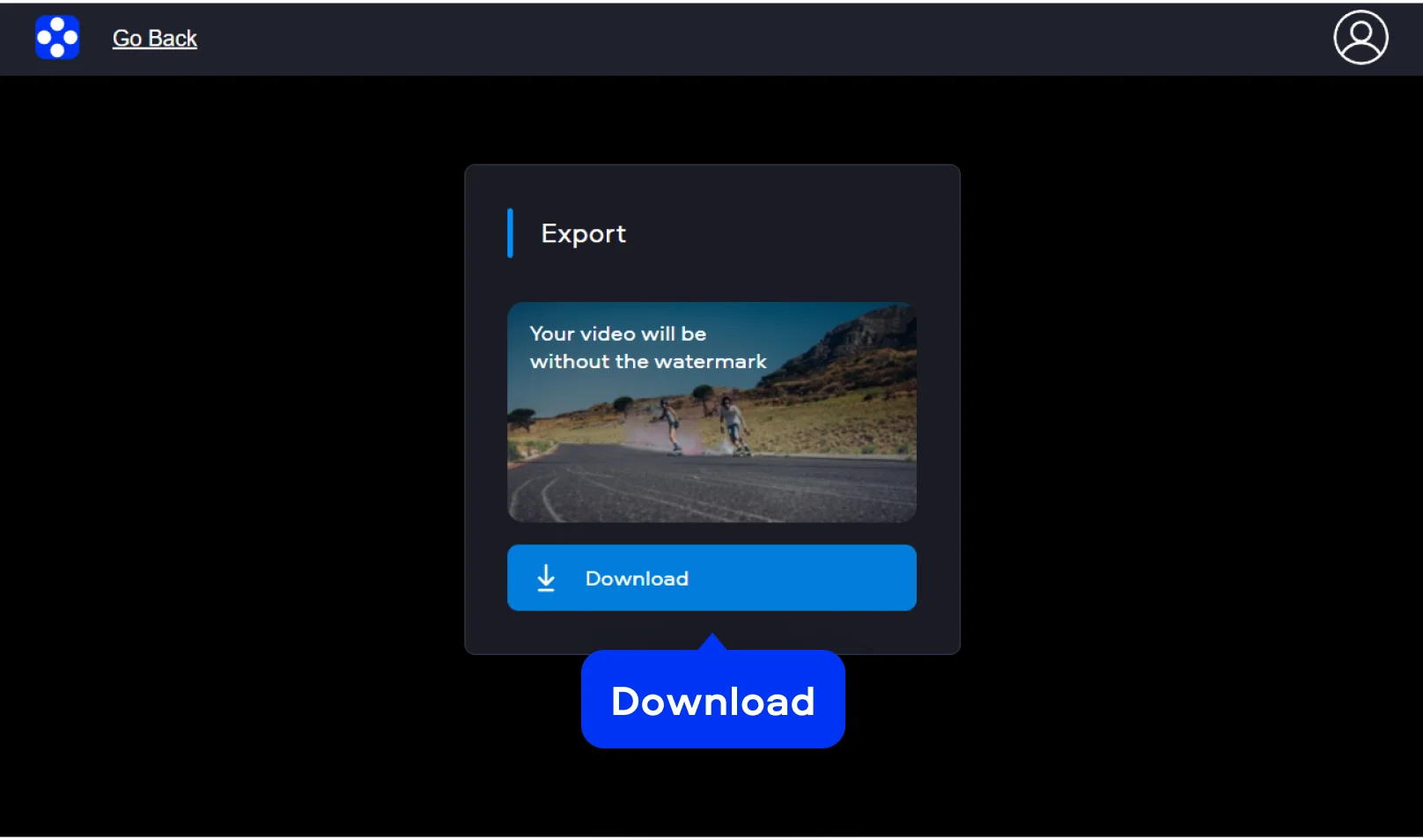
Once the orientation is correct, you click the export button. The finished file can then be downloaded for free and saved without watermark.

Movavi Video Editor
Create awesome videos easily

*The free version of Movavi Video Editor may have the following restrictions depending on the build: watermark on exported clips, 60-second video or 1/2 audio length limit, and/or some advanced features unavailable when exporting videos.

Movavi Video Editor

Why choose Movavi

We’re the #1 choice for millions of people from all around the world. Join our thriving community and create stunning content with incredible ease.

70M+

users

190+

countries

15+

updates per year

10,000+

effects to choose from

Frequently asked questions

How do I rotate a video for free?

By using an online video rotator, you process media within a web browser. Upload the file, turn it to the needed angle, then save the result. Export is available for free.

Will there be a watermark on my video?

The files are saved without watermark.

Can I rotate a video by 90 degrees more than once?

Rotation happens in fixed steps of 90 degrees. Each click gives the same result. If the MP4 video appears upside down, you press the button twice to reach 180 degrees.

Is it safe to rotate video online?

By using this service, you remain secure. Stored data stays on the server for 24 hours and is then removed.

How do I turn a horizontal video into a vertical one?

Upload the horizontal video. Click the rotation buttons until the frame changes from horizontal to vertical.

Can I use Movavi Online Video Editor on Android and iPhone?

Yes – it works on both Android and iPhone, and it’s free to use.

Is Movavi Online Video Editor completely free?

Yes. All features are available for free – no payment required.

Does Movavi Online Video Editor add a watermark when exporting videos?

No. You can export videos without a watermark.

Movavi Video Editor
Create awesome videos easily

*The free version of Movavi Video Editor may have the following restrictions depending on the build: watermark on exported clips, 60-second video or 1/2 audio length limit, and/or some advanced features unavailable when exporting videos.

Movavi Video Editor
Join us for discounts, editing tips, and content ideas

1.5M+ users already subscribed to our newsletter

By signing up, I agree to receive marketing emails from Movavi and agree to Movavi's Privacy Policy.