1. Movavi Video Editor
Best for: Creators who film vlogs, game highlights, travel recaps, and beauty tips and want every one of them in the same editor.

Why we picked it:
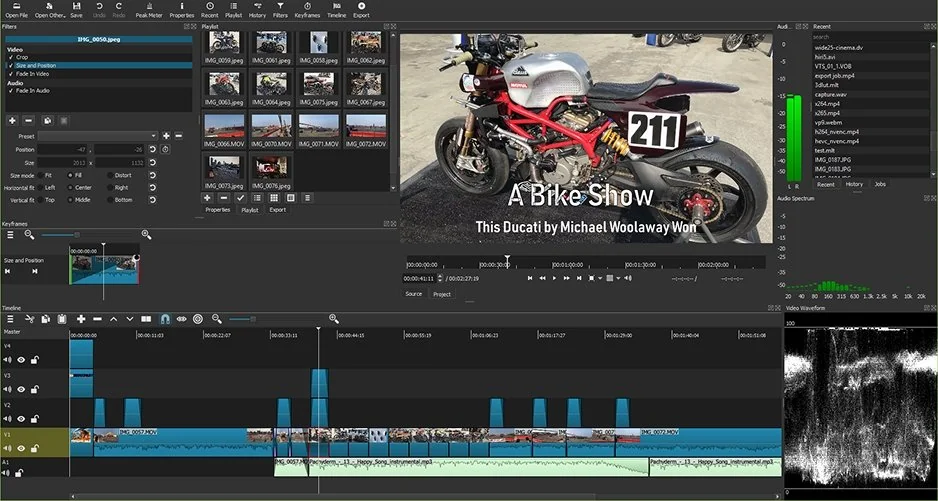
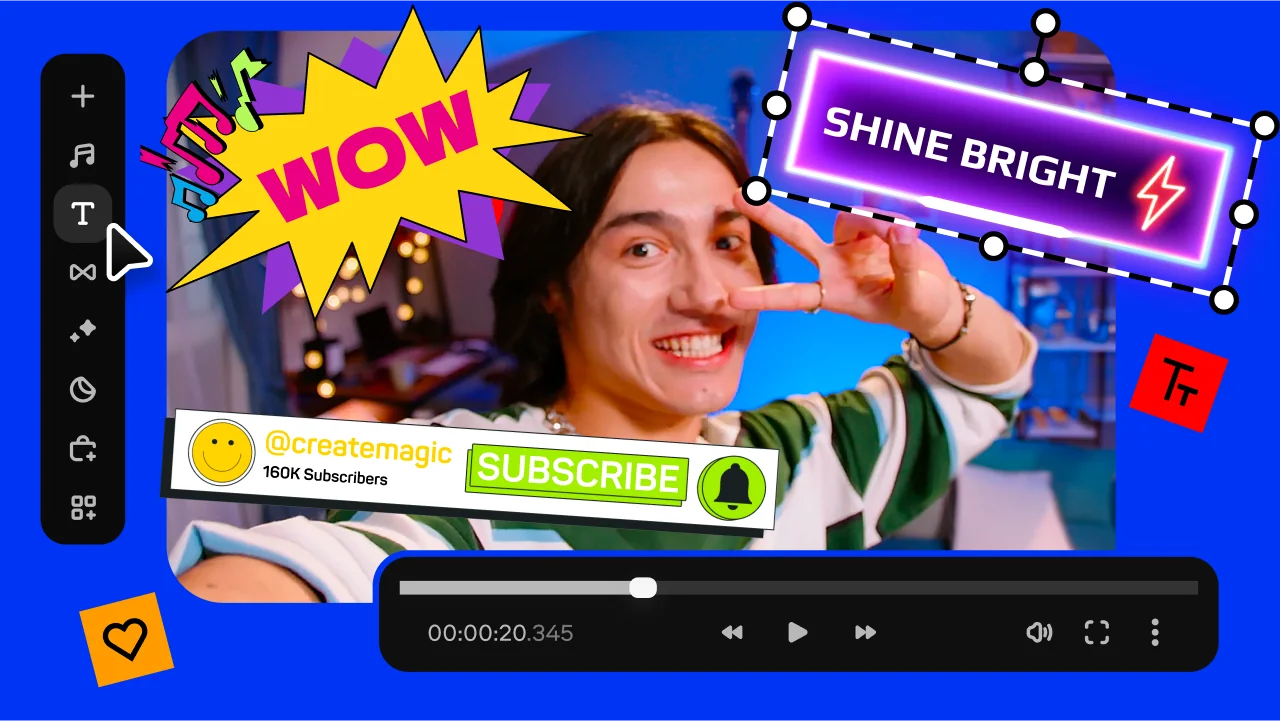
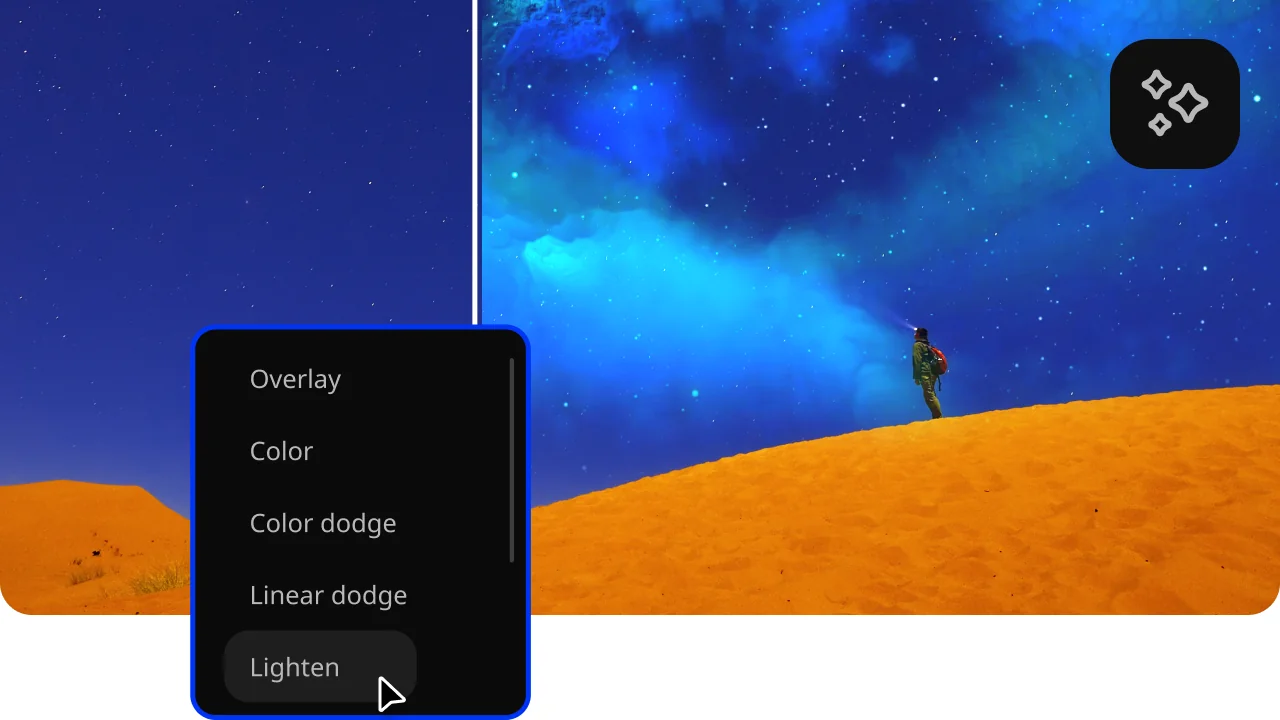
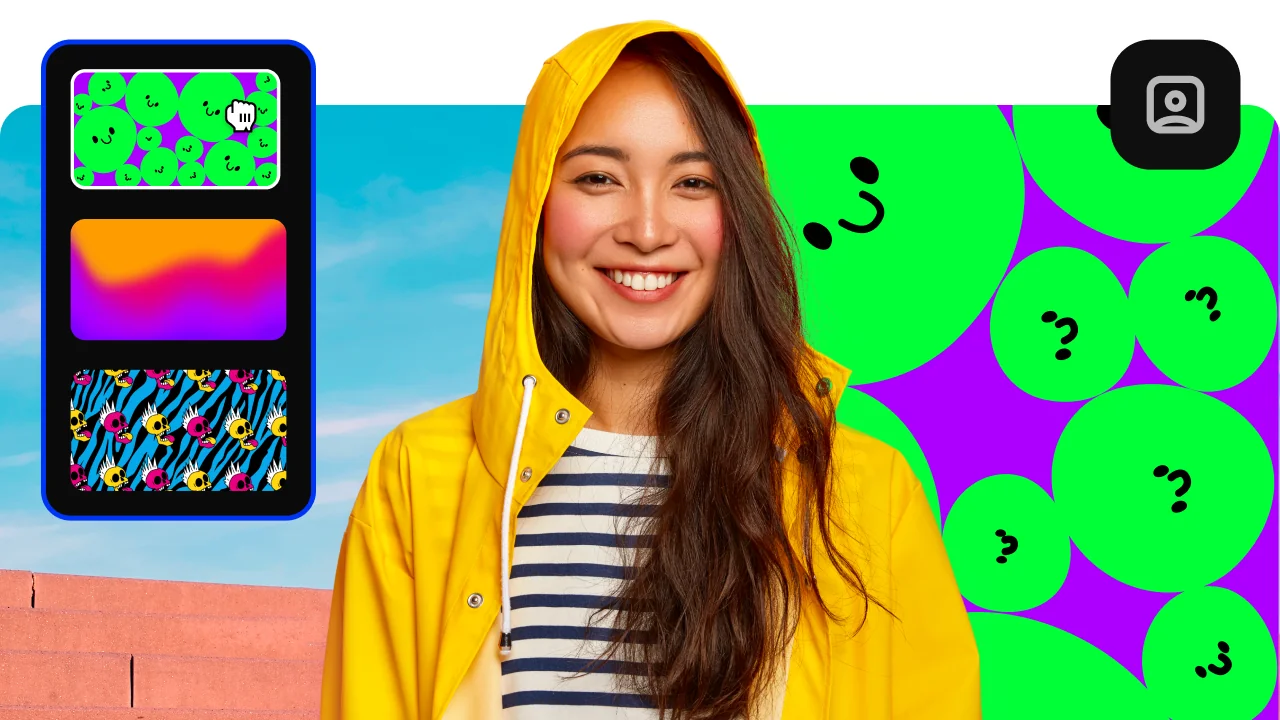
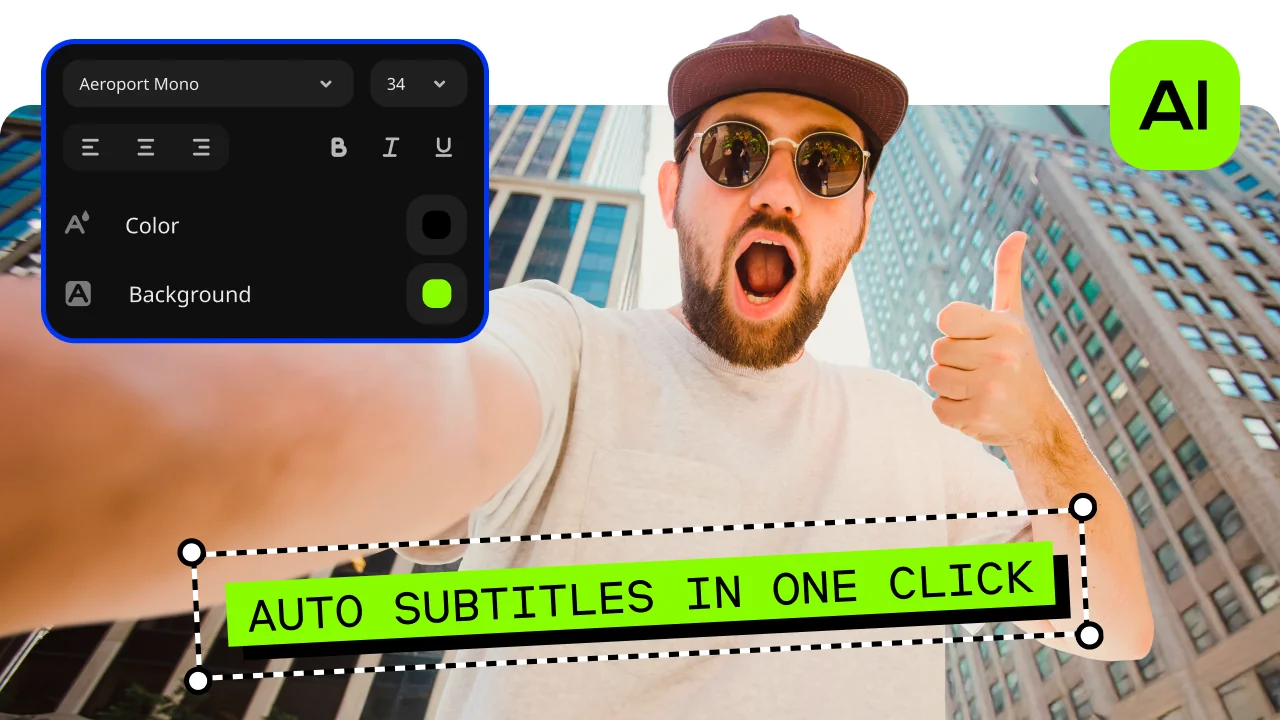
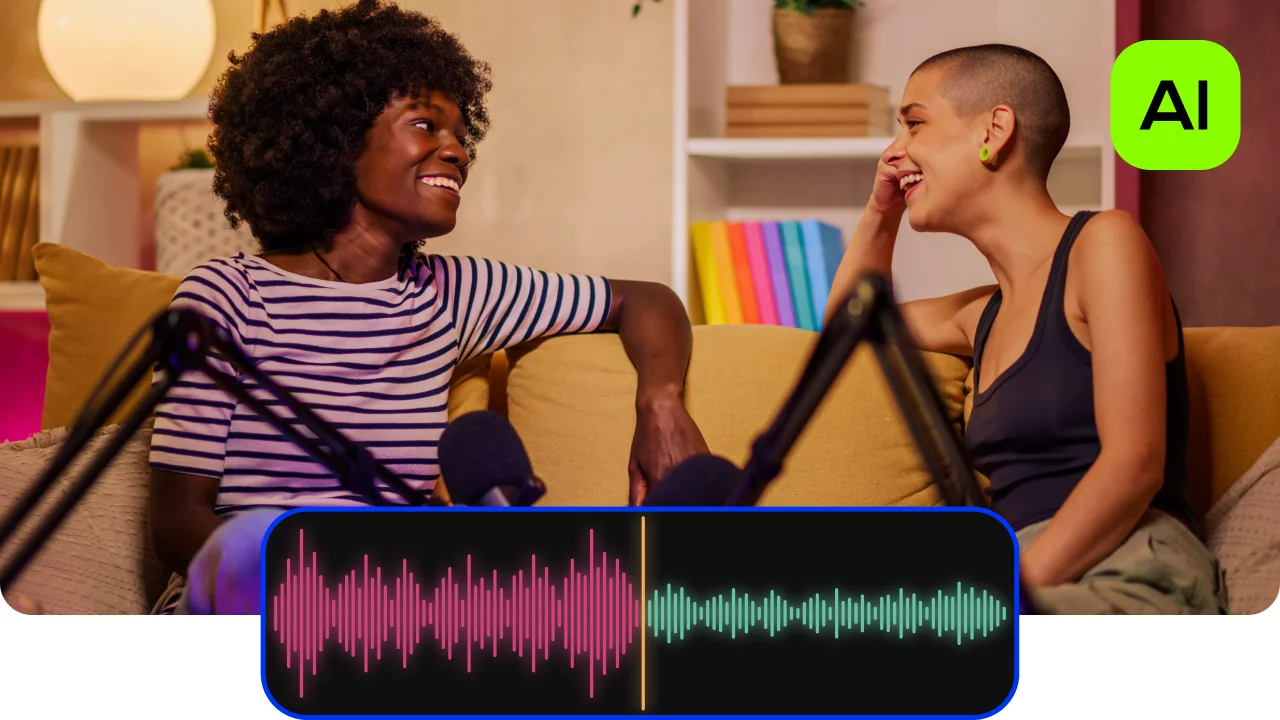
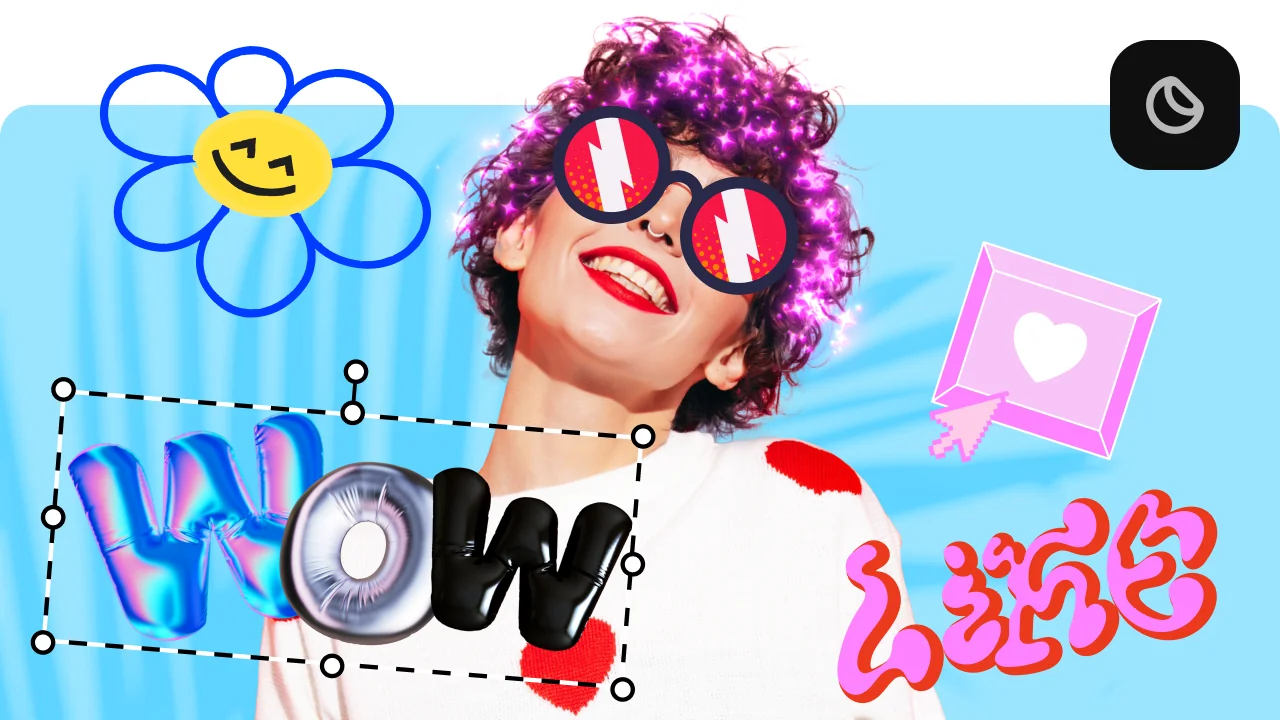
Movavi Video Editor is an intuitive video editor with customizable video templates, one-click AI tools, and hundreds of drag-and-drop effects. It's a desktop app for Windows and macOS, so a channel that jumps from a morning vlog to a game review can stay in one program for both. Movavi Video Templates is a multi-style library of customizable, pro-looking, modular templates for any kind of video. Each template arrives with music, text, transitions, and editing already set, so your very first export has a designed opener and timed cuts built from your own clips.
Key features:
- Templates built from Blocks. Each template is split into Blocks: short pre-edited segments, for example an intro, a countdown, a quick cut, or an animated collage. You drop your clips, photos, and text into them, then reorder, add, or delete Blocks, or build a video from Blocks alone.
- Niche categories in one library. Vlog, Gaming, Travel, and Beauty and fashion sit side by side.
- Channel bookends. The Intro video template and the YouTube outro video template cover the start and finish of an upload.
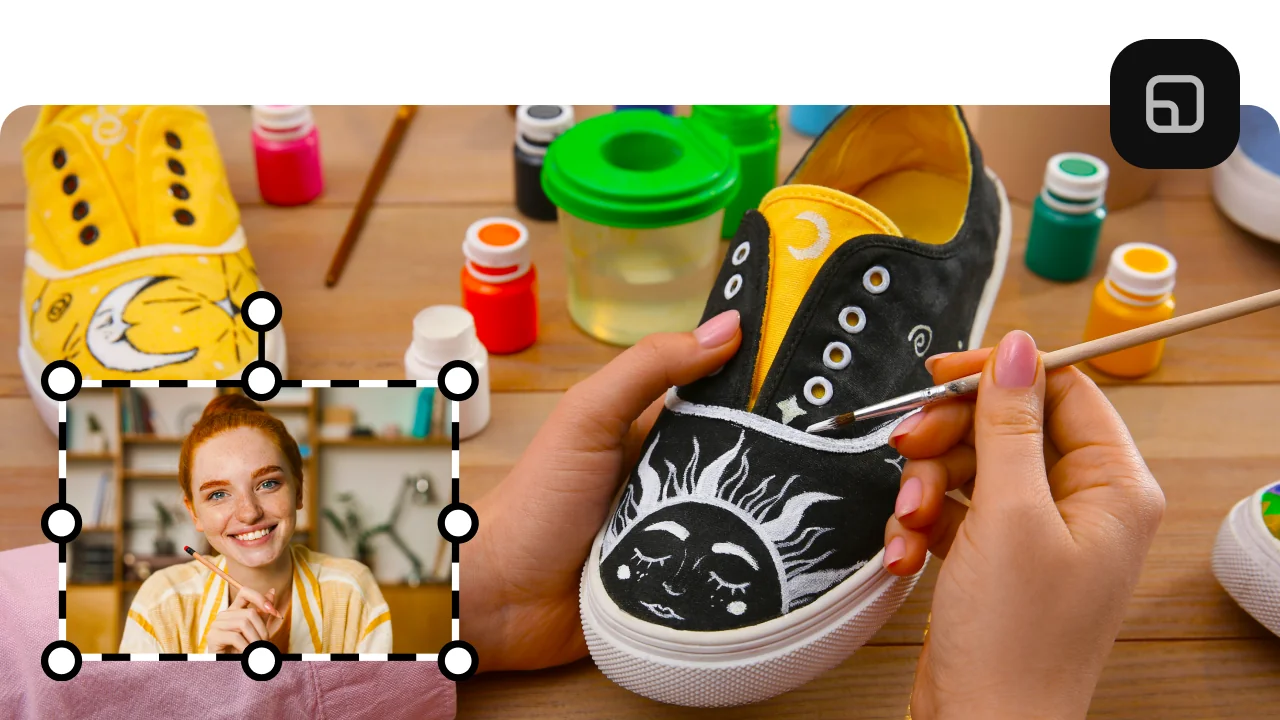
- Auto-tracked cropping. AI keeps the speaker or product centered while it reframes a horizontal video into a vertical one.
- Hover previews. Moving the cursor over a clip, transition, or effect shows it on screen before you add anything to the timeline.