
Movavi Video Editor
Best for
Lifestyle vloggers cutting travel videos, daily routines and unboxings from AVI clips.
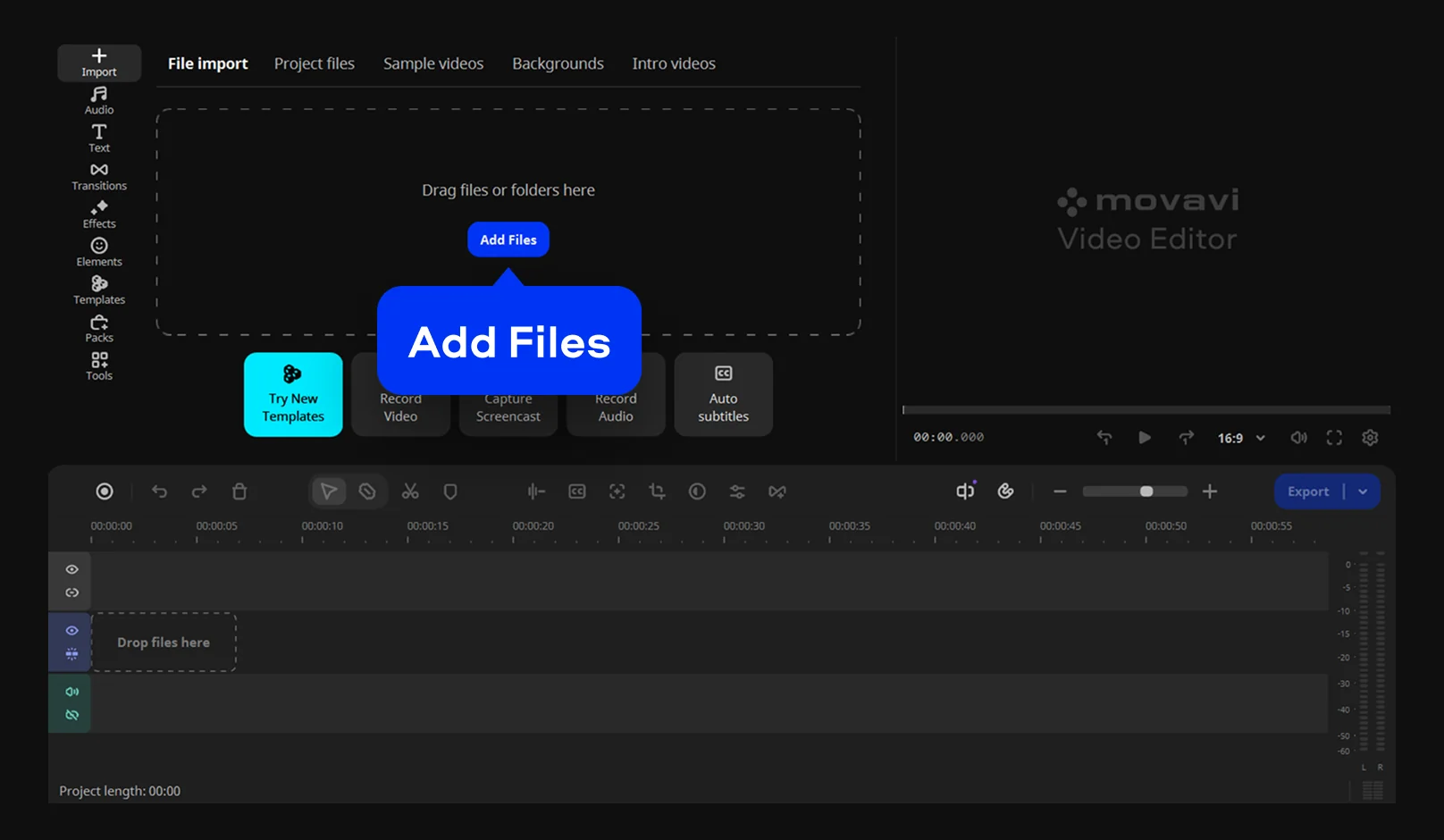
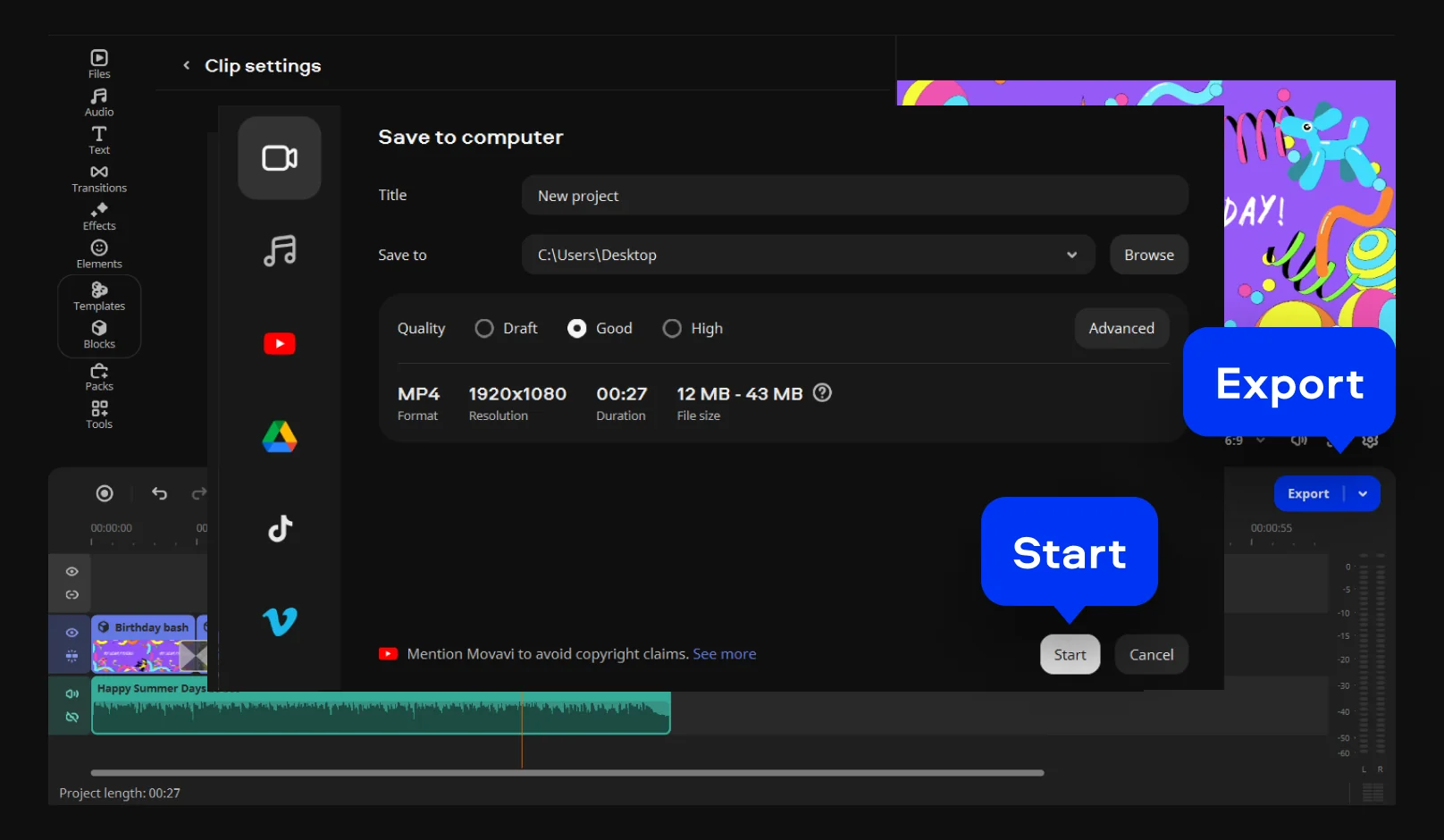
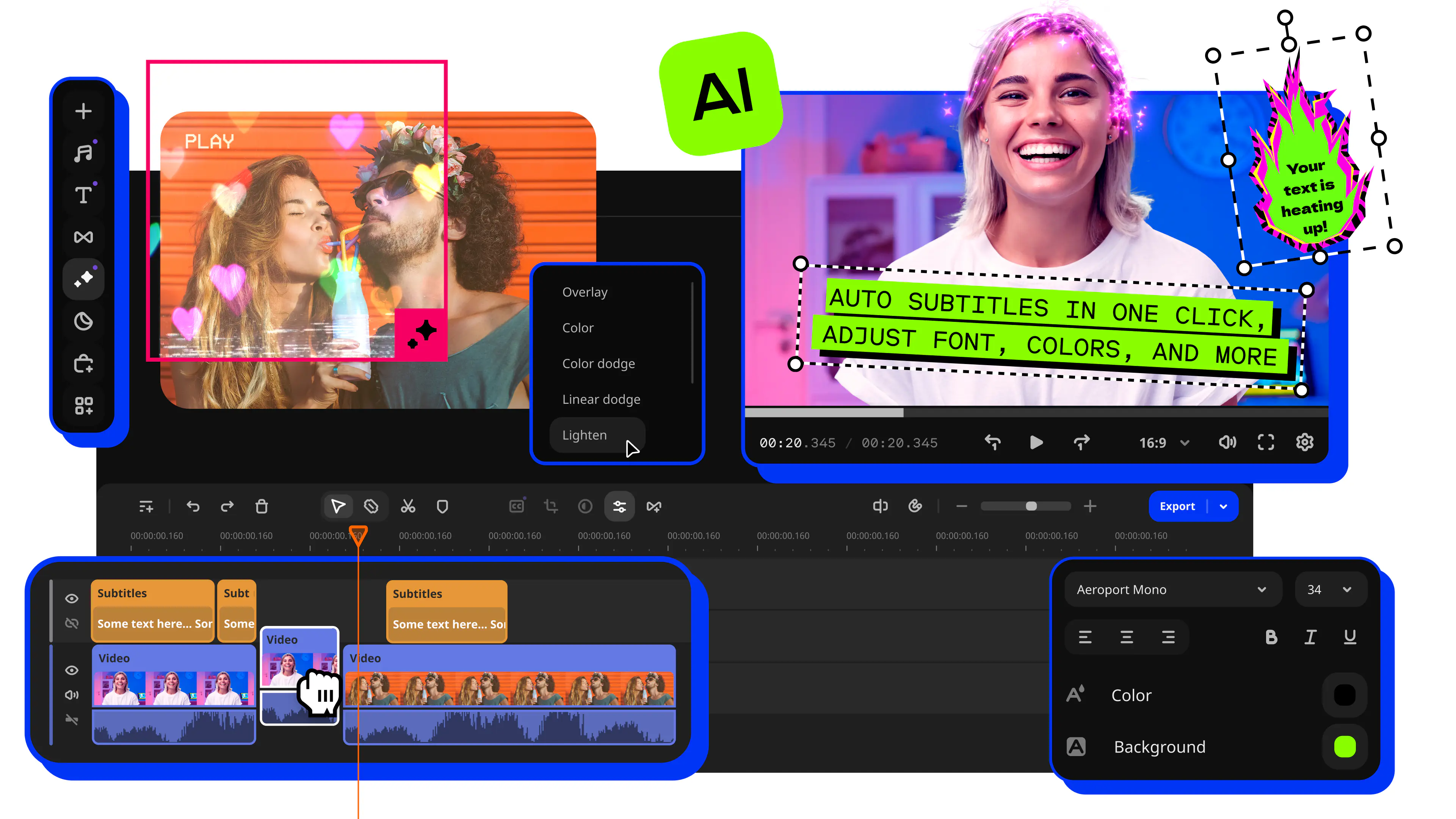
Why we picked it: Movavi Video Editor is an intuitive video editor with customizable video templates, one-click AI tools, and hundreds of drag-and-drop effects. It is a desktop app for Windows and macOS, and it handles AVI alongside MP4, MOV, MKV and WMV. Hover previews show a clip, an effect or an exact frame before you commit, so a first edit moves fast. The AI tools are all included in the full version, and there is no credit system to count.
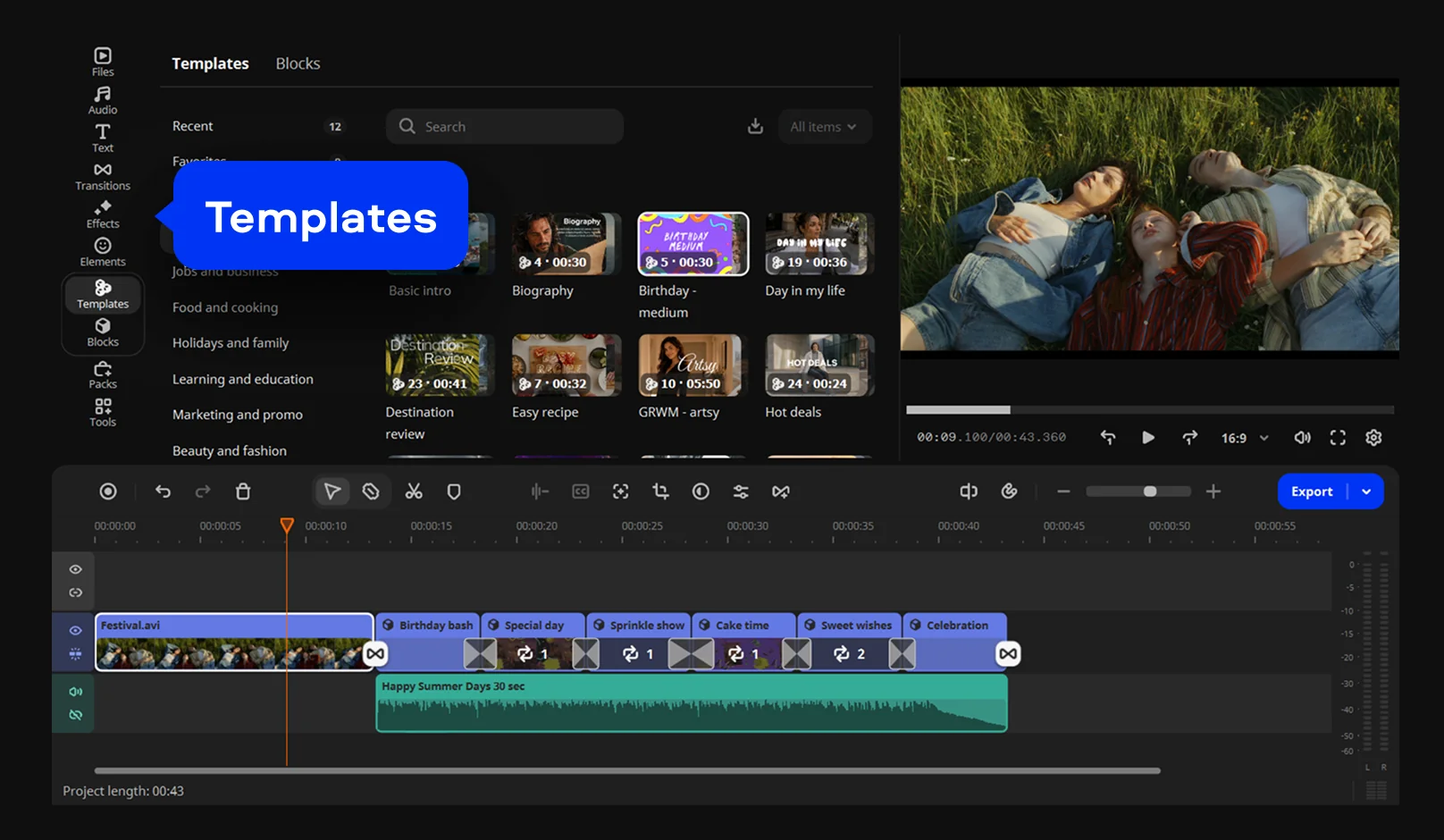
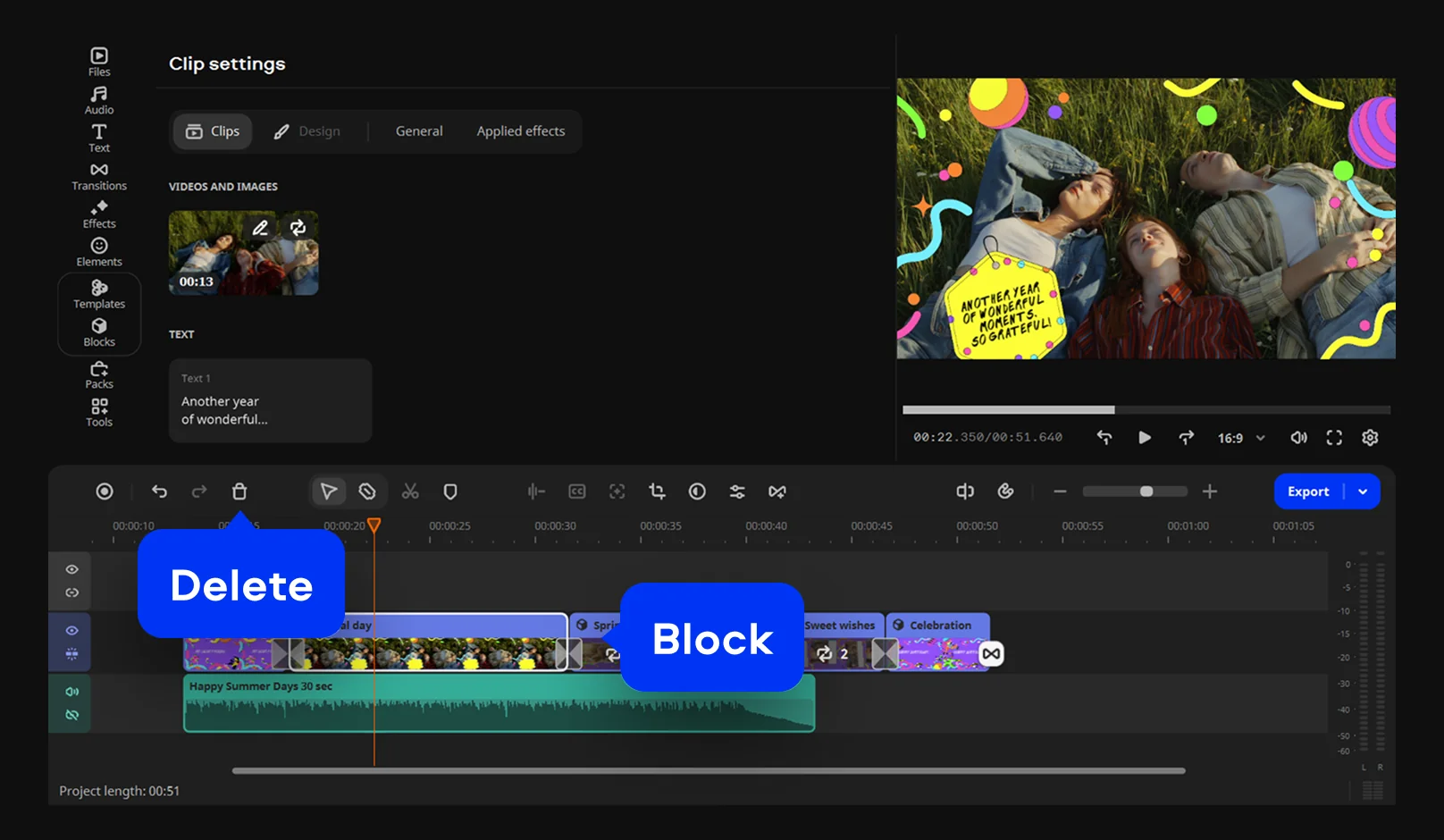
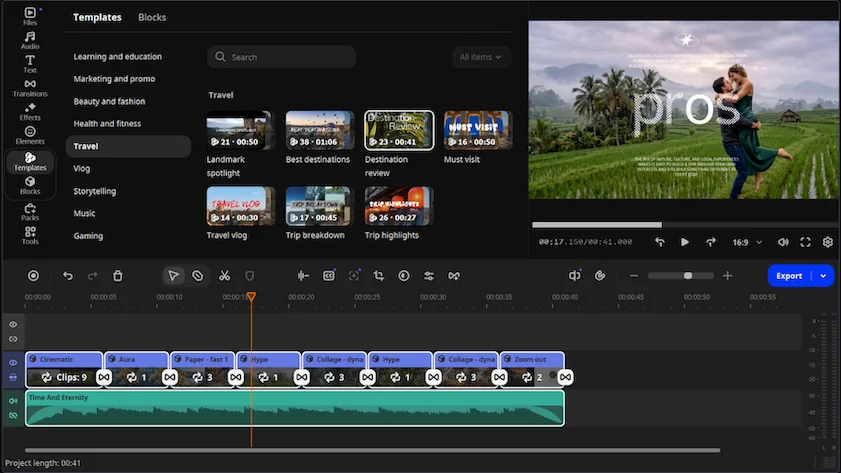
Picture a weekend trip stitched together from several AVI clips. Movavi Video Templates is a multi-style library of customizable, pro-looking, modular templates for any kind of video. Each template is built from Blocks, short segments of the video where you drop in your own clips, photos and text, and the template’s pre-set music, transitions and text stay editable. If editing is new to you, Movavi Ideas is a free tutorial hub with a new step-by-step idea every week, and each one takes under a minute to follow.
Key features:
- AVI support: the format sits among the supported video formats, and Fast Track HD acceleration speeds up processing.
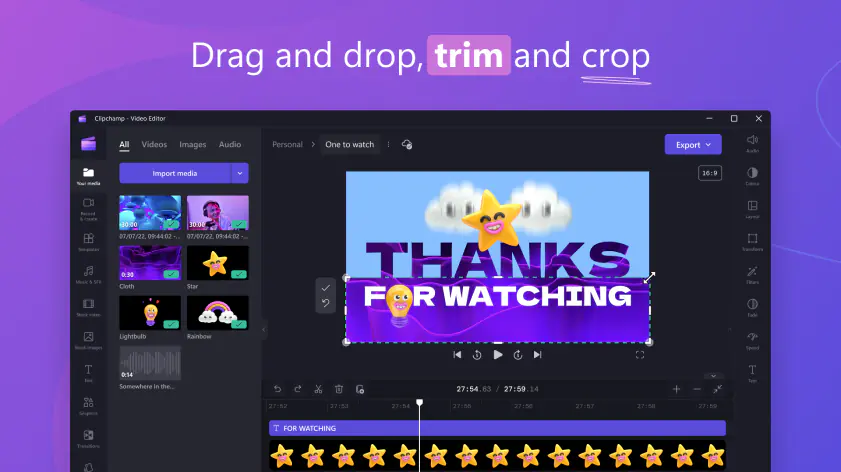
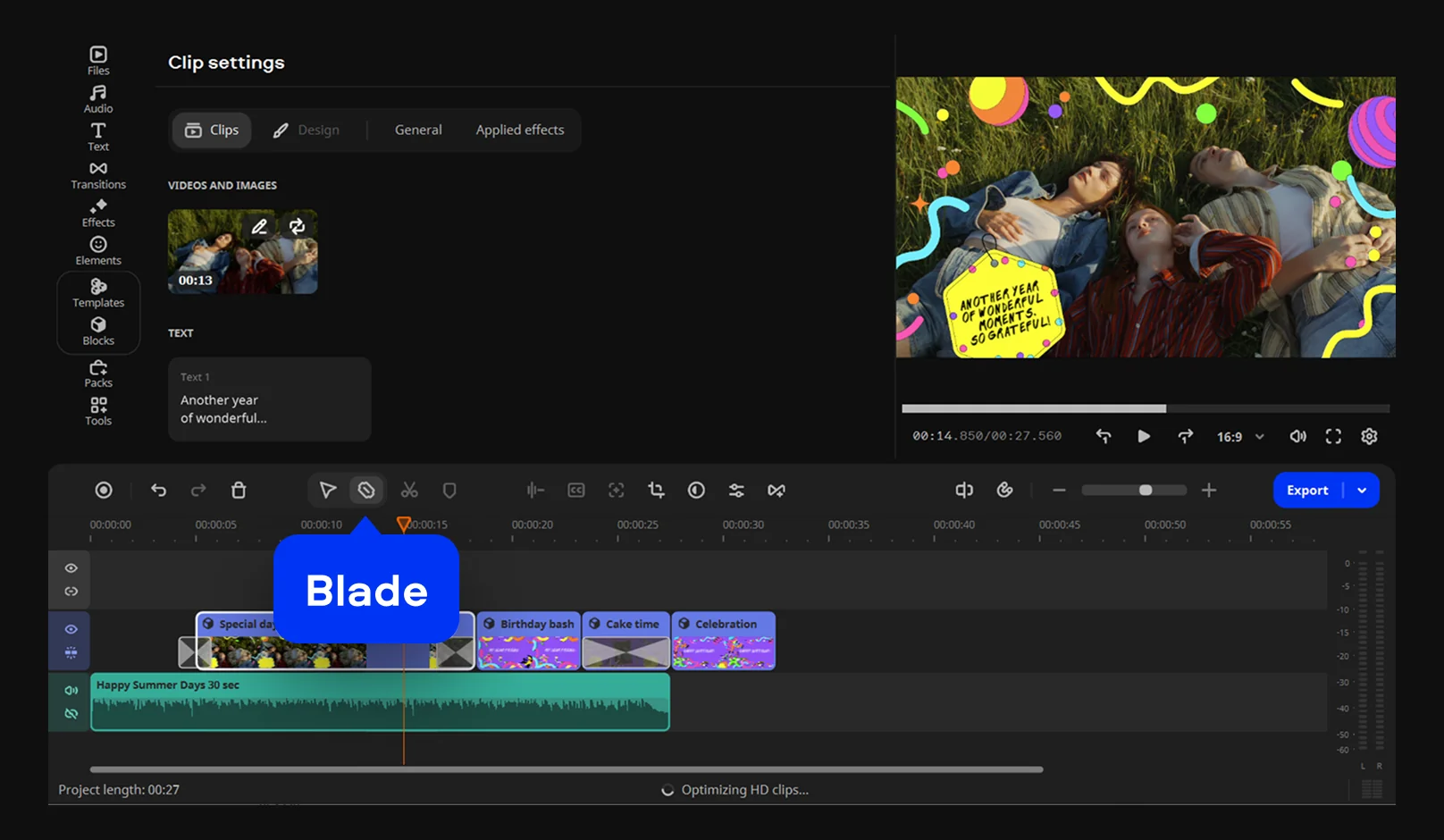
- Trimming and cropping: pre-timeline trim pulls a short segment out of a long file, the Blade tool makes instant cuts, and the crop tool resets the aspect ratio.
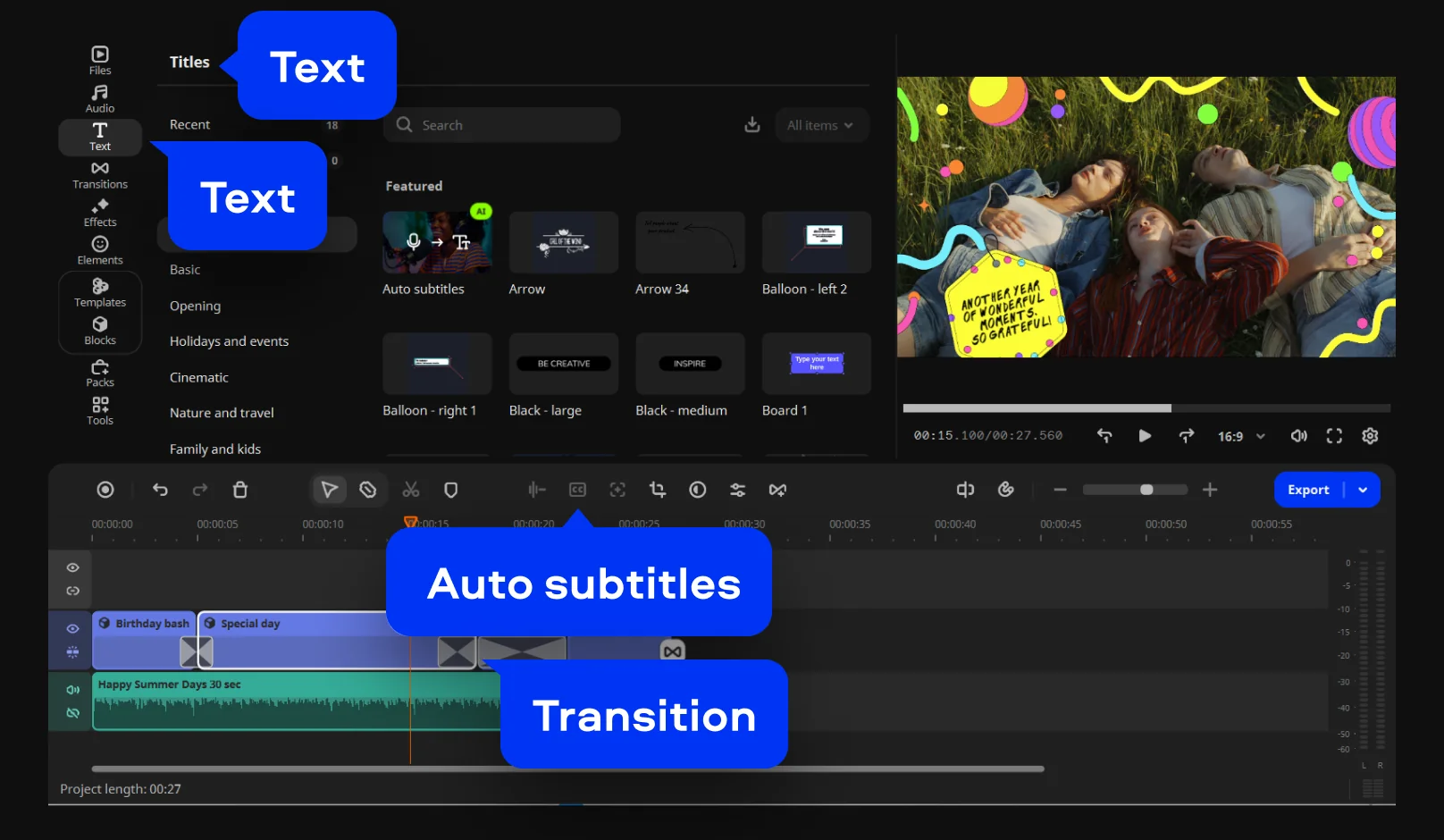
- Drag-and-drop effects: transitions with adjustable duration, titles, filters and copyright-free music.
- One-click AI: auto subtitles recognize 100+ languages, and AI motion tracking locks a graphic to a moving subject.
- Movavi Templates: reorder, add or delete Blocks to fit a short clip or a longer one. @product:idea