

Best for: lifestyle vloggers who want every episode to open and close with something recognizable, in their own style, plus gamers and tutorial authors who need an intro and outro pair for each upload.
Price and platforms: Windows and macOS. Free, Lite, and the full version from $19.95/month. The full template library comes with the Movavi Templates subscription.
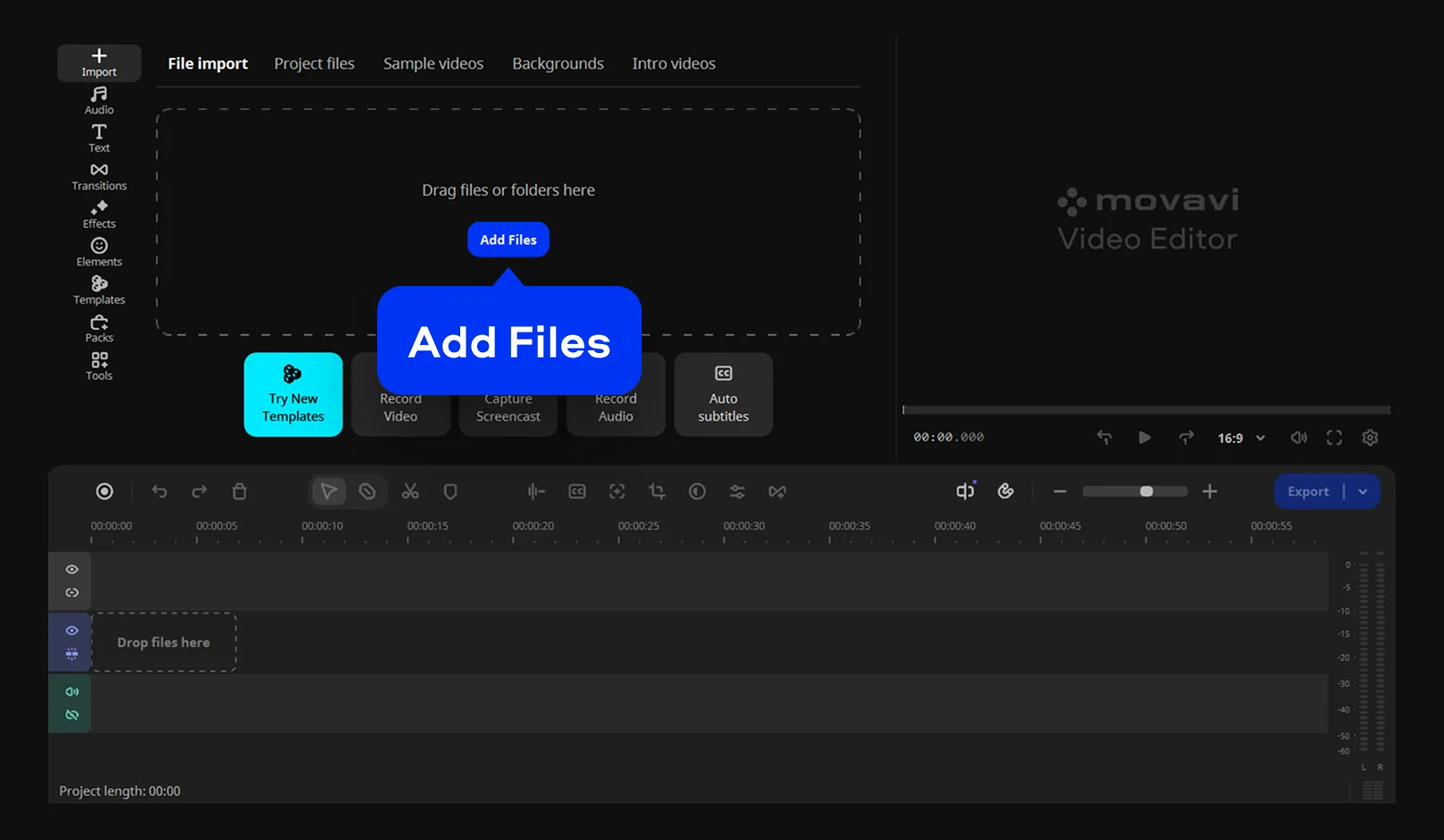
Movavi Video Editor is an intuitive video editor with customizable video templates, one-click AI tools, and hundreds of drag-and-drop effects. It's a desktop app for Windows and macOS that works offline. For a travel vlog or a weekly game review, that means your channel opener sits in the same project as the episode you're cutting.
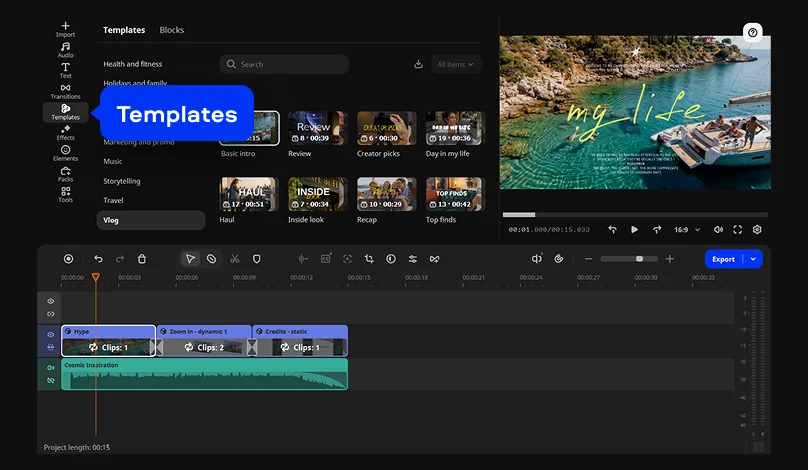
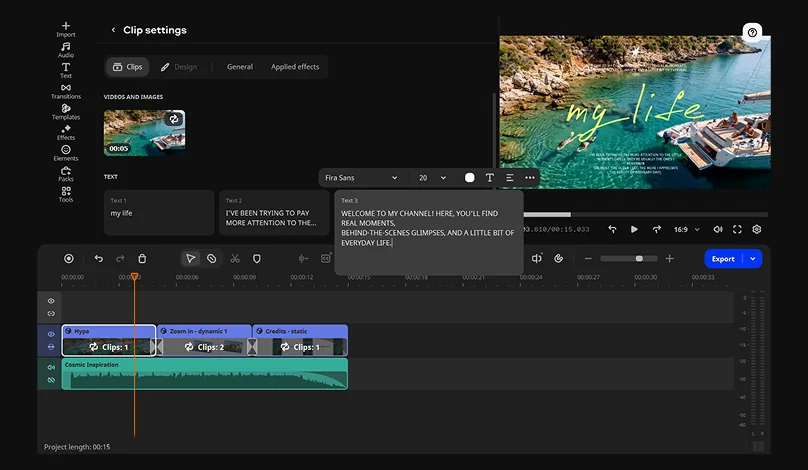
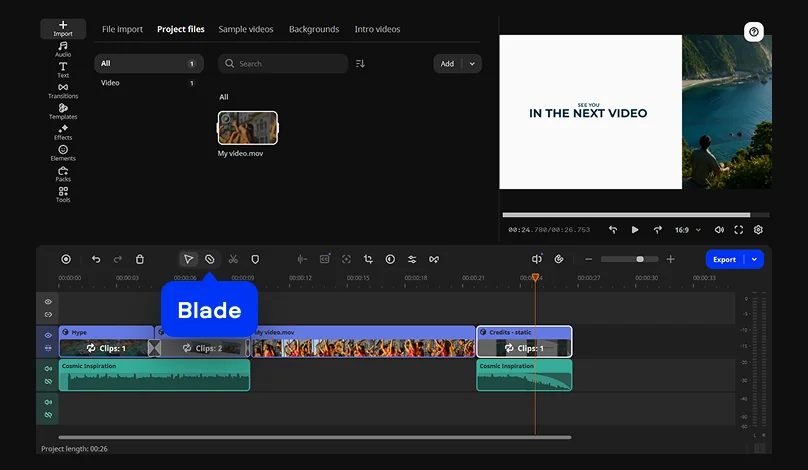
Movavi Video Templates is a multi-style library of customizable, pro-looking, modular templates for any kind of video. Each template is a ready-made project split into Blocks, short pre-edited parts of the video such as an intro, a countdown, or an animated collage. Text, transitions, and effects already sit inside every Block, and the template comes with its own music. You drop in your clips and channel name, and the first export already has its timing and transitions in place. You can keep, change, or remove any of it, so this intro maker and outro maker in one doesn't lock you into someone else's style.
The editor itself stays out of the way: hovering over a clip, effect, or transition previews it instantly, and anything you pick goes onto the timeline by drag-and-drop.
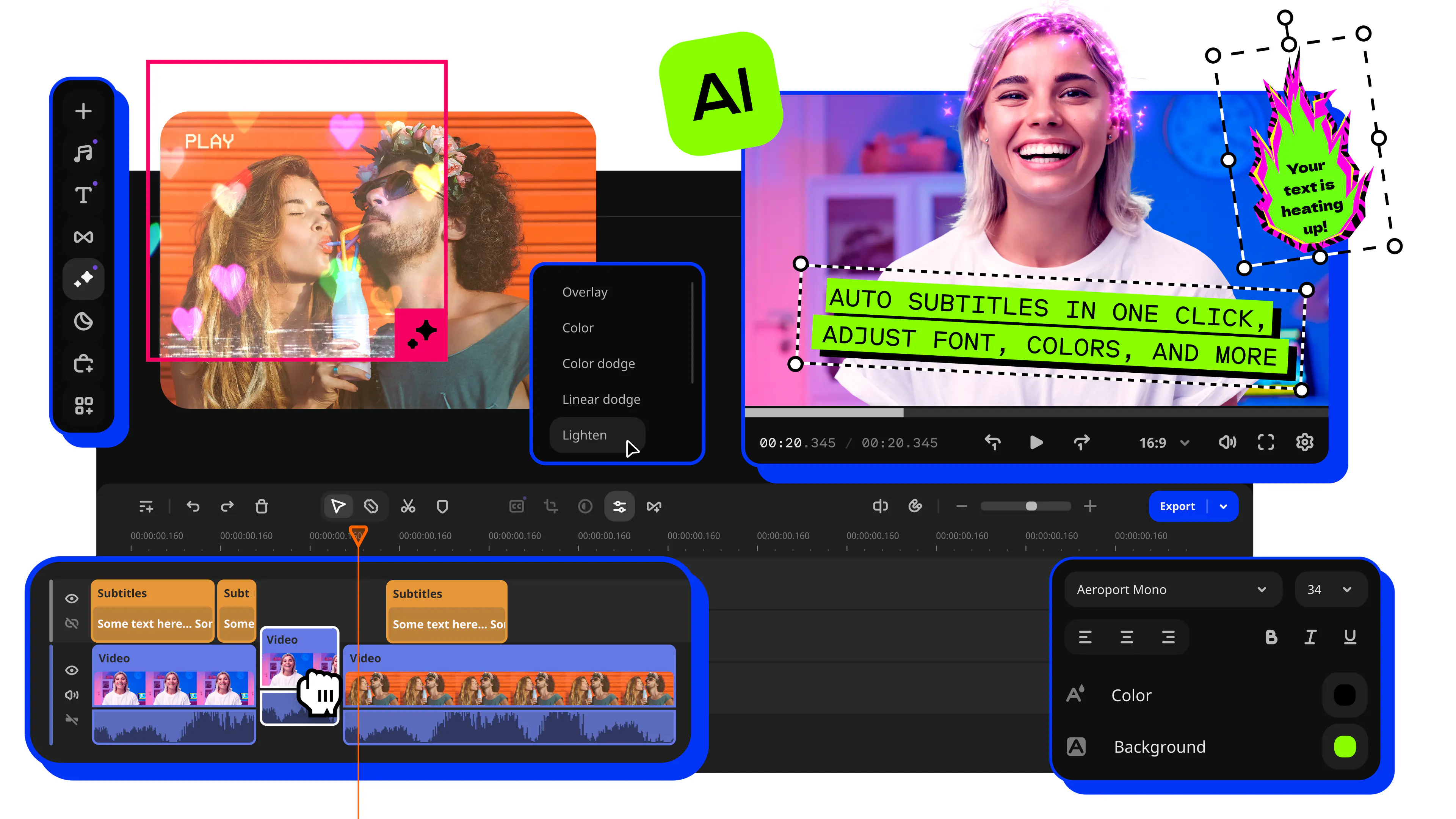
The AI tools take over the tedious parts of each episode in one click: auto subtitles in 100+ languages for a tutorial, silence removal for a talking-head review, audio noise removal for a voiceover with a steady hum behind it, and auto-tracked cropping that keeps you centered when the intro goes vertical.
Key features:
- Video templates. Reorder, add, or remove Blocks to fit a long tutorial or a short highlight edit.
- Custom title presets. Restyle a title with your fonts, colors, and outlines, then save it as a preset for the next episode. A separate timer title handles on-screen countdowns.
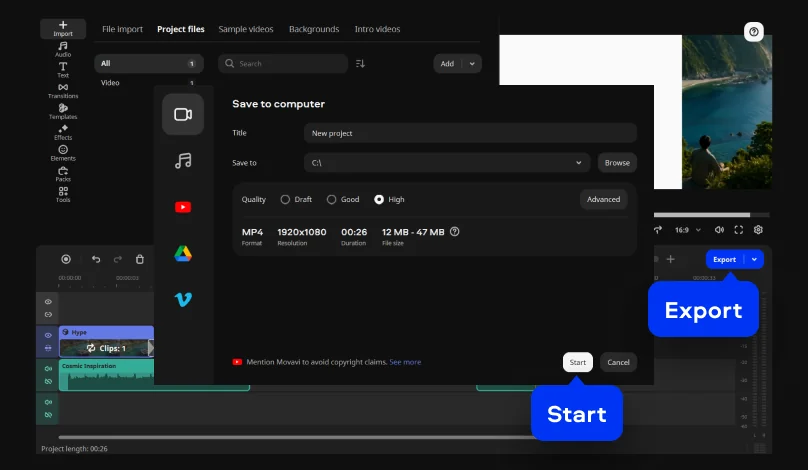
- Direct upload to YouTube. Export and publish in one go, with the title, description, privacy, and tags set inside the editor.
- Effects for every style. Hundreds of built-in titles, transitions, filters, and overlays come with copyright-free music. The Movavi Effects subscription adds 10,000+ elements, intros among them, and 1,500+ music tracks, and you can preview any of them on your own footage before buying.