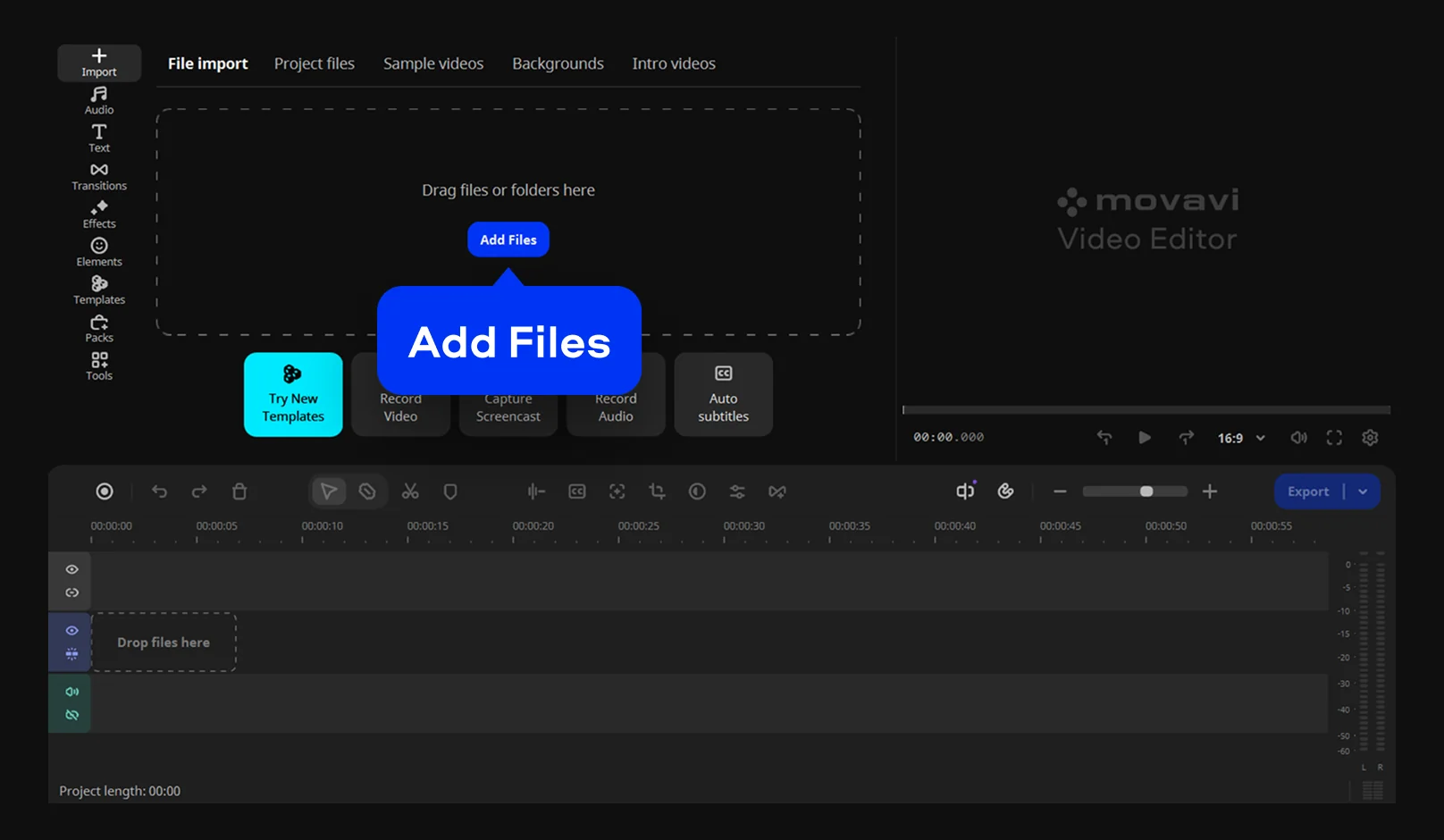

Movavi Video Editor
Best for
Lifestyle vlogs and unboxings reframed for TikTok, Reels and Shorts, and brand videos cut for Instagram or Facebook
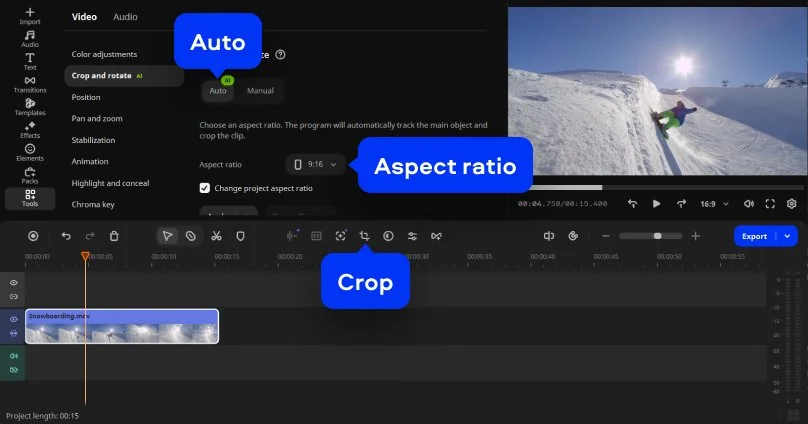
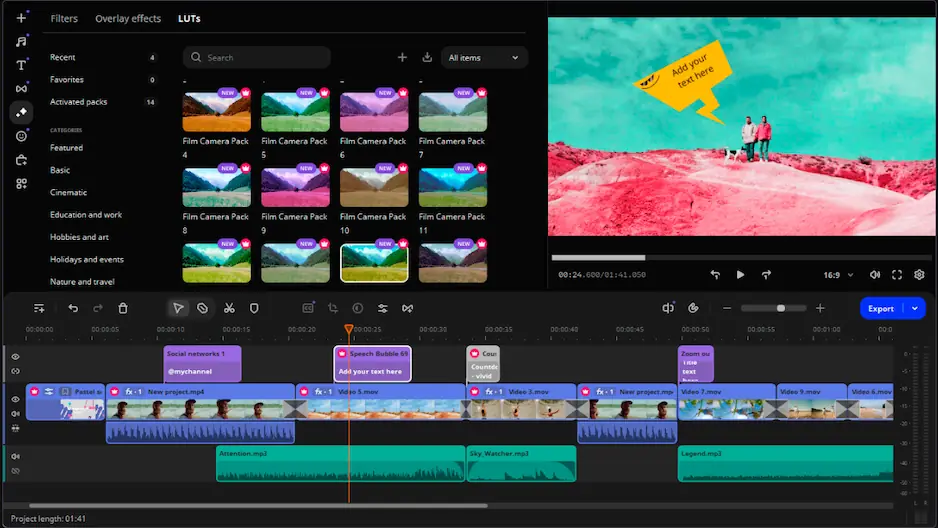
Why we picked it: Movavi Video Editor is a desktop app for Windows and macOS with two ways to crop. Auto mode uses one-click AI to follow the speaker or product as a horizontal clip becomes vertical, and Manual mode lets you drag the frame to remove black bars. Hover previews show exact frames before you export, and Movavi Ideas offers free step-by-step tutorials for your first vertical clip.
Key features:
- Auto mode: AI tracks the subject and crops around it
- Manual mode: you drag the crop frame, which also removes black bars or fixes mismatched aspect ratios
- Pre-timeline trimming: pull a short segment from a long source file before it enters the project
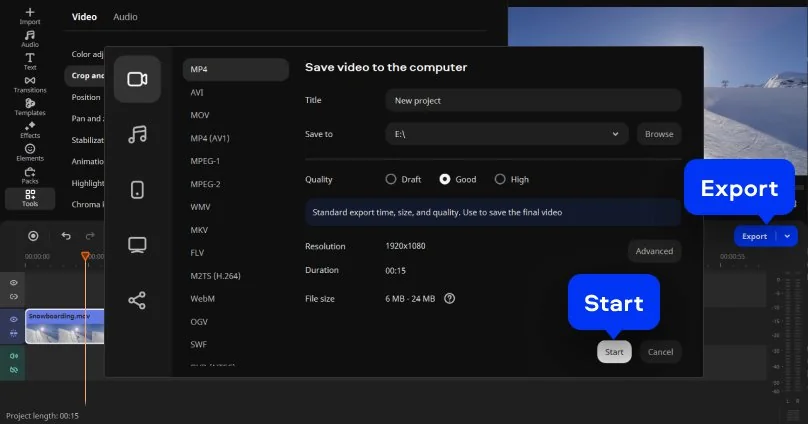
- Video formats: handles MP4 and MOV, among others, with adjustable resolution, aspect ratio and quality on export