

Best for: lifestyle vlogs, unboxings, and travel videos, plus quick Instagram ads for a small brand.
Price and platforms: Movavi Video Editor Free costs nothing; the full version is from $19.95/month. Movavi Video Editor Lite is also available. A desktop app for Windows and macOS.
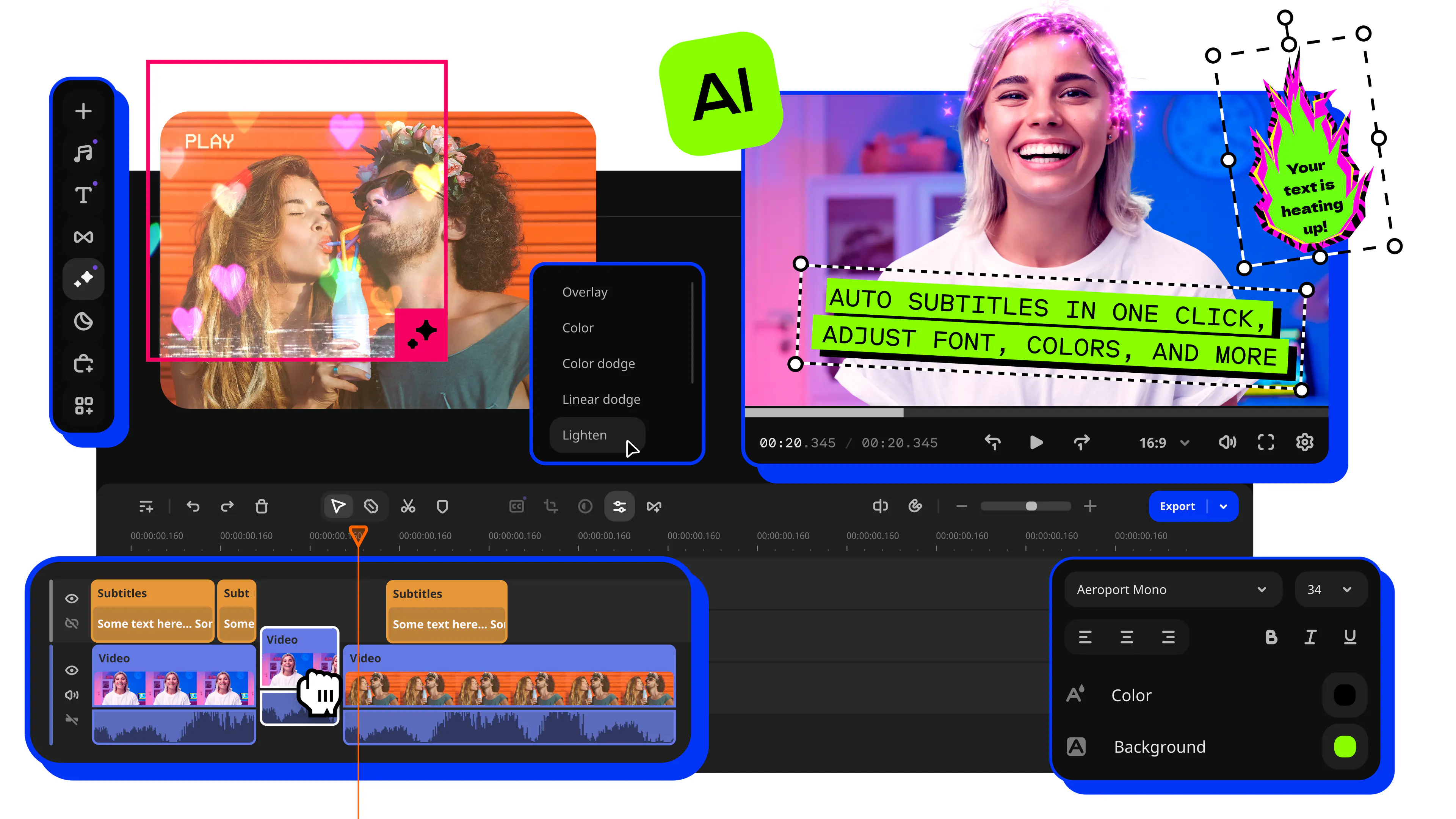
Movavi Video Editor is an intuitive video editor with customizable video templates, one-click AI tools, and hundreds of drag-and-drop effects. You hover over a clip or effect to preview it, then drag it onto the timeline, so you spend your time on the vlog rather than on figuring out the software. Most tools work in a single click, so even your first vlog can go out with clean cuts, captions, and music.
Vs. Filmora: every one-click AI tool comes with the full version, so there are no AI credits to track. Hundreds of drag-and-drop effects and copyright-free music are built in, and if you want more, the Movavi Effects subscription adds 10,000+ effects and 1,500+ music tracks for every theme and mood, all previewable on your own video before you pay. You start free and add only what you need, instead of moving up a tier ladder to unlock AI.
Key features:
- Movavi Video Templates. Movavi Video Templates is a multi-style library of customizable, pro-looking, modular templates for any kind of video. Each template is a ready-made project built from Blocks, short pre-edited parts such as an intro, a countdown, or an animated collage. Music, text, and transitions come pre-set; you drop your own clips into the Blocks, then reorder, add, or remove Blocks to fit a short unboxing or a longer travel recap. Several templates come with the full version at no extra charge.
- AI subtitles with active word highlighting. Speech turns into captions in 100+ languages with 99% transcription accuracy, in 60+ designs, and each word lights up as it's spoken.
- Auto-silence removal and AI audio noise removal. One click cuts the pauses out of a talking-to-camera routine vlog; another strips traffic, wind, and hum, with 95% noise reduction.
- Auto-tracked cropping. Turn a horizontal product ad into a vertical Instagram Reel, and the AI keeps the product centered as it moves.
- AI motion tracking. Lock a name tag or arrow to a moving player in a game highlight in one click.