Movavi’s video speed controller is built for simplicity and speed. It works directly in your web browser, allowing you to change video speed online without downloading a full editor. It works with common formats such as MP4, AVI, and MOV.
Movavi Video Editor
With the Movavi video speed editor, you can change how fast or slow your video plays in just a few clicks. It’s a simple way to adjust the pace of your clips without using more advanced editing tools.
By clicking the download button, you're downloading a free version of the program.*
Сhange Video Speed Online for Free
How to use Movavi’s online video speed controller
Step 1. Upload your video
Click the Upload Files button to select the clip you want to adjust. If your clip is saved in MP4, AVI, or MOV format, it should be ready to process fast without extra conversion.
Step 2. Adjust the playback speed
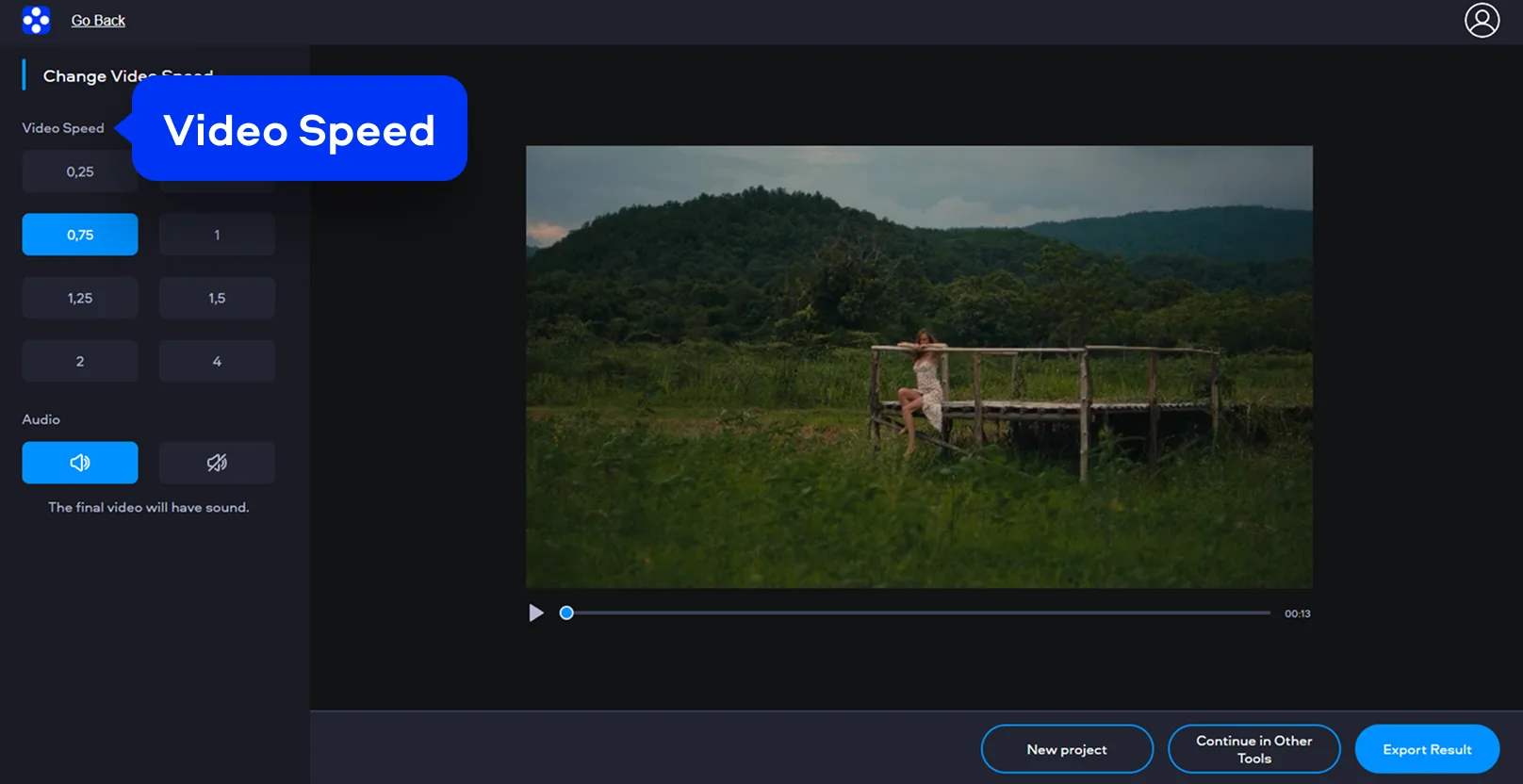
Use the speed control to choose the pace you need. You can make the video faster for short-form content, time-lapse style clips, or quicker playback. You can also make it slow if you want motion to look more deliberate or easier to follow. A preview helps you check whether the new timing feels natural before export.
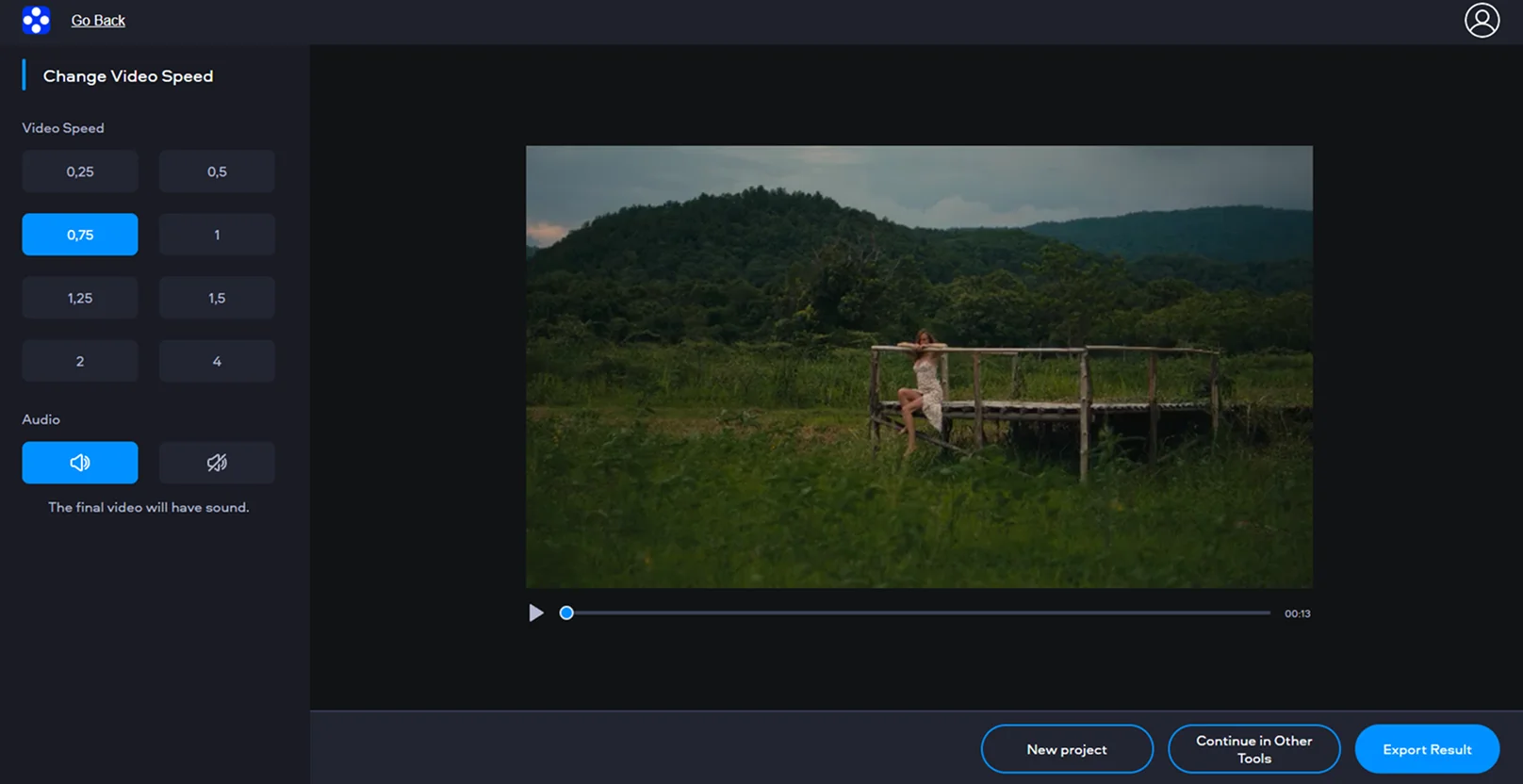
Step 3. Export the result
When the speed looks right, export the file and download it to your device for free.

Why choose Movavi
We’re the #1 choice for millions of people from all around the world. Join our thriving community and create stunning content with incredible ease.
Millions


of users
countries
updates per year
effects to choose from
Frequently asked questions
How can I speed up video for free?
How can I speed up video for free?
You can speed up video on this page by uploading a file, choosing a higher playback speed, and exporting the result. For short edits, this is often the simplest way to make a clip faster for free without using a more advanced program.
Does this video speed editor work with all formats?
Does this video speed editor work with all formats?
Movavi’s tool supports almost any popular format such as MP4, AVI, or MOV, so you can change video speed online without worrying about compatibility issues.
Can I save my video without watermark?
Can I save my video without watermark?
Absolutely. When you use our online video speed controller, you can export your adjusted clips without watermark, so your creative vision remains clear and professional.
Is it safe to upload my clips here?
Is it safe to upload my clips here?
Your privacy is our priority. Any file you upload is processed through a secure connection and is automatically deleted from the servers after 24 hours. It’s a safe, fast, and reliable way to edit your videos.
Can I make my video slow for free?
Can I make my video slow for free?
Yes. The video speed controller is not limited to faster playback. You can also lower the speed for free if you want to stretch a moment. Just keep in mind that very strong slow-motion changes may look less smooth if the original clip was not recorded at a high frame rate.
Can I use Movavi Online Video Editor on Android and iPhone?
Can I use Movavi Online Video Editor on Android and iPhone?
Yes – it works on both Android and iPhone, and it’s free to use.
Is Movavi Online Video Editor completely free?
Is Movavi Online Video Editor completely free?
Yes. All features are available for free – no payment required.
Does Movavi Online Video Editor add a watermark when exporting videos?
Does Movavi Online Video Editor add a watermark when exporting videos?
No. You can export videos without a watermark.
Movavi Video Editor
Create awesome videos easily
*The free version of Movavi Video Editor may have the following restrictions depending on the build: watermark on exported clips, 60-second video or 1/2 audio length limit, and/or some advanced features unavailable when exporting videos.
Join us for discounts, editing tips, and content ideas


1.5M+ users already subscribed to our newsletter