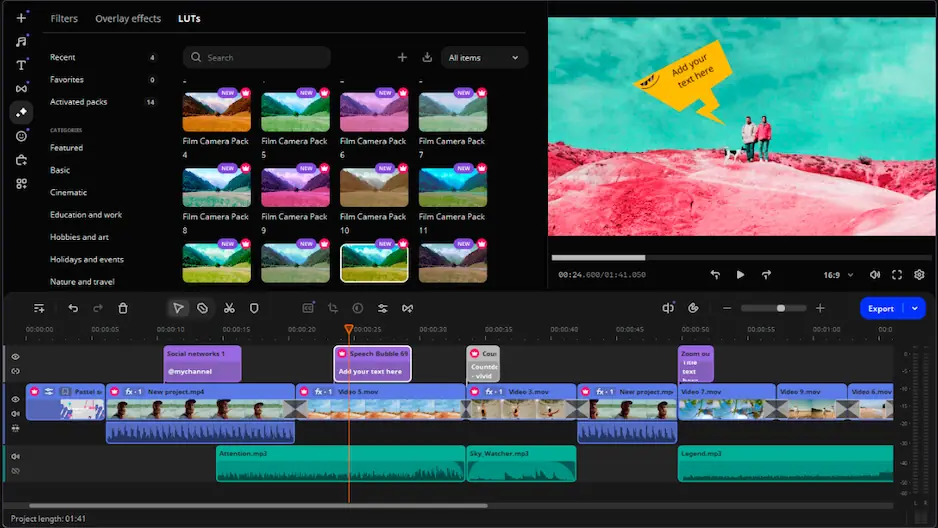

Movavi Video Editor

If you want to remove wind noise or any distracting sound in the back from a recording, you can mute video. The tool helps to quickly clear the original audio to prepare footage for a new music track, voiceover, or silent playback.

By clicking the download button, you're downloading a free version of the program.*

Remove Audio from Video Online for Free

How to use our online sound remover

As a dedicated audio remover, the tool can remove sound from video without complex steps. It functions within a web browser so you’re able to edit files online. You can upload a file in MP4 for better browser processing, but any other common format like MOV and AVI is also supported.

Follow these steps to mute video online:

Step 1. Upload your video

To begin, click Upload Files and choose a clip from PC. The video is ready for editing within a short time due to fast processing speed.

Step 2. Remove the sound

Click Go to feature, and the tool will remove audio from video automatically. That can be used to mute video, remove voice, or cut out unwanted background noise.

Step 3. Save your silent clip

When the process ends, download the muted video for free. The file is saved without watermark.

Movavi Video Editor
Create awesome videos easily

*The free version of Movavi Video Editor may have the following restrictions depending on the build: watermark on exported clips, 60-second video or 1/2 audio length limit, and/or some advanced features unavailable when exporting videos.

Movavi Video Editor

Why choose Movavi

We’re the #1 choice for millions of people from all around the world. Join our thriving community and create stunning content with incredible ease.

70M+

users

190+

countries

15+

updates per year

10,000+

effects to choose from

Frequently asked questions

How can I mute video online for free?

Upload the clip in the browser tool and mute the video. After that, save the result for free. You can do the same steps to remove sound from video before export.

Can I remove audio from video and save it without watermark?

Yes. The online remover exports finished clips without watermark. After that, you can use them for YouTube, Instagram, or personal use.

What formats does the tool support?

MP4 is a common format choice when you mute video online, and it usually works without extra steps. AVI, MOV, and other modern file types can be uploaded as well.

How do I remove voice or unwanted noise?

Upload the clip to the mute video tool and remove the full audio track. That will remove voice along with other unwanted sounds in the file, since it silences the whole audio segment rather than separate parts of it.

Is it safe to upload my file here?

All clips you upload via browser to remove audio from video are sent through a secure connection. The stored data is removed from the servers after 24 hours.

Movavi Video Editor
Create awesome videos easily

*The free version of Movavi Video Editor may have the following restrictions depending on the build: watermark on exported clips, 60-second video or 1/2 audio length limit, and/or some advanced features unavailable when exporting videos.

Movavi Video Editor
Join us for discounts, editing tips, and content ideas

1.5M+ users already subscribed to our newsletter

By signing up, I agree to receive marketing emails from Movavi and agree to Movavi's Privacy Policy.