Movavi Screen Recorder
The perfect way to record anything from your screen
Disclaimer: Please be aware that Movavi Screen Recorder does not allow capture of copy-protected video and audio streams.
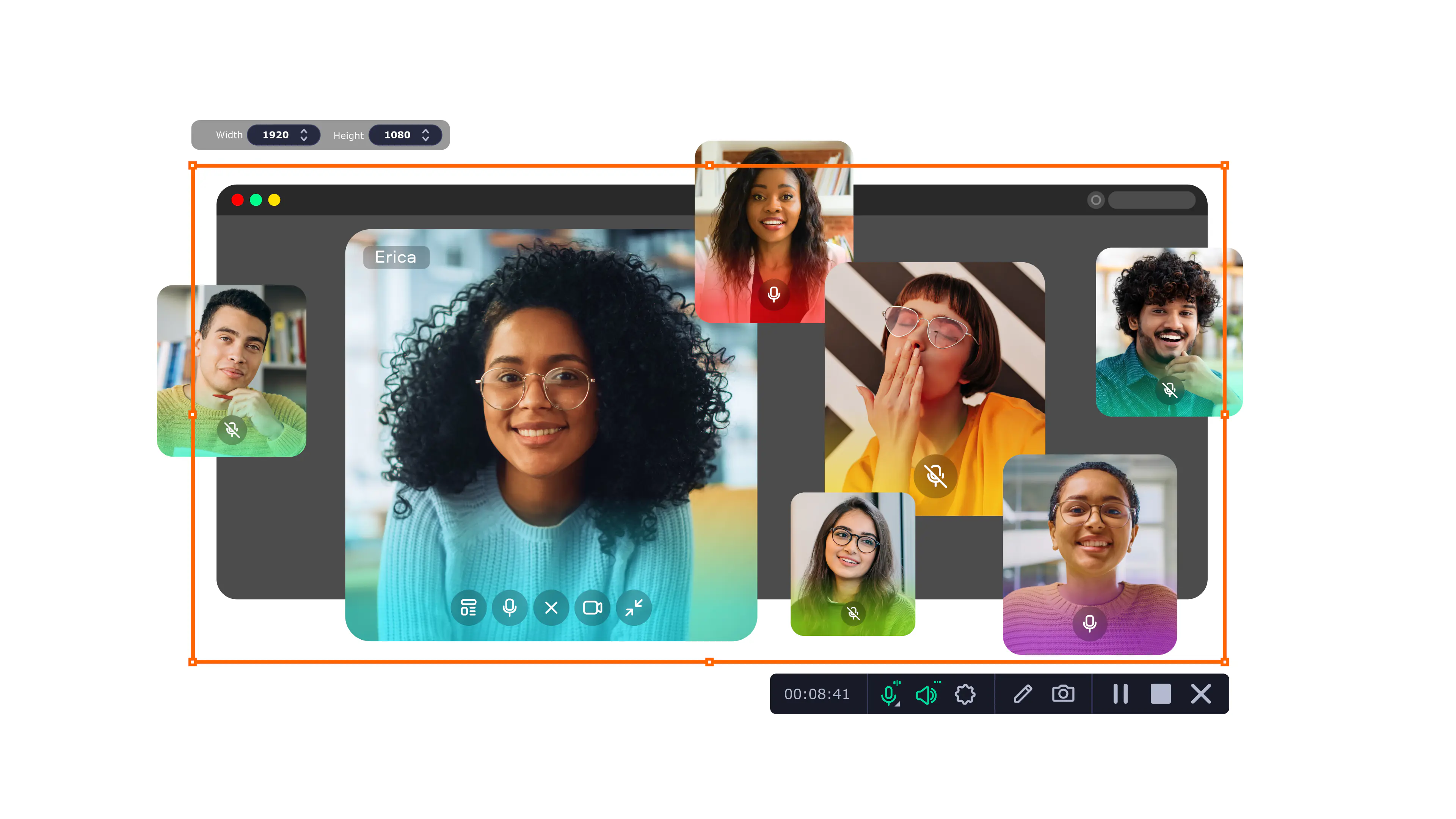
Try Movavi Screen Recorder!
Easy capture
Webcam recording
High-quality footage

Though there are many YouTube downloaders, they only allow you to download the whole video. In most cases, you only want a specific portion of the video. In this case, a YouTube screen recorder is the ideal option. The key, however, is choosing the best YouTube recorder. So if you’re wondering what software YouTubers use to record their screen, check out our recommended screen recorders.
Though there are free options, the best YouTube recording software is usually paid for. Here are the top picks to help you choose the best option. Each screen recorder for a PC offers specific features, so it should be easy to pick the best screen recorder for YouTube videos according to your needs.
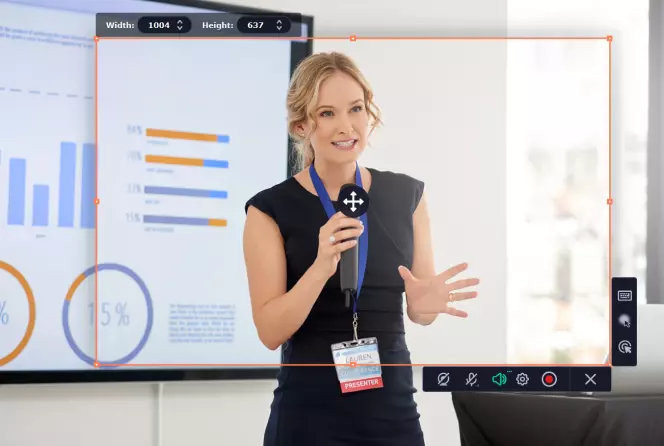
OS: Windows, macOS.
Price: free version with some limitations, $69.95 for the full version.
Best for fast and easy screen recording.
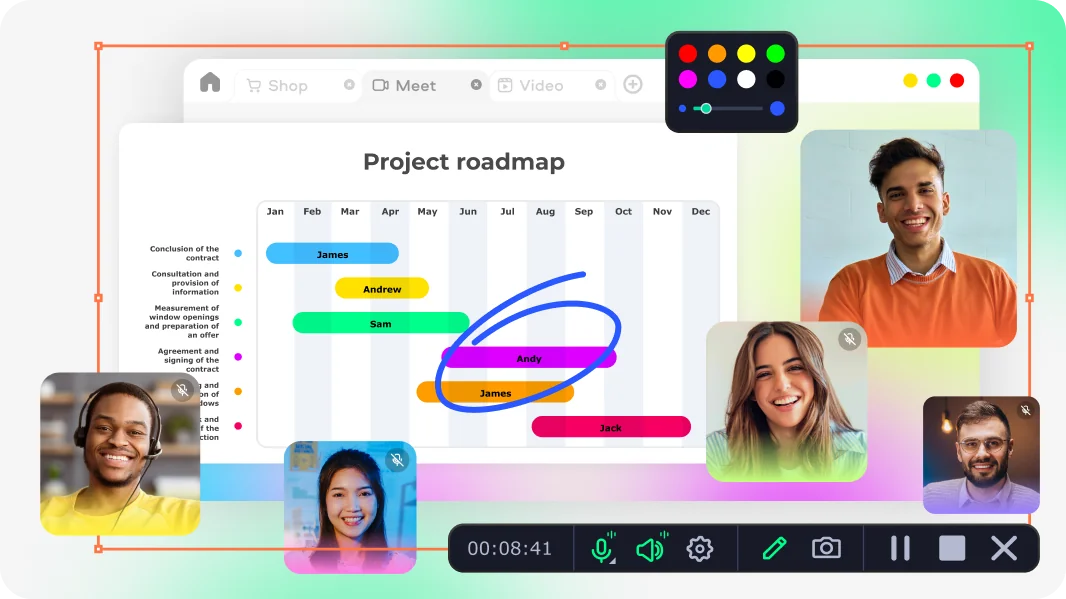
Whether you want to record your online calls, webinars, or a YouTube video, Movavi Screen Recorder is the perfect screen capture tool. With a few clicks, you can record your video without missing a second. The software allows you to draw on the video during the recording process. After the recording is done, you can trim the video or cut out unwanted fragments. The program also has a free version, which is available with a few restrictions: a watermark on output videos and the inability to add description or tags to your videos before sharing them on YouTube.
Features
Pros
Cons
Our rating: 10/10
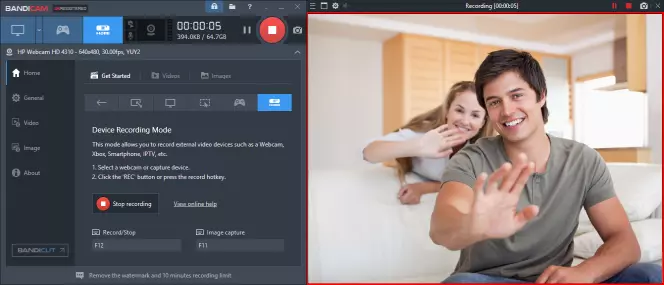
OS: Windows Vista, 7, 8, and 10.
Price: $39.95
Best for capturing gaming videos.
If you need a screen capture software that allows you to record specific parts of the computer screen, try Bandicam. You'll also be able to capture any game that uses the DirectX/OpenGL/Vulkan graphics technologies. To use this software, you'll only need to pay a one-time fee of $39.95. However, for use with multiple PCs, there are separate packages priced differently.
Features
Pros
Cons
Our rating: 8/10
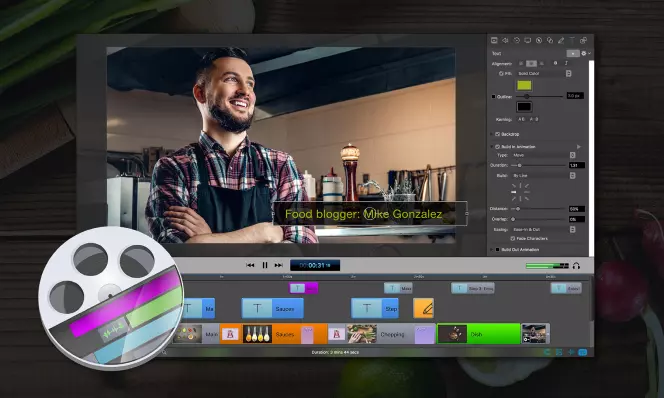
OS: Mac.
Price: $129 per year.
Best for presentation videos.
If you download ScreenFlow, you'll not only be able to record videos but also edit them. The interface is quite simple, so you won’t spend much time mastering the program. If you want to access stock videos, images, and music, you can buy an additional subscription to Stock Media Library integrated with ScreenFlow.
Features
Pros
Cons
Our rating: 6/10
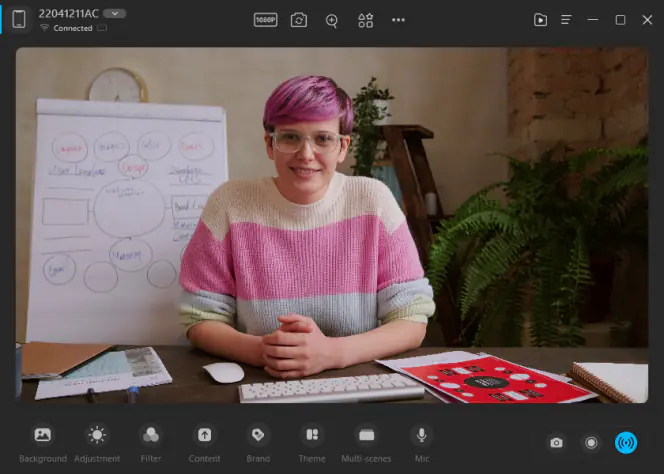
OS: Windows, macOS.
Price: free plan, $9.95 per month, $29.99 per year, $59.9 lifetime plan.
Best for screen recording and online meetings.
As an AI virtual camera, FineCam is also a powerful recording software that suits everyone: even a beginner can learn how to use it in a few minutes. Besides YouTube videos, FineCam is also able to record a webpage or an app window. And when you have online meetings, FineCam will make you look better in the camera with its versatile functions such as background removal, camera filters, and personal brand.
Features
Pros
Cons
Our rating: 9/10
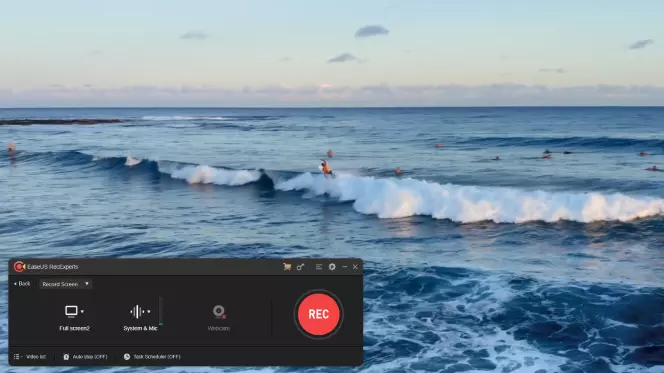
OS: Mac and Windows.
Price: $19.95 per month, $39.95 per year.
Best for screen capturing and video editing.
If you want a screen capture tool that works on both Mac and Windows, try EaseUS RecExperts. With this paid app, you'll get an intuitive tool that is simple to use. Subscriptions are priced at $19.95 and $39.95 per month and year, respectively. A trial version with limited features is also available.
Features
Pros
Cons
Our rating: 9/10
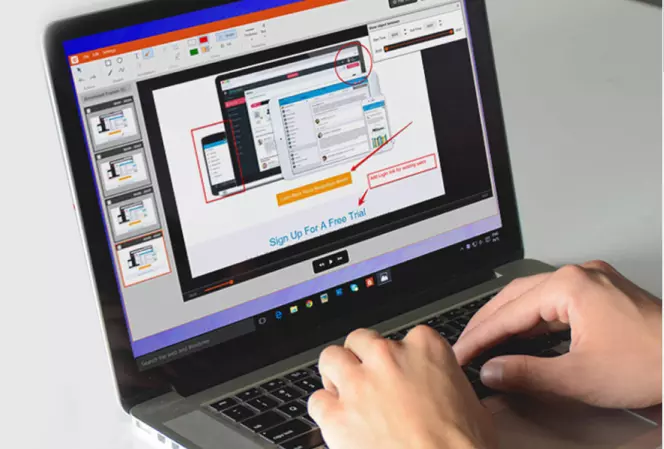
OS: Mac and Windows.
Price: free version with limited features, packages for $29.95, $59.95, and $99.95 per year.
Best for adding annotations to videos.
TinyTake is a screen recording tool with various features. Its packages cater to both personal and commercial-use clients. With the free personal-use package, you'll have limited features, e.g., the recording time is limited to 5 minutes.
Features
Pros
Cons
Our rating: 6/10
If paid programs seem expensive, there are great free apps with good features. Here's a list of the best YouTube recorders for free.
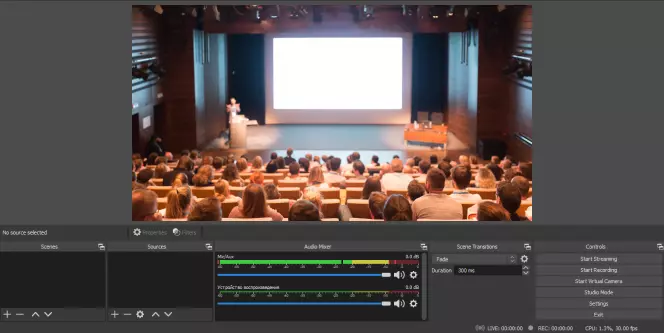
OS: Linux, Mac, and Windows.
Price: free.
Best for adding audio effects.
OBS is a free and open-source tool that allows you to record videos on YouTube and other platforms. Among free video capture services, many users consider it one of the best YouTube recording software. It offers intuitive and high-performance screen capturing features accompanied by audio mixing capabilities.
Features
Pros
Cons
Our rating: 8/10
OS: Windows, Mac, Linux, Android, and iOS.
Price: free.
Best for quick use.
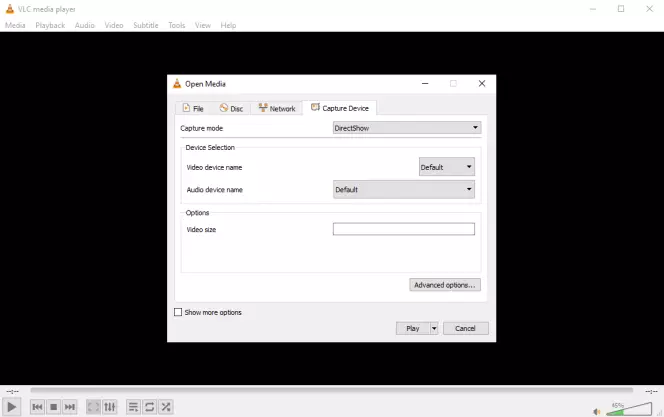
Other than being a popular media player, VLC is also a top screen capture tool. It's open-source software that's free to download.
Features
Pros
Cons
Our rating: 5/10
OS: Any.
Price: free.
Best for capturing videos in your browser.
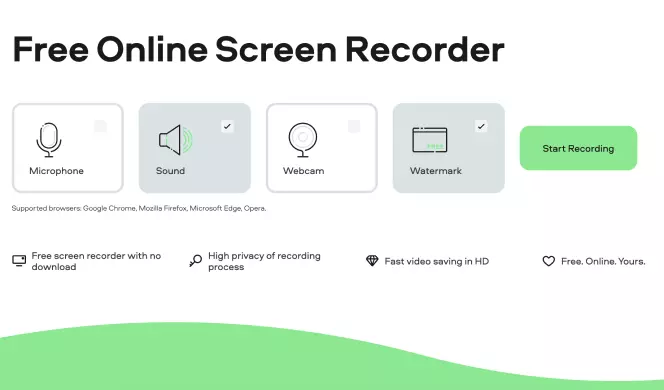
Screen Capture is a free online screen recorder you can use for capturing your screen with ease. It works in your browser, so it can run on both Windows and Mac devices with ease, and it doesn't need to be downloaded or installed. It saves videos in HD quality and has strict privacy controls, so all of your recordings will be safe and secure. It also has features to record your mic and webcam, if needed.
Features
Pros
Cons
Our rating: 9/10
OS: Windows.
Price: free.
Best for adding visual effects to your video.
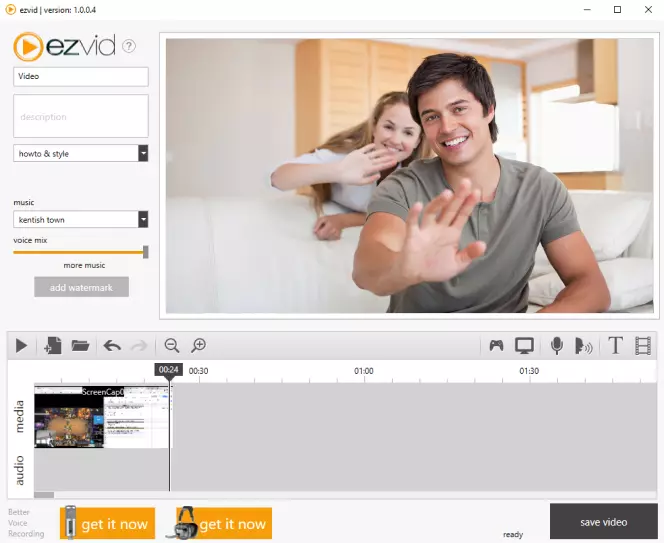
Ezvid is a free screen recorder with various effects and features. It lets you record screen and voice, control your video’s speed, and draw on video recordings. The program allows you to record whatever appears on your computer screen – web pages, games, applications, etc.
With Ezvid, you can edit your video and then save it or upload it directly to YouTube.
Features
Pros
Cons
Our rating: 9/10
OS: Android, Chromebook, Windows, Mac, and iOS.
Price: free basic plan, $1.65/month for Deluxe, $4.00/month for Premier.
Best for students and educators.
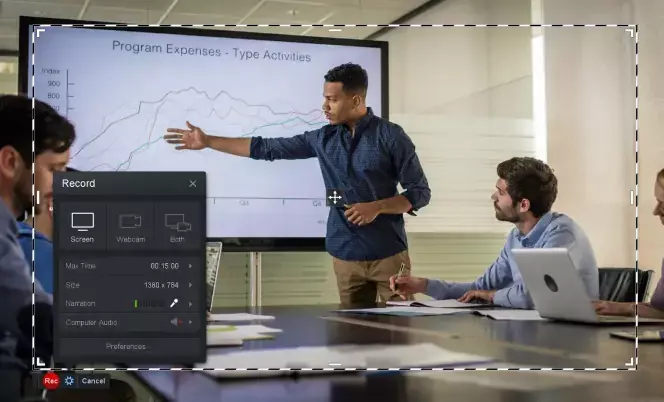
If you have no prior experience with screen recording tools, Screencast-o-Matic is one of the best YouTube recording software for you. It can be used with a wide range of videos, including gameplay.
Features
Pros
Cons
Our rating: 7/10
OS: Any.
Price: free.
Best for recording videos with Google Chrome.
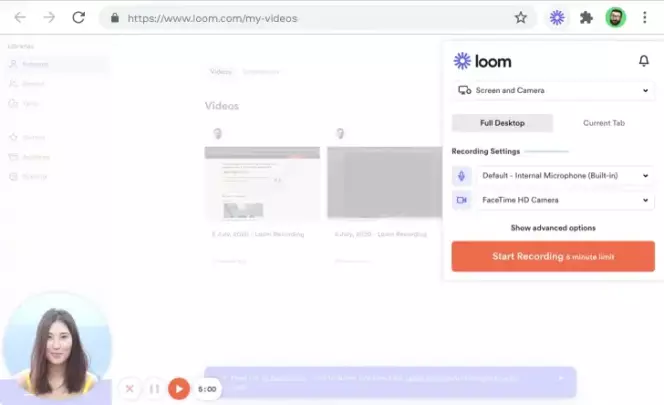
Loom is a free screen recorder extension available for Google Chrome. You can download and install this extension directly to your Chrome browser and then activate it as needed to record videos. It's very easy to use and can also be used for recording other parts of your screen and your webcam, along with both internal audio and external audio from a microphone.
Features
Pros:
Cons
Our rating: 8/10
OS: Windows.
Price: free basic version, $49 for the Pro version.
Best for adding features such as captions.
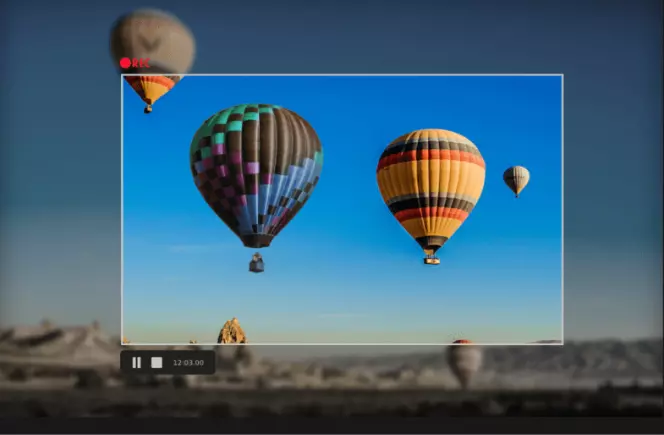
From recording your screen to making engaging videos, FlashBack has it all. Better yet, it allows you to add commentary and music and enhance your recordings with images, arrows, and captions.
Features
Pros
Cons
Our rating: 9/10

OS: Windows, Linux.
Price: free.
Best for saving time at work.
ScreenRec is another free screen recorder you can use for capturing your screen. It's primarily aimed at business users, helping people save time at work by quickly capturing and sharing videos and screen recordings with one another. It's very fast and efficient, able to save high-quality recordings in a matter of minutes. It also features instant sharing and strong privacy protection.
Features
Pros
Cons
Our rating: 8/10
OS: Windows.
Price: free.
Best for taking screenshots.
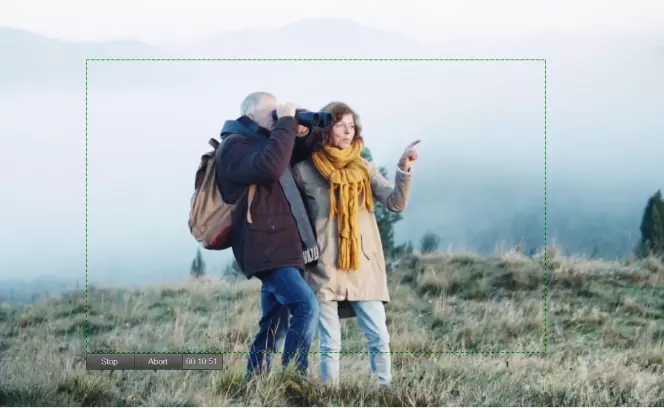
As the name suggests, ShareX is a screen capture tool that allows easy sharing to other platforms. It's a lightweight open-source tool that also has editing features.
Features
Pros
Cons
Our rating: 8/10
OS: Mac and Windows 10.
Price: free.
Best for basic screen-capturing needs.
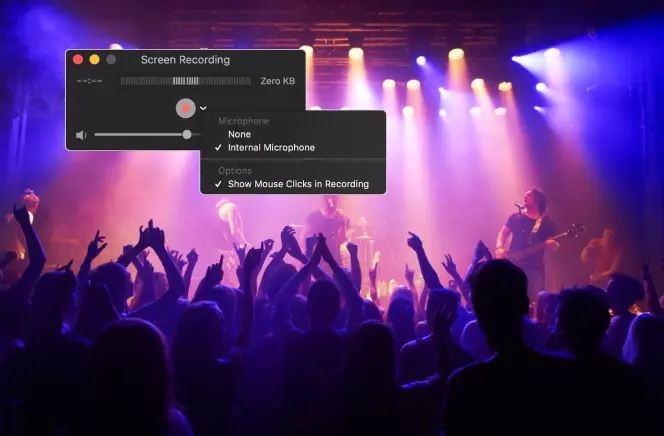
Developed by Apple as the official media player for macOS, QuickTime can also serve as a screen capture tool. Though it has not been designed primarily for this function, it offers reliable functions. You can record the entire screen or a specific portion as well as games. The process is easy to follow, making the tool convenient for all users.
Features
Pros
Cons
Our rating: 6/10
If you're not sure which video recording software for YouTube to pick, here are some factors to keep in mind.
We hope that this guide has given you some great options. There are a decent amount of options when it comes to screen recording, each with its own advantages and features. If you’re struggling with the choice of a program, try out Movavi Screen Recorder.
Disclaimer: Please be aware that Movavi Screen Recorder does not allow capture of copy-protected video and audio streams.
Here are our five top recommendations for YouTube video recording software:
Read through the full article to learn more about these apps and other ways to record videos.
Other than downloading videos on YouTube, it's possible to capture entire videos or specific sections using video recorders for YouTube or screen-capturing software.
As the most prominent video streaming platform globally, YouTube has stringent regulations to prevent infringement on copyrights. As such, questions on the legality of recording on the platform are genuine. If you are recording videos on YouTube for personal use, such as viewing offline, then it's legal. However, if you attempt to use the video for commercial purposes, such as uploading it as your video on YouTube, they'll take action against you.



1.5M+ users already subscribed to our newsletter